Photo to Video
Animate any image into a short AI video with every top model in one workspace
About Photo to Video
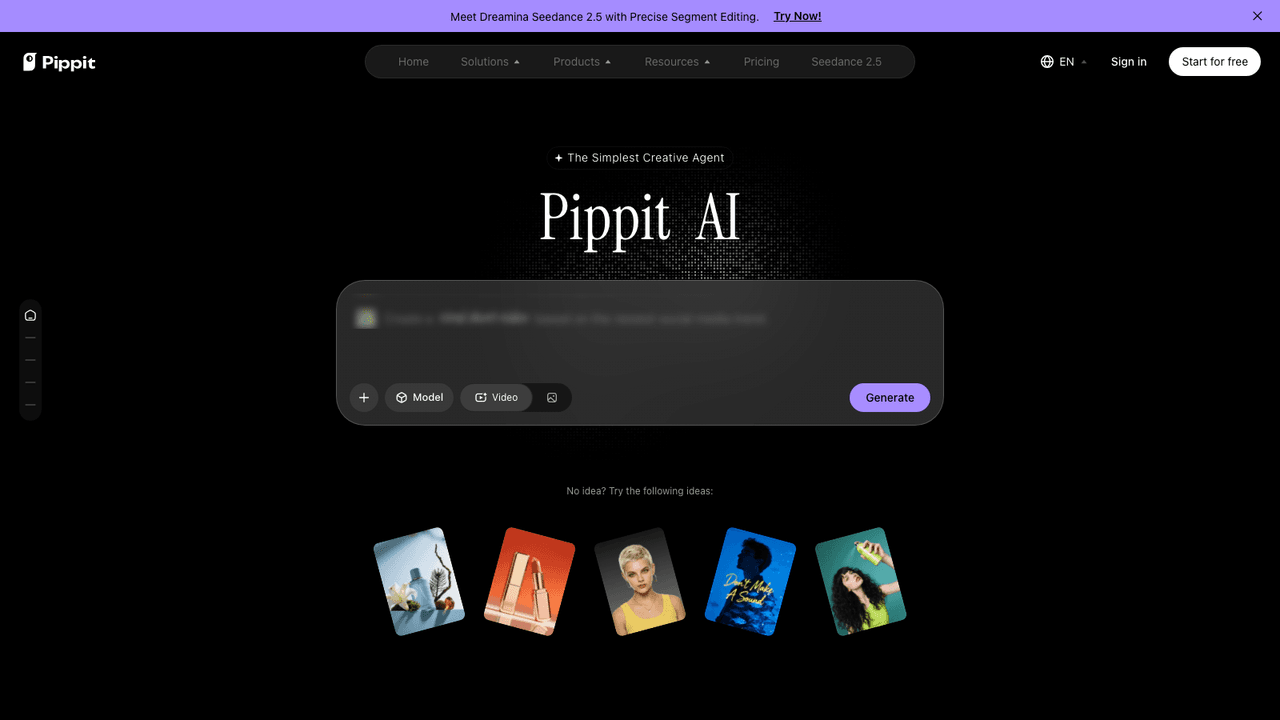
Photo to Video is an AI image-to-video generator that turns a still photo, an illustration, or a plain text prompt into finished motion. You drop in one image and it animates the scene, adds camera movement, and lights the frame, so a portrait can blink and smile, an illustration can gain gentle motion, or a product can spin to show every angle. The problem it solves is model sprawl: instead of signing up for Seedance, Kling, Veo, Wan, Vidu, Hailuo, MiniMax, Grok, and Sora separately, it puts every leading video model in one generator so you can switch models per shot and compare results. It runs on a pay-per-video credit model with free credits to start and no subscription, which makes it approachable for one-off clips as well as multi-shot sequences that need to stay faithful to the original image.
Upload a photo, add an optional prompt describing the motion you want, and choose a model for the shot. Photo to Video analyzes the still, predicts how depth, lighting, and motion would behave in the scene, and generates new frames with natural camera movement while preserving subject identity and details. You can direct the camera with a snap push-in, a hero close-up, or an orbit, and brush the exact detail you want to highlight, then add handheld energy or lock the frame off. Upload up to eight reference images and the model holds shape, color, and composition frame to frame, so a multi-shot video stays seamless from open to close. Generation speed varies by model, with faster options finishing in seconds and most jobs taking about one to two minutes, and finished clips download as MP4 up to 4K resolution. New accounts get free credits, and each generation spends credits with no recurring charge.
Image to video animation brings a single still to life with natural movement across faces, hair, and water while keeping the subject sharp.
Every top model in one place gives you Seedance, MiniMax H3, Kling, Wan, Vidu, Grok, Veo, Hailuo, and more, so you can pick the best engine per shot and compare outputs side by side.
Directable camera control lets you choose lens, depth of field, and pacing, then command push-ins, orbits, or locked frames rather than accepting a random motion guess.
Reference-guided consistency accepts up to eight reference images so shape, color, and composition hold across a multi-shot sequence.
Purpose-built animators cover portrait animation, a 360 spin from one image for listings, lifestyle scene placement, and background animation or swaps with clean edges.
Pay-per-video credits keep the model subscription-free: new accounts start with free credits, each generation costs credits, and you are never locked into a recurring plan.
Photo to Video suits marketers, e-commerce sellers, and social creators who need short motion clips fast without learning a timeline editor. Product teams use the 360 spin and lifestyle-scene features to turn catalog stills into scroll-stopping listings, while social managers animate portraits and old photos for reels and ads. Because it bundles many models behind one interface, it is a natural fit for creators who want to test which engine renders a given shot best before committing credits, and for freelancers who bill per deliverable and prefer pay-as-you-go over a monthly subscription. It is less suited to teams needing frame-accurate editing or long-form timelines, since the workflow is built around one image in and a short finished clip out.