Pictela
Image to Image AI for Creative Photo Editing
About Pictela
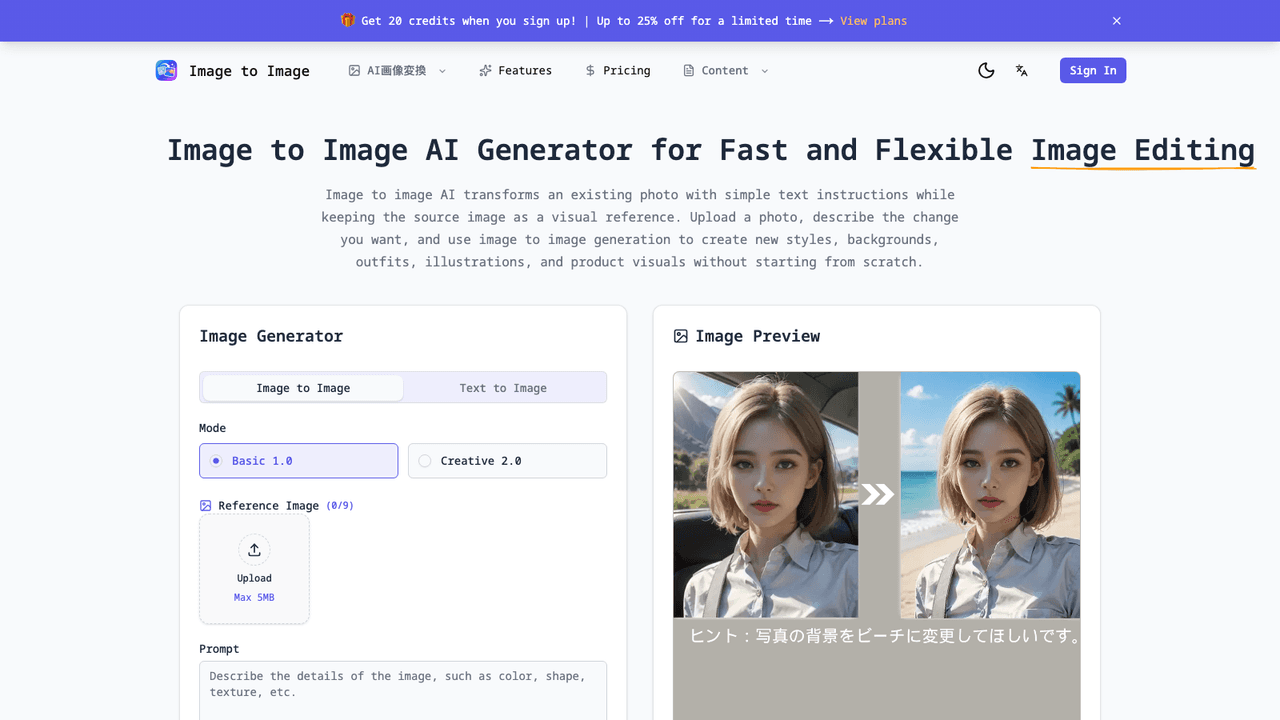
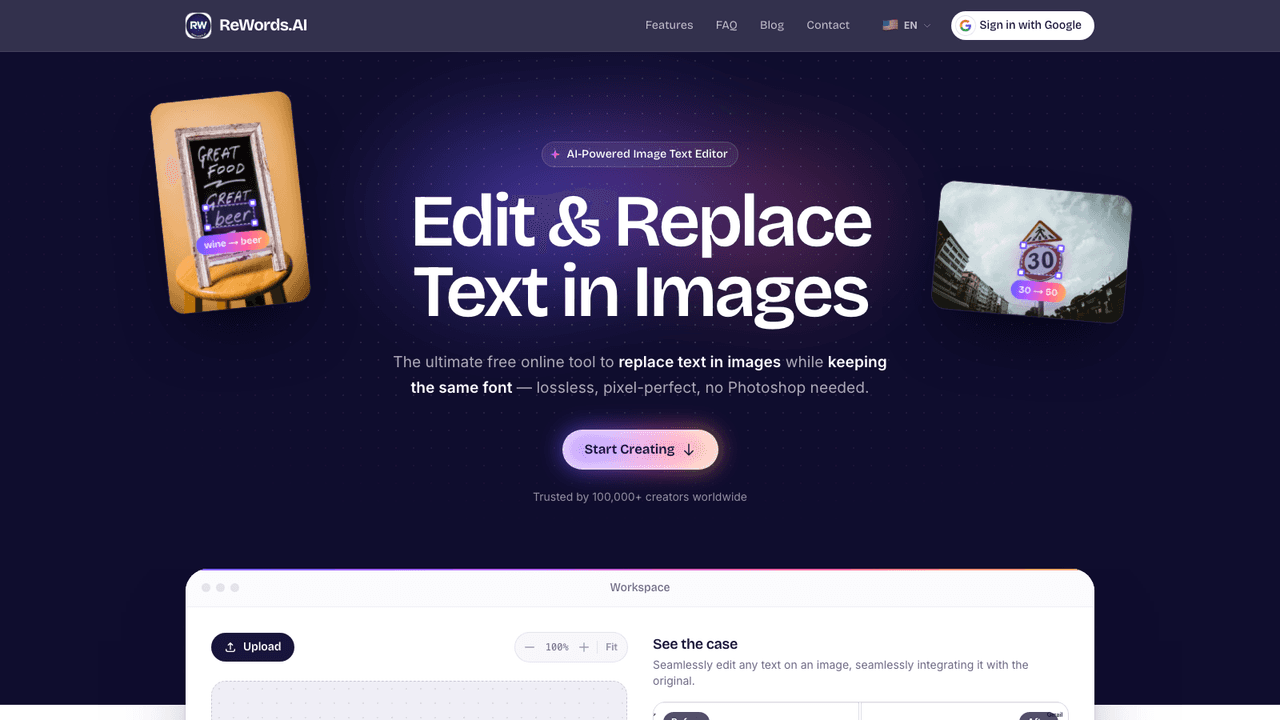
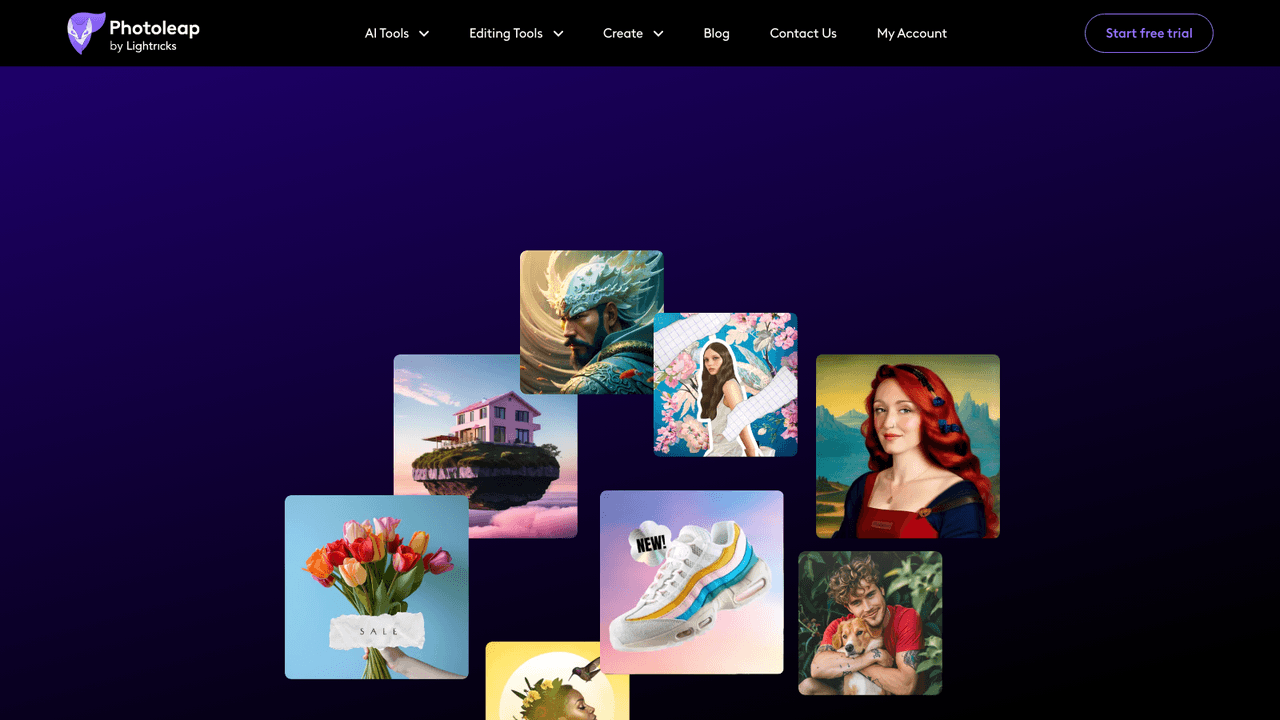
Pictela is a web-based AI image studio, hosted at fluxkontext.biz, for editing photos with text instructions and generating new images from prompts. You upload a JPG, PNG or WebP image, describe what should change and what should stay the same, and the editor returns a new version made with FLUX Kontext Pro or FLUX.2 Klein 4B, models from Black Forest Labs. Typical edits are new backgrounds, recolored objects, rewritten sign text and restyled photos. It is for people who want quick prompt-based edits and product scene drafts without masks or layers, and it allows a few free edits each day.
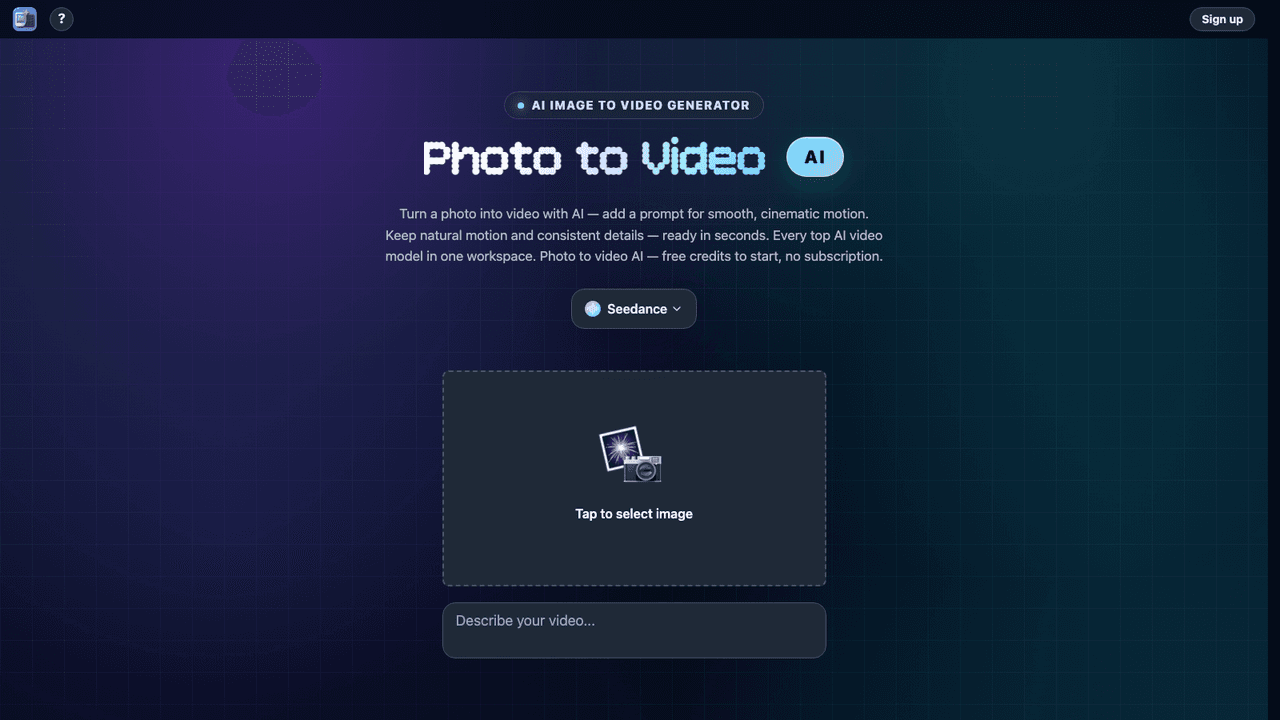
Upload a reference image up to 4 MB, or open the text-to-image generator if you are starting from an idea. Write one clear instruction naming the change and the details to keep, choose a model, aspect ratio and output resolution, and check the credit cost shown before you submit. The result appears beside the original with a drag-to-compare slider, and you can refine the instruction and try again. Free FLUX.2 Klein edits at 1K need no account.
- •Prompt-based editing - Change a background, swap or recolor an object, or restyle a shot by describing the edit in plain language instead of masking.
- •Two FLUX models - Choose FLUX Kontext Pro or FLUX.2 Klein 4B for edits, with FLUX.2 Klein 4B also powering the text-to-image generator.
- •Text in images - Rewrite the words on a sign, poster or label by putting the new text in quotation marks in your instruction.
- •Free daily edits - Edit with FLUX.2 Klein at 1K for free, two a day without an account and four a day when signed in.
- •Prompt library - Browse example prompts for product scenes, illustration styles and color changes, then send them straight into the editor.
Online sellers and marketers use it to draft product scenes and new backgrounds before arranging a photo shoot. Designers and hobbyists use it to restyle photos or test color and clothing changes. It is less suited to precise retouching, since the site says it has no masks, layers or manual selections.
Pricing
One time purchase, not a subscription
- Free$0/mo
- Starter$9.99 once
- Standard$24.99 once
- Pro$49.99 once
- Max$99.99 once