

I've spent the last year testing every AI productivity tool that's gained any real traction, and honestly, the hype doesn't always match reality. Some of these tools have genuinely changed how I work. Others? They're solving problems nobody actually has.
Let's talk about what's actually worth your time and money.
ChatGPT
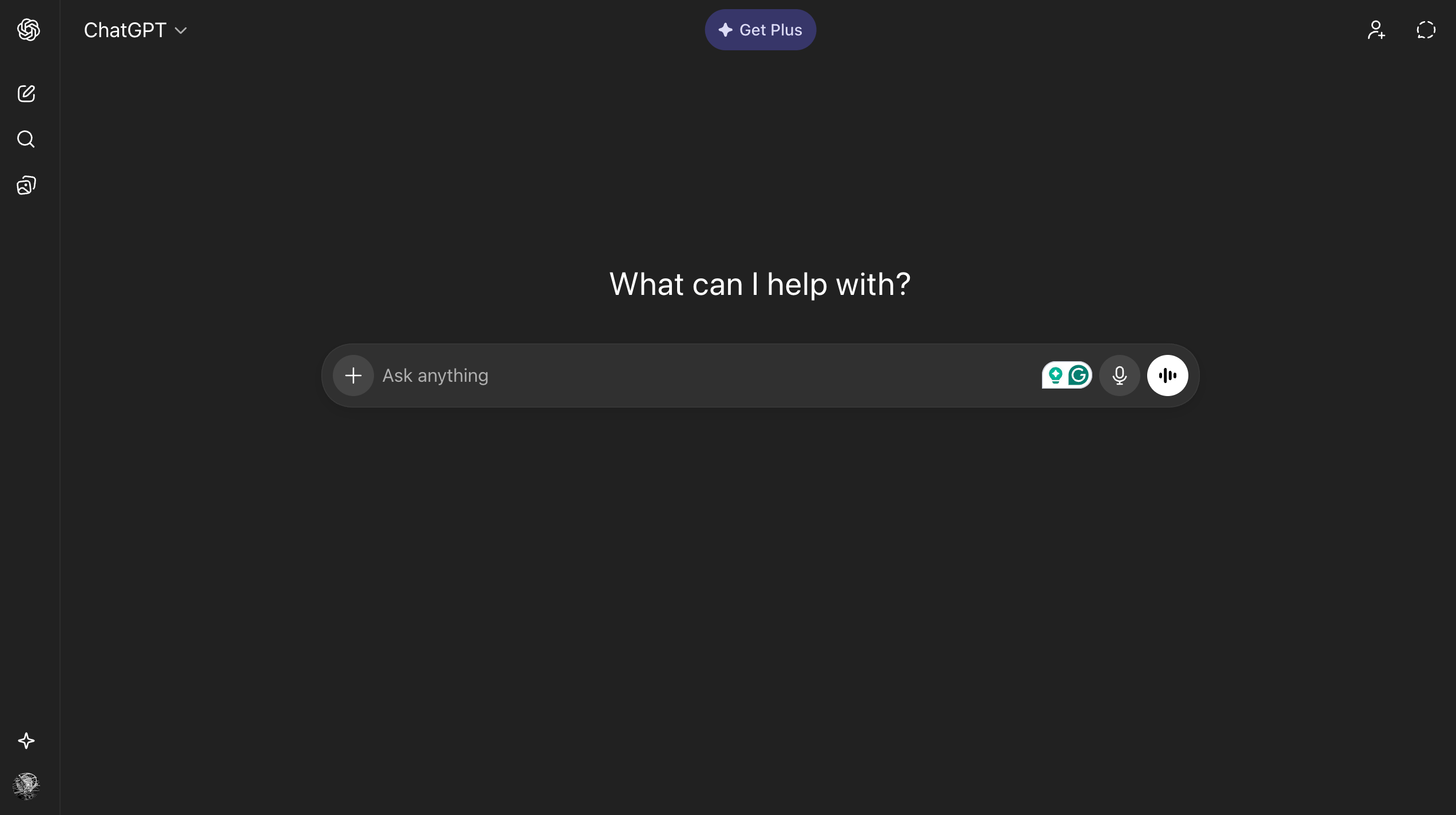
ChatGPT is the obvious starting point because it created this entire category. What it does well is remarkable; you can draft emails, brainstorm ideas, debug code, and explain complex concepts in seconds. The problem is that it hallucinates with alarming confidence, and if you're not careful, you'll find yourself confidently sharing completely fabricated information. The Plus subscription at $20/month feels steep given the free version, but the difference in response quality and access during peak times makes it worthwhile if you use it daily. My biggest frustration? The conversation history becomes a disorganized mess after a few weeks, and finding that brilliant prompt you wrote last month is basically impossible.
Claude
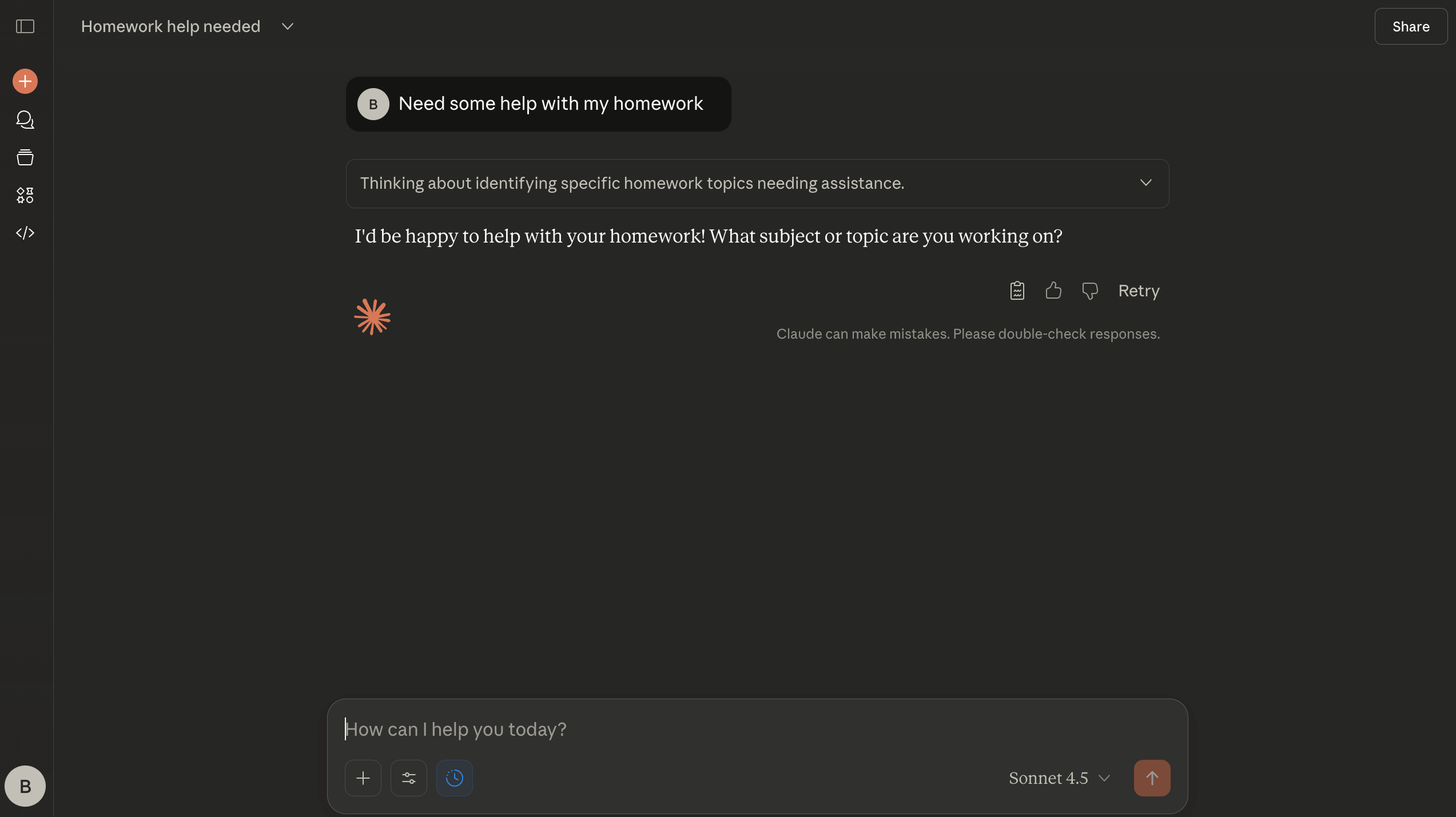
Claude gets praised for longer Context windows and more nuanced responses, which is true. It handles complex documents better than most alternatives and is more careful about stating uncertainties. But let's be honest about the limitations: the message limits on the free tier are restrictive, and the $20 monthly Pro subscription might not be worth it if you're only using AI occasionally. The interface also lacks some power-user features that developers and heavy users want, such as better project organization or API playground access without jumping through hoops.
Notion AI
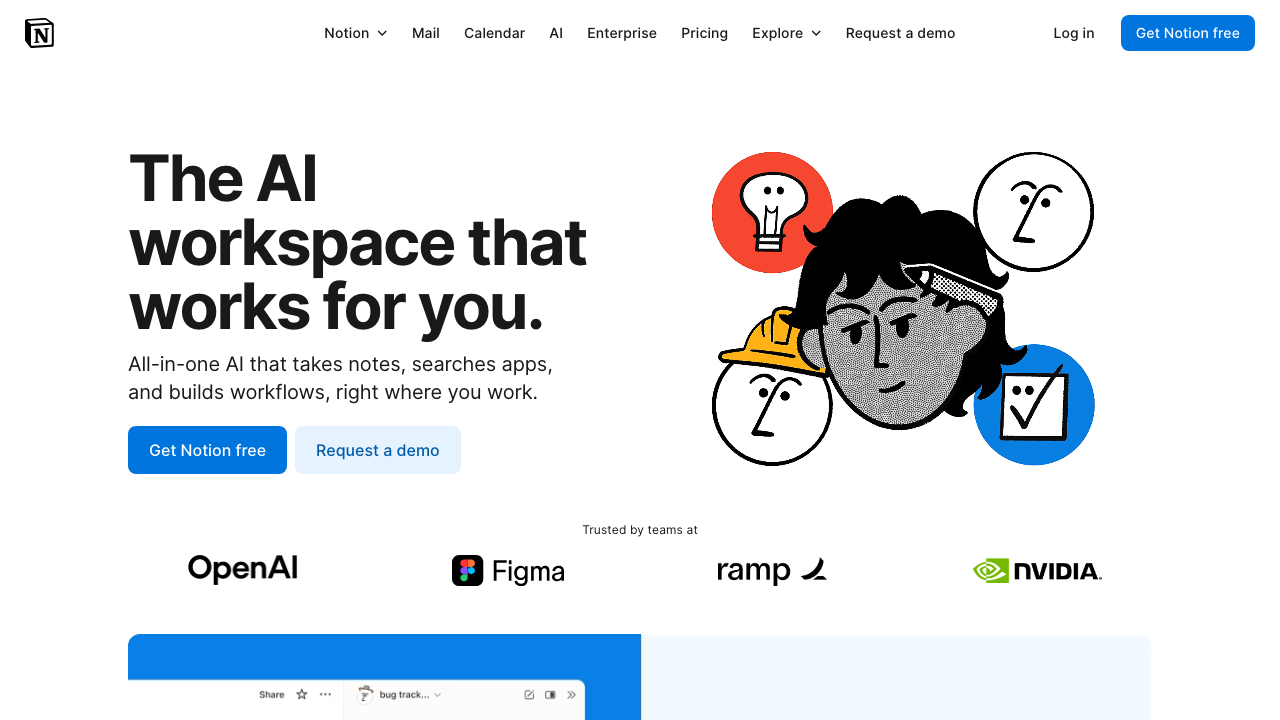
Notion AI made sense on paper - put AI directly into the workspace where people actually work. The reality is more mixed. When you're already in Notion writing documentation or planning projects, having AI right there to expand ideas or summarize notes is genuinely convenient. But the AI capabilities themselves are pretty basic compared to standalone tools, and you're paying $10 per member per month on top of your existing Notion subscription. I've watched teams enable it with enthusiasm and then barely use it after the first week because the friction of remembering to invoke it is higher than just switching to ChatGPT.
Grammarly
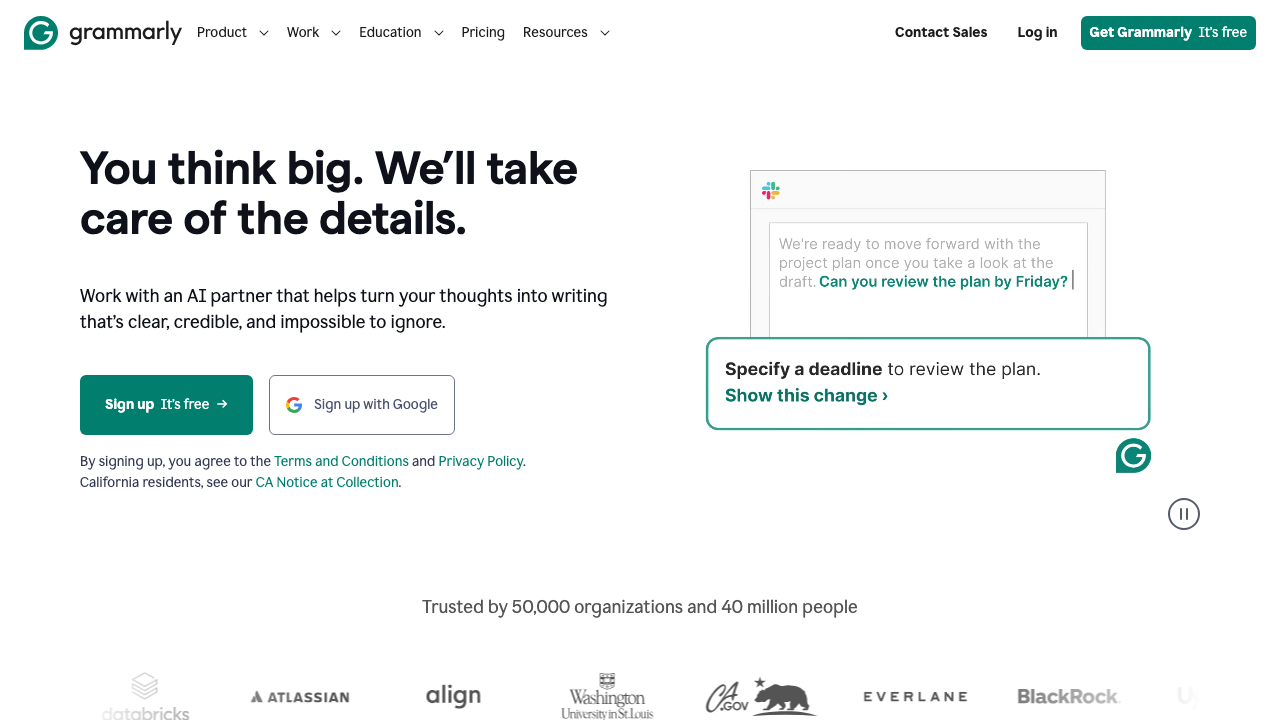
Grammarly has been around longer than the current AI wave, but its recent AI features are hit-or-miss. The core grammar and spell-checking remain excellent; it catches mistakes that even careful writers miss. The tone suggestions and clarity improvements often make your writing genuinely better. Where it falls apart is the AI writing suggestions, which make everything sound like corporate blog posts. The free version is enough for most people. The Premium version at $12/month adds more sophisticated suggestions, but I've found myself ignoring about 60% of them because they make my writing sound less like me and more like a bot.
Jasper
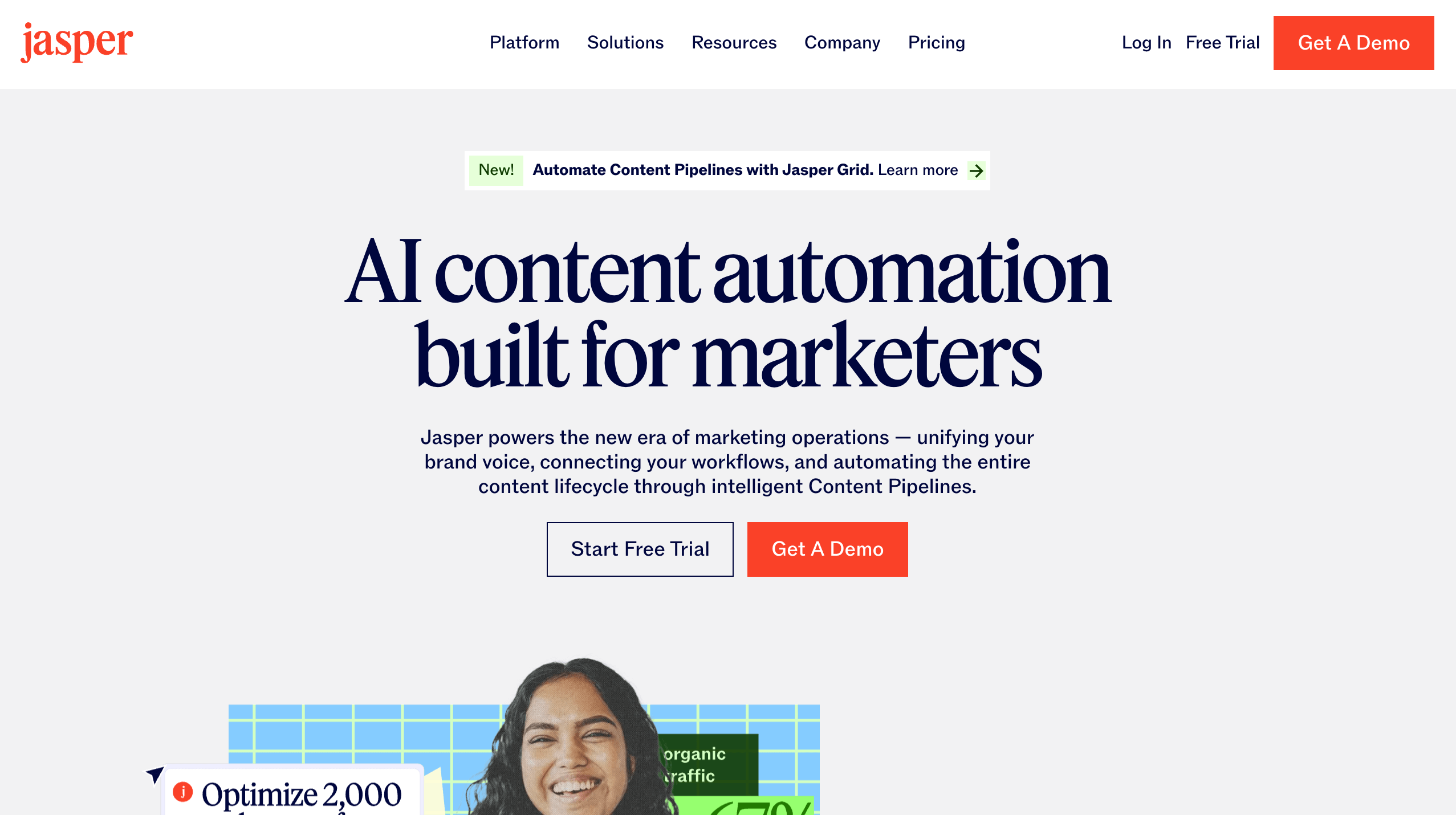
Jasper positioned itself as the content marketing AI, and for agencies churning out blog posts, it does the job. You can generate reasonably coherent articles quickly, and the templates help maintain consistency. But here's the uncomfortable truth: the content it produces is often generic and requires substantial editing to add actual insight or personality. At $49/month for the basic plan, you're paying for a first draft that you still need to rewrite. The SEO features are helpful, but you could get 80% of the value by using ChatGPT with good prompts and spending the $30 difference on better tools.
Otter.ai
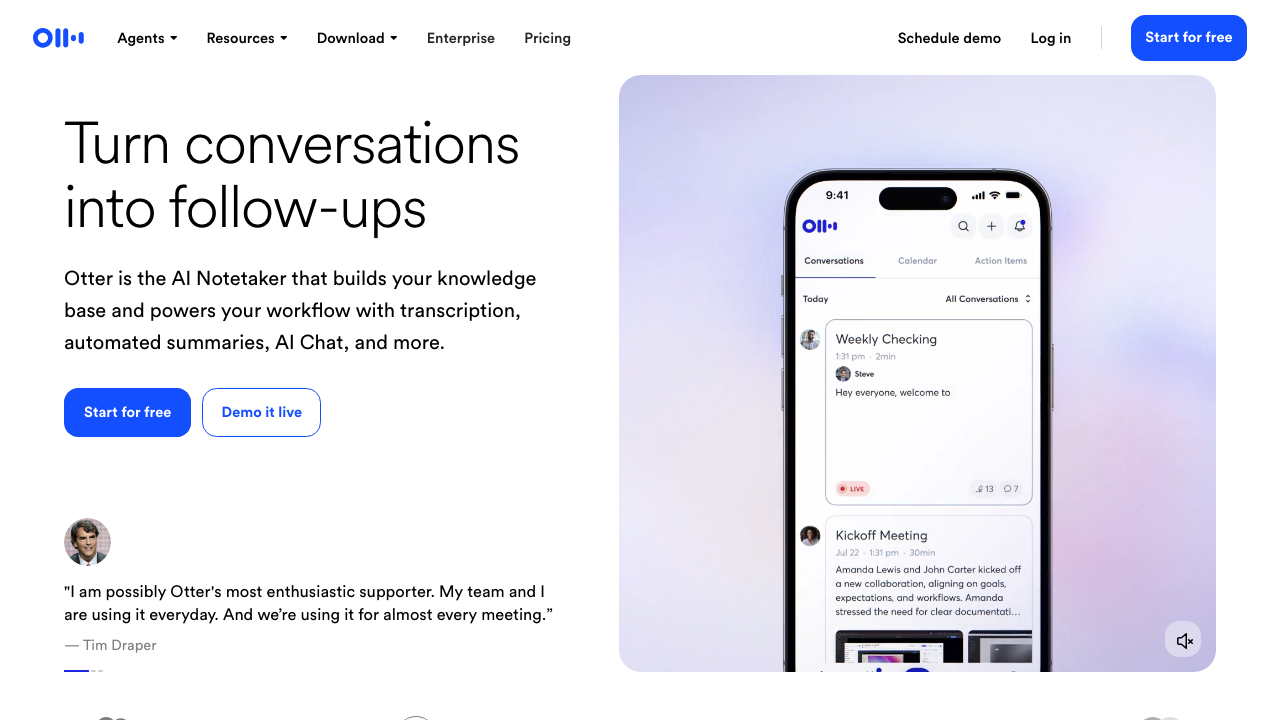
Otter.ai is where AI productivity actually delivers on its promise. If you're in meetings all day, this tool is close to essential. It transcribes accurately, identifies speakers reliably, and lets you search through hours of meetings in seconds. The AI summaries are genuinely helpful for catching up on meetings you missed. The free tier is generous enough for occasional use, and the $10/month Pro plan is reasonable for regular meeting attendees. My only complaint is that the mobile app drains battery like nobody's business, and the AI sometimes gets confused with multiple speakers talking over each other, but that's true of every transcription service.
Microsoft Copilot
Microsoft Copilot (formerly Bing Chat) feels like Microsoft is aggressively bundling AI everywhere without thinking about whether it makes sense. In Office apps, it can be powerful: summarizing long email threads in Outlook or generating Excel formulas from plain English can be helpful. But the integration is inconsistent across apps, and you're paying $30/month per user for Microsoft 365 Copilot on top of your existing Microsoft subscription. For enterprise customers already locked into the Microsoft ecosystem, it might make sense. For everyone else, you're better off with standalone tools that specialize in their own tasks.
Copy.ai
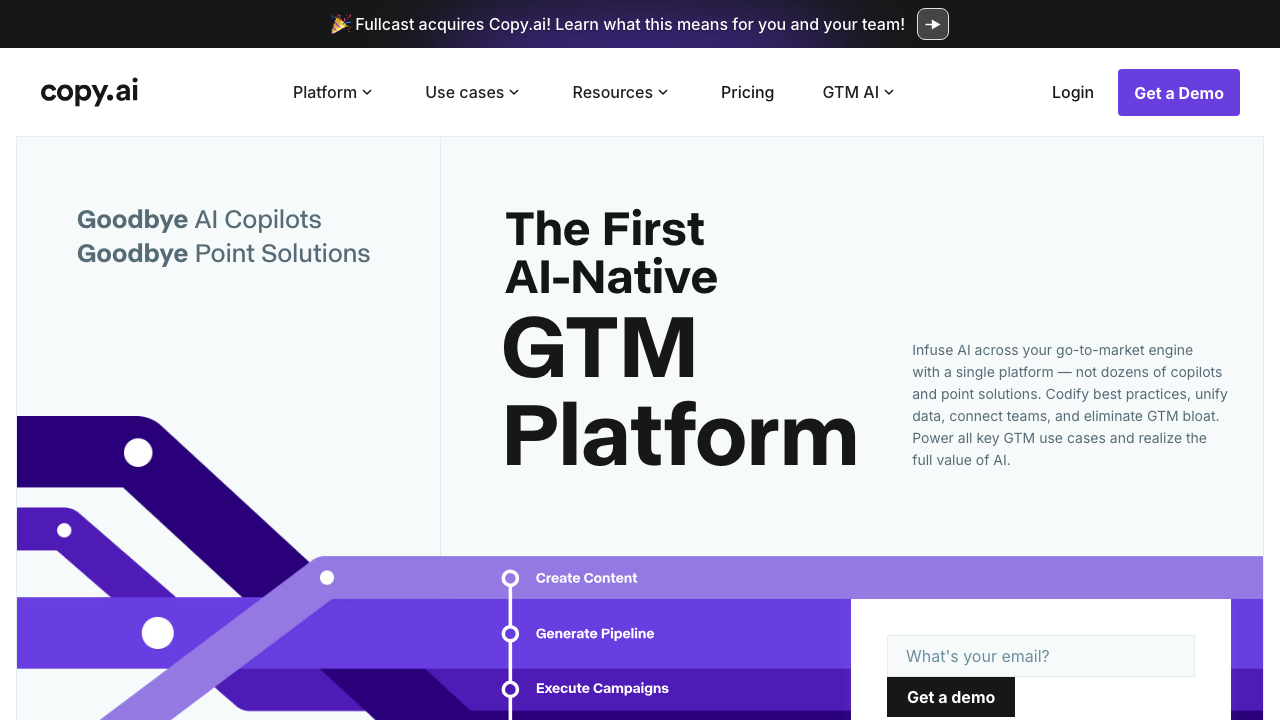
Copy.ai wants to be your marketing copy solution, and for social media posts and ad copy, it can crank out variations quickly. The problem is the same as most AI writing tools - everything sounds the same after a while. You get that distinctive AI voice that makes experienced marketers cringe. The $49/month Pro plan gets expensive quickly, especially when you realize you're still spending significant time editing everything it produces. The template library is extensive, which helps with ideation, but the quality drops off significantly for anything beyond short-form content.
Zapier
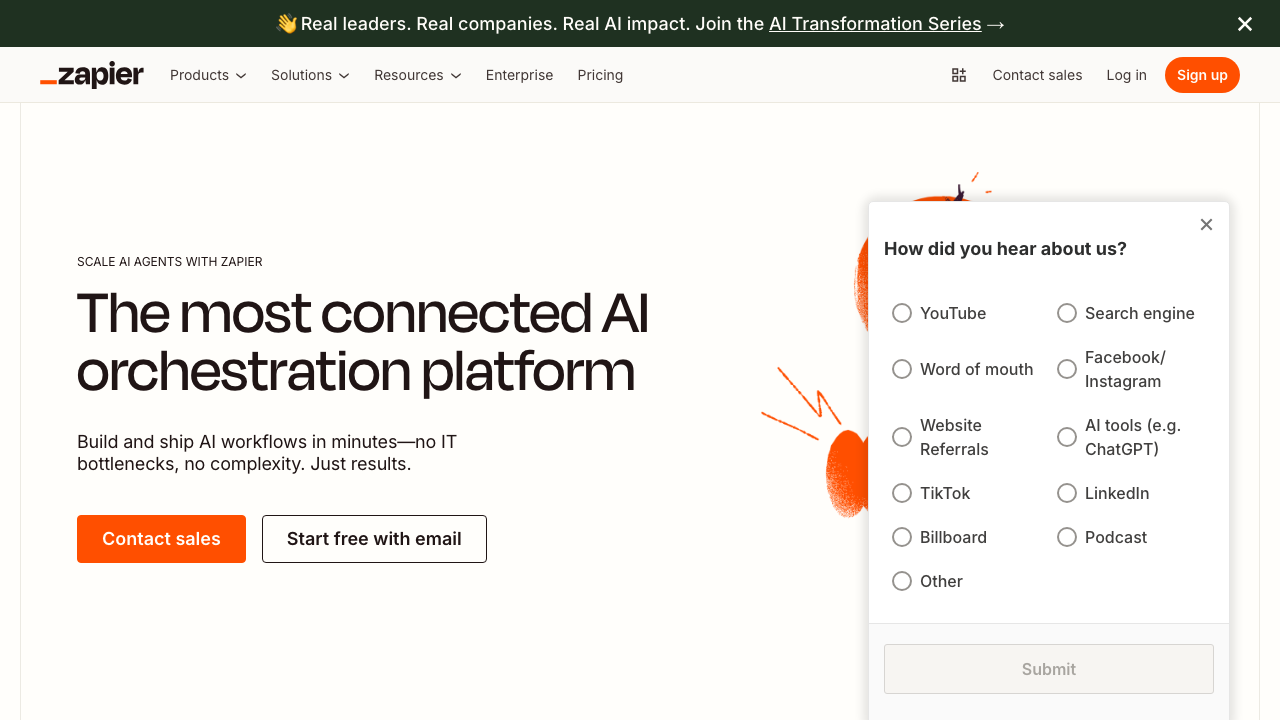
Zapier with AI Actions represents the most practical use of AI I've encountered - connecting apps and automating workflows with natural language. You can literally tell Zapier, "When I get an email with an invoice, save it to Google Drive and add the amount to a spreadsheet," and it builds that automation for you. The AI understands Context better than traditional automation tools. The frustration comes when the AI-generated zaps don't quite work, and you need to debug them, which requires understanding the underlying logic anyway. The free tier is minimal, and the paid plans start at $30/month, which adds up fast if you're building complex workflows.
Todoist
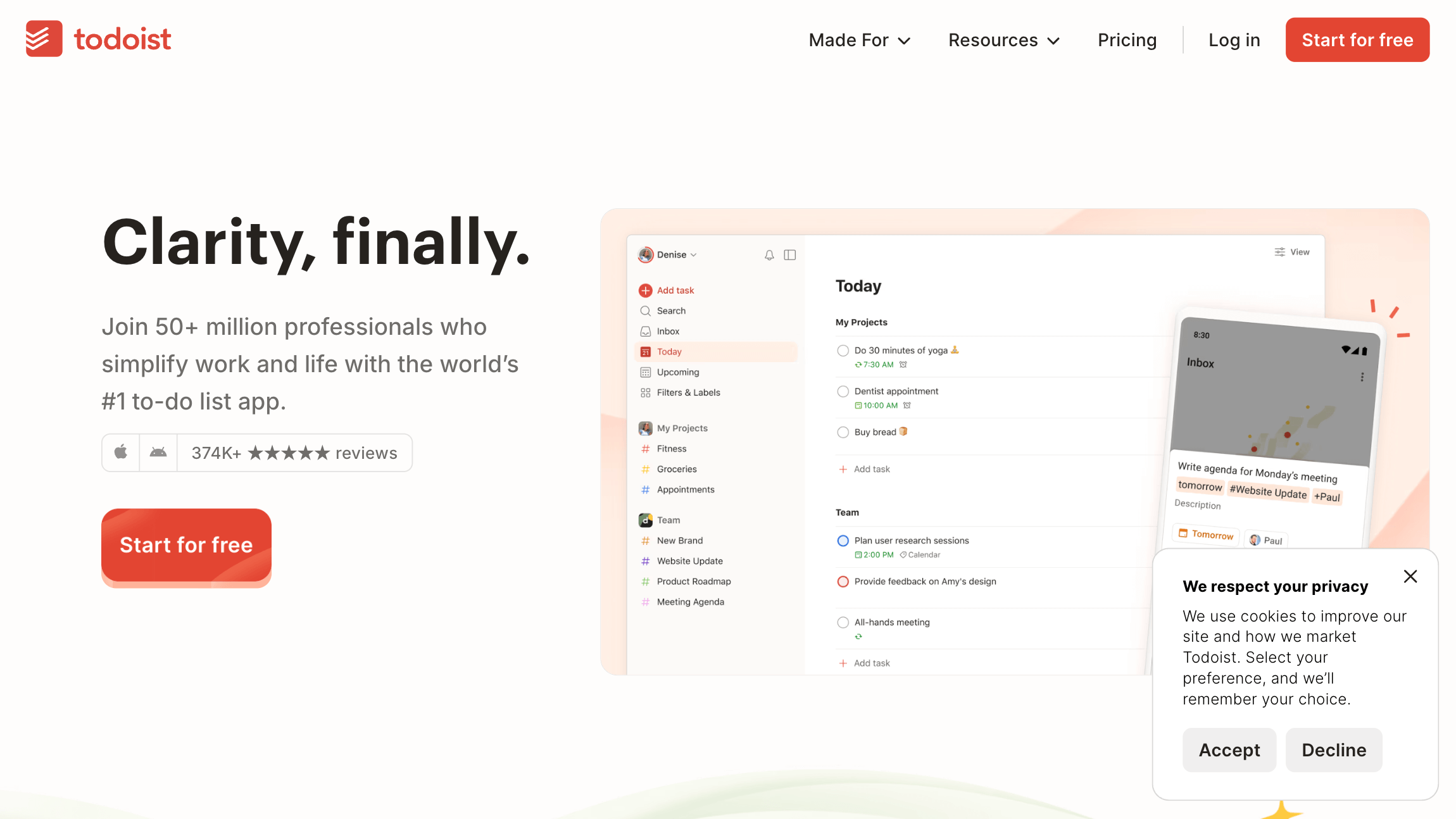
Todoist AI is a recent addition to the task management app, and it's one of the more restrained implementations I've seen. It suggests task durations, helps break projects into steps, and can parse natural language for task creation more effectively than before. At $4/month, it's reasonable if you're already using Todoist. But here's the thing - the AI features feel like nice-to-haves rather than essentials. Most of what makes Todoist valuable has nothing to do with AI, and you could absolutely manage your tasks effectively without these features. It's not solving a core problem so much as adding convenience.
Reclaim.ai
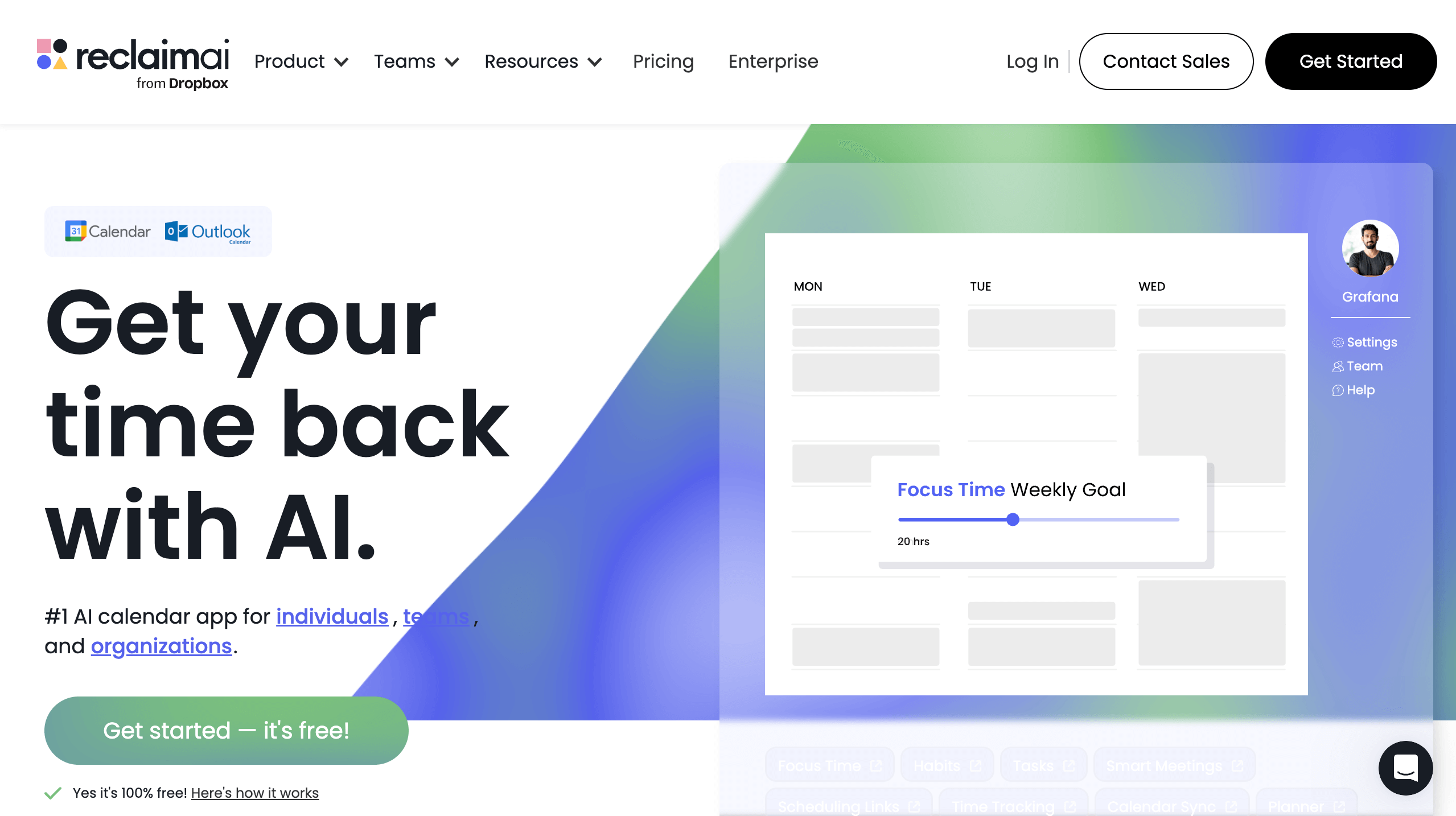
Reclaim.ai tackles calendar management with AI, automatically scheduling your tasks, habits, and meetings while protecting focus time. When it works, it's magical. Your calendar organizes itself around your priorities. When it doesn't work, it's frustrating as hell. It sometimes schedules deep work time right before important meetings, doesn't always respect your actual energy levels throughout the day, and has a steeper learning curve than it should. The free version is limited but functional for individual use. The $10/month paid plan adds team features that are genuinely useful if everyone on your team uses it, which is a big if.
The pattern I've noticed across all these tools is that AI excels at specific, well-defined tasks - transcription, grammar checking, and simple automations. It struggles with anything that requires judgment, creativity, or nuance. The best AI productivity tools are the ones that augment what you're already doing rather than trying to replace your thinking entirely. And almost all of them would benefit from being about 40% cheaper.
If you're looking to dip your toes into AI productivity tools without breaking the bank, start with ChatGPT or Claude's free tiers for general assistance, use Otter.ai's free plan if you're in meetings regularly, and maybe add Grammarly's free version for writing. Only upgrade to paid tiers after you've actually integrated them into your daily workflow and can't imagine working without them. Most people overestimate how much they'll use these tools and end up with subscription fatigue.
The real productivity gain isn't from having access to AI, it's from knowing exactly when to use it and when to trust your own expertise instead.