Val Town just released Townie v5, and it's the first browser-based AI coding tool I've actually wanted to use.
I'm skeptical of "AI agents that write code for you" after testing dozens of them. Most are either too limited, too heavy, or solve the wrong problem. Townie v5 is different-it's Claude Code optimized for instant web deployment.
Let's break down why the browser-based experience of Townie v5 is specifically relevant if you regularly rely on Claude for development work.
What Townie v5 Actually Is
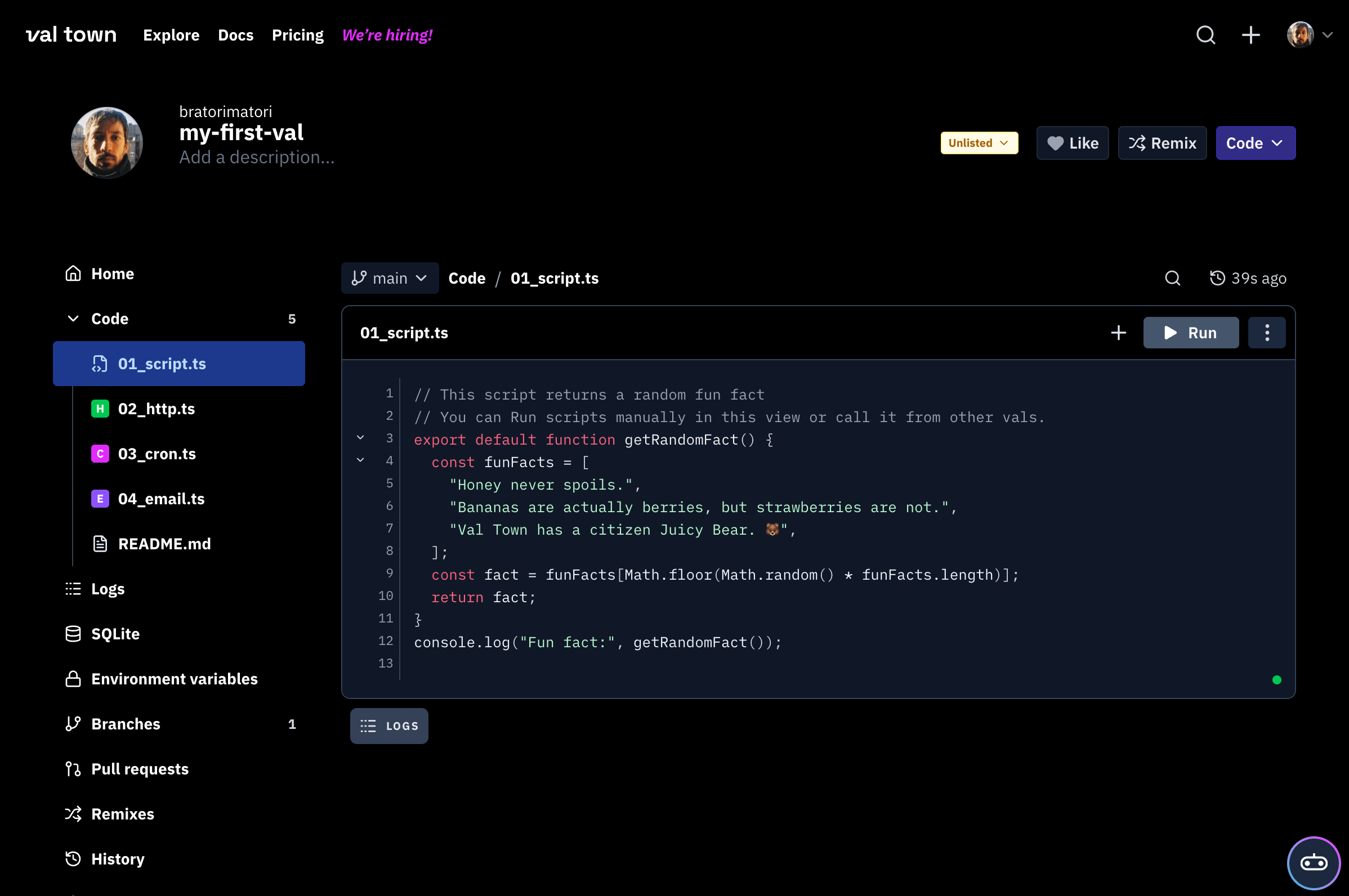
Townie is Val Town's AI coding assistant, now in its 5th version. It's powered by the Claude 4.5 family and lives inside Val Town's browser-based code editor.
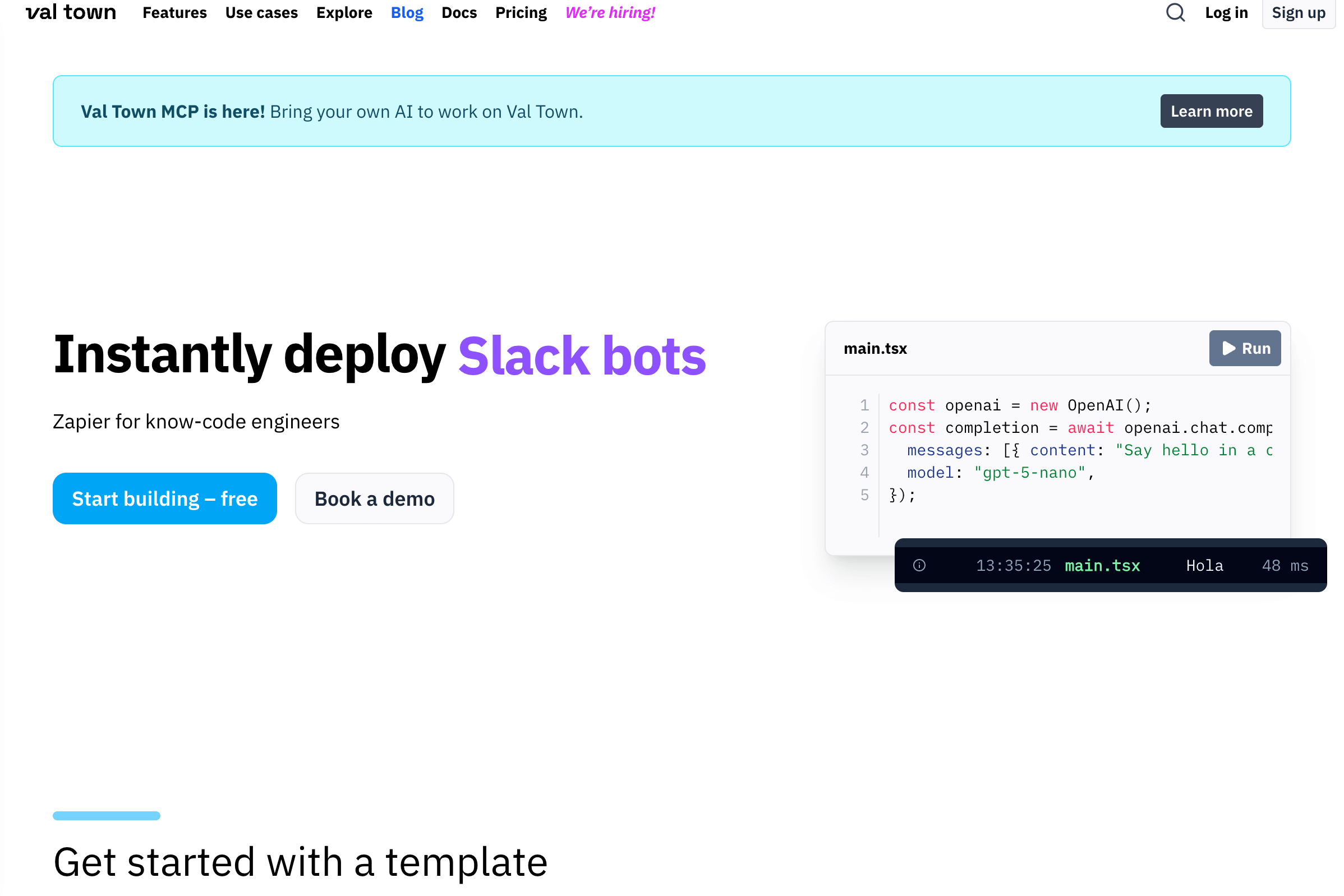
You describe what you want to build, and Townie instantly scaffolds full-stack apps with databases, APIs, and frontends. Every edit deploys to a live URL in just 100ms-letting you see and share progress immediately, a speed not matched by other AI coding tools.
Think Claude Code's agentic workflow, but instead of running on your local machine with VS Code, it runs in the browser with instant deployment built in.
The Part That Actually Works
I've used Claude Code extensively. The agentic loop is powerful, but you're still dealing with local development, manual deployments, and all the friction of traditional software development.
Townie removes traditional development friction for a specific use case: building and deploying small full-stack web apps in minutes, live and shareable.
You can ask it to "build an RSVP page with a backend and database," and it will scaffold the whole thing in minutes. Not just frontend code - actual SQLite persistence, API endpoints, and deployed to a live URL you can share.
The demo on their blog shows them asking Townie to create the blog post itself. Meta, but it demonstrates the instant feedback loop. Code changes go live in 100ms, so Townie can see what it built and iterate immediately.
How It Compares to Claude Code
Claude Code is phenomenal for existing projects. I use it daily at work for refactoring, adding features, and debugging production code.
But for "I have an idea, let me spin something up quickly," Claude Code still involves:
- Creating a new project
- Setting up dependencies
- Running a local server
- Eventually deploying somewhere
Townie collapses that into:
- Open Townie
- Describe what you want
- It's deployed and live
The trade-off: you're locked into Val Town's runtime and setup. For prototypes and small tools, that's fine. For serious projects, use Claude Code.
What Makes It Different from Cursor/v0/Claude Artifacts
Claude Artifacts is great for UI components, but it only does frontend, without persistence.
Vercel v0 is similar-focused on React components, with no backend support.
Cursor is a full IDE replacement that supports any stack but retains traditional setup overhead.
Townie sits in the middle: More capable than Claude Artifacts (true full-stack with backend and databases), faster to get live than Cursor (instant deployment with no setup), but more constrained by Val Town's runtime. Its unique position is instant full-stack deployment from the browser.
The Agentic Tool-Calling That Actually Matters
Townie v5 uses Claude's tool-calling to interact with Val Town's environment. It can:
- Read and write your code
- Make test HTTP calls to your deployed app
- Inspect logs and traces
- Iterate based on the errors it sees
- Handle SQLite or blob storage
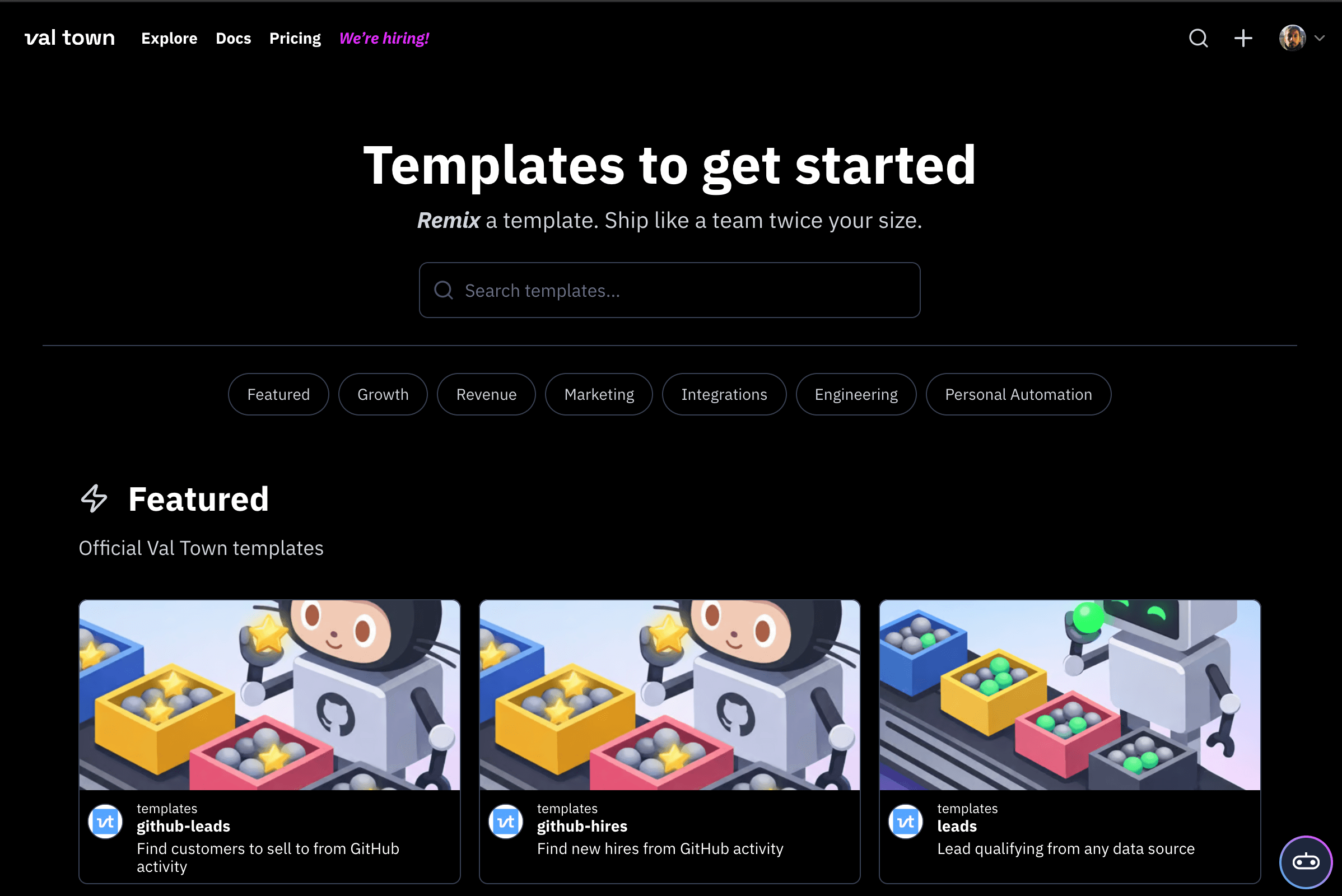
- Scaffold from templates
The key insight: Because Townie knows Val Town inside and out (their system prompt is public), it can do things in one shot that would take multiple back-and-forths in a generic AI coding tool.
Example: "Build a mood tracker with SQLite persistence" will scaffold the database schema, API endpoints, frontend UI, and deploy it. Claude Code would need more guidance on project structure, dependencies, and deployment setup.
When You'd Actually Use This
Townie makes sense for:
- Quick prototypes you want to share immediately
- Internal tools that don't need complex infrastructure
- Learning projects where you want instant feedback
- Side project ideas you want to validate fast
You probably won't use Townie for:
- Production applications with complex requirements
- Existing codebases (Claude Code is better here)
- Projects that need specific frameworks or tools outside Val Town's runtime
- Anything requiring local development or testing
The Pricing Model That Makes Sense
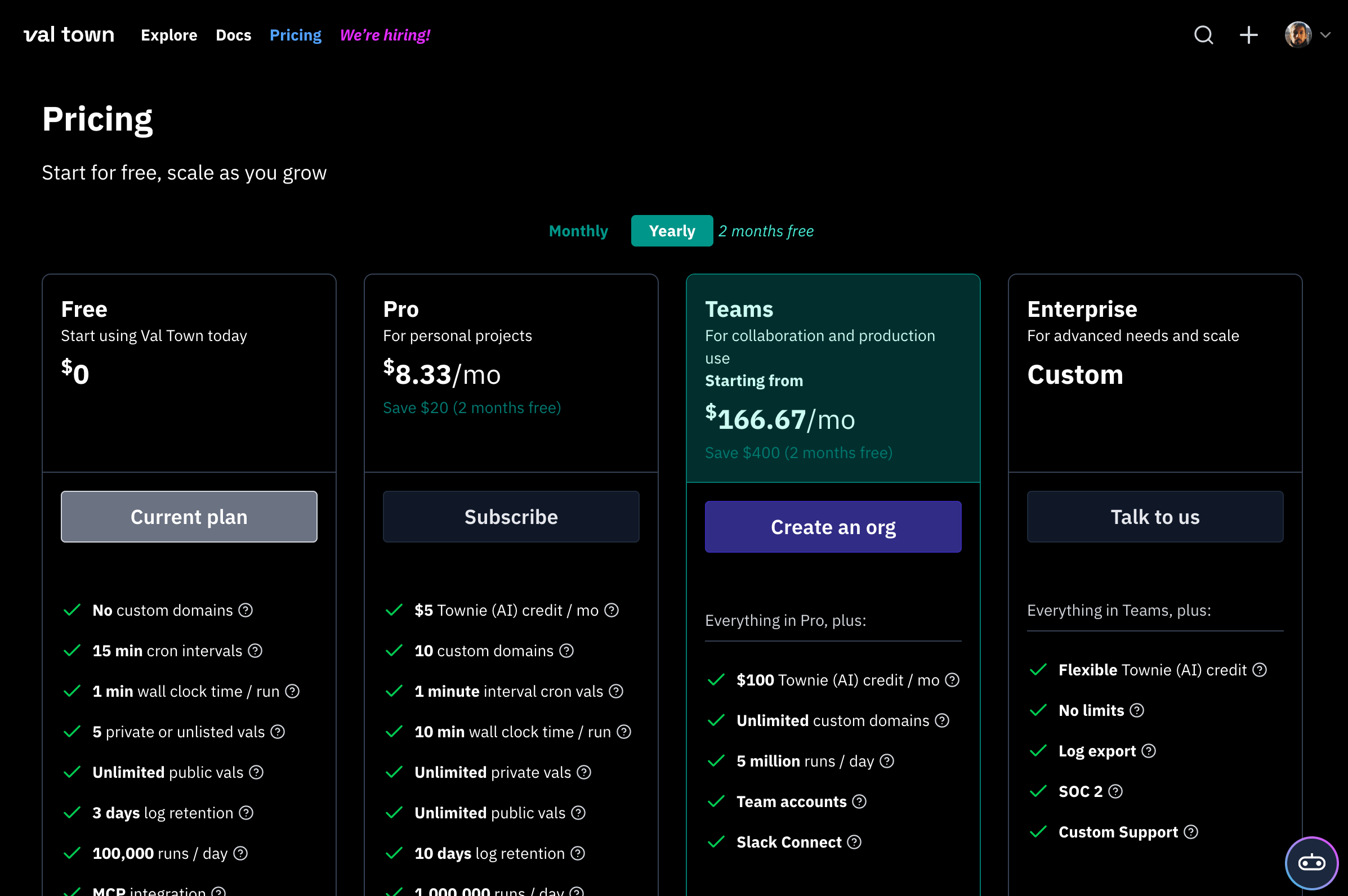
Townie switched to pay-per-use credits with a 50% markup on raw LLM costs. If you spend $10 in credits, Anthropic gets $6.66, and Val Town gets $3.33.
This is refreshingly transparent. You're not dealing with:
- Arbitrary usage limits
- Obfuscated credit systems
- Unsustainable "unlimited" tiers
You pay for what you use. If a project costs $2 in Claude API calls, you pay $3 total. Simple.
What Val Town Gets Right
The instant feedback loop, deploying code changes live in 100ms, is Townie's defining feature. Unlike most tools, this lets you immediately see the impact of every change, enabling ultra-fast iteration.
This matters because AI coding tools get stuck when they can't see the results of their changes. Townie can scaffold code, see it running, inspect the logs if something broke, and iterate immediately.
Compare this to using Claude in a chat interface where you copy-paste code, run it locally, then describe what happened. Or even Claude Code, where there's still a disconnect between the AI and the running application.
The MCP Server Angle (And Why Townie Exists)
Val Town built an MCP server so you could use Claude Desktop or Claude Code with Val Town. They thought that would be enough.
It wasn't. MCP clients aren't mature enough yet, so the experience fell short. Users kept asking for an in-browser AI agent.
So they built Townie v5, and honestly, they were right to do it. Sometimes, the best integration is just building the entire experience yourself rather than waiting for the MCP ecosystem to catch up.
My Honest Take After Testing It
I tried Townie for a few quick projects. The experience is genuinely good for its use case.
I built a simple tool to track outbound links from my site (SQLite backend, React frontend). Took about 10 minutes of back-and-forth with Townie. It's deployed and live. I can share the URL immediately.
Would I use it for my production code? No. We have complex requirements, existing codebases, and established deployment pipelines. Claude Code is the right tool for the job.
But for "I want to test this idea right now," Townie is faster than anything else I've used.
The Keyboard Shortcut (⌘J) That Makes It Feel Native
Open Townie with ⌘J, use slash commands to control it, keep it on a tight leash, or let it run wild. The UX feels like it belongs in the editor, not bolted on.
You can use it for "vibe coding" (let it handle the whole thing) or keep control (review every change). The flexibility matters because sometimes you want to move fast, sometimes you want to understand every line.
Why This Matters for Claude Users
If you're already using Claude Code or Claude API for development, Townie shows what's possible when you optimize AI coding tools for a specific workflow rather than trying to be everything to everyone.
Claude Code is great for existing projects and local development. Townie is designed for instant web apps. They solve different problems.
The broader insight: The best AI coding tools aren't trying to replace your entire development environment. They're finding specific workflows where AI can genuinely make you 10x faster and building for exactly that.
Should You Try Townie v5?
Still unsure if you should try Townie yourself? Consider these scenarios:
Try Townie v5 if:
- You use Claude for coding already
- You build a lot of prototypes or small tools
- You want instant deployment without thinking about infrastructure
- You're comfortable with Deno/TypeScript
Skip it if:
- You need to work with existing codebases
- You require specific frameworks or build tools
- Your projects need local development
- You're not building web apps
For me, it's joined my toolkit alongside Claude Code. Different use cases are both valuable.
Val Town is offering it in public beta for Pro users ($10/month), then pay-per-use after that. Worth trying if you're curious about what's possible when you optimize Claude's coding abilities for instant web deployment.
The demo is here: val.town/townie.