Image Text Editor
Change the words inside a finished image with AI
About Image Text Editor
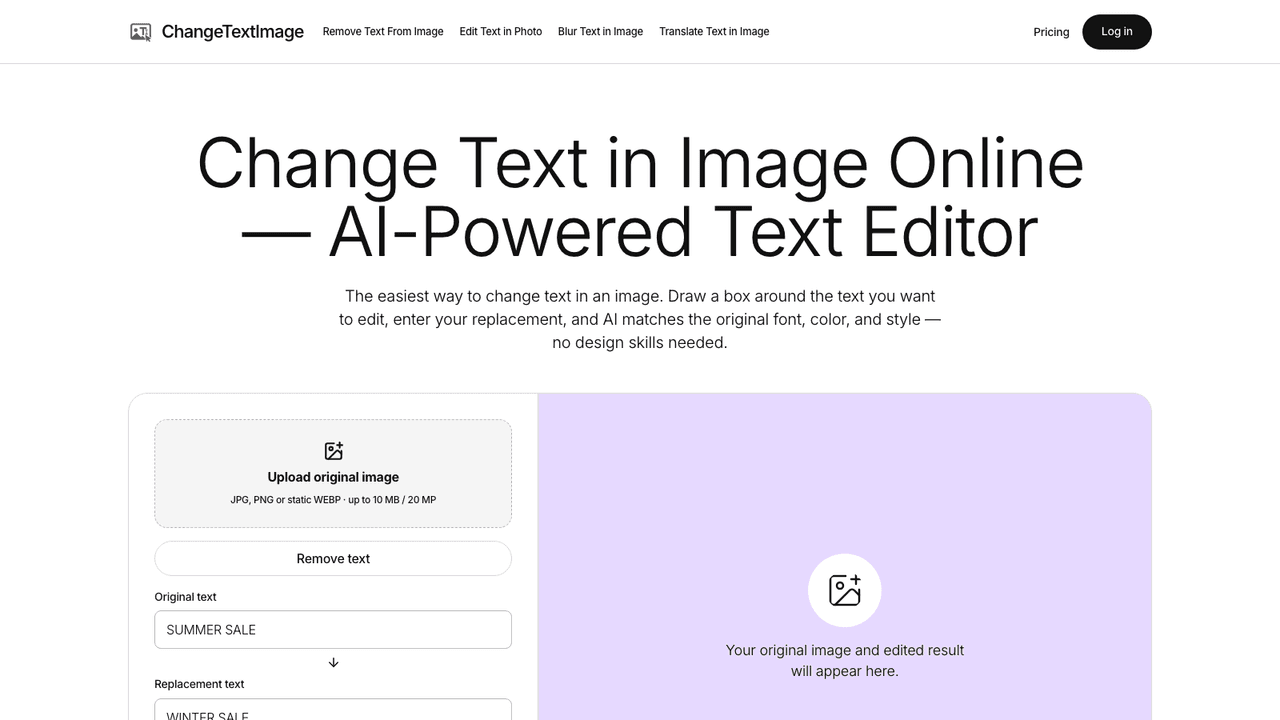
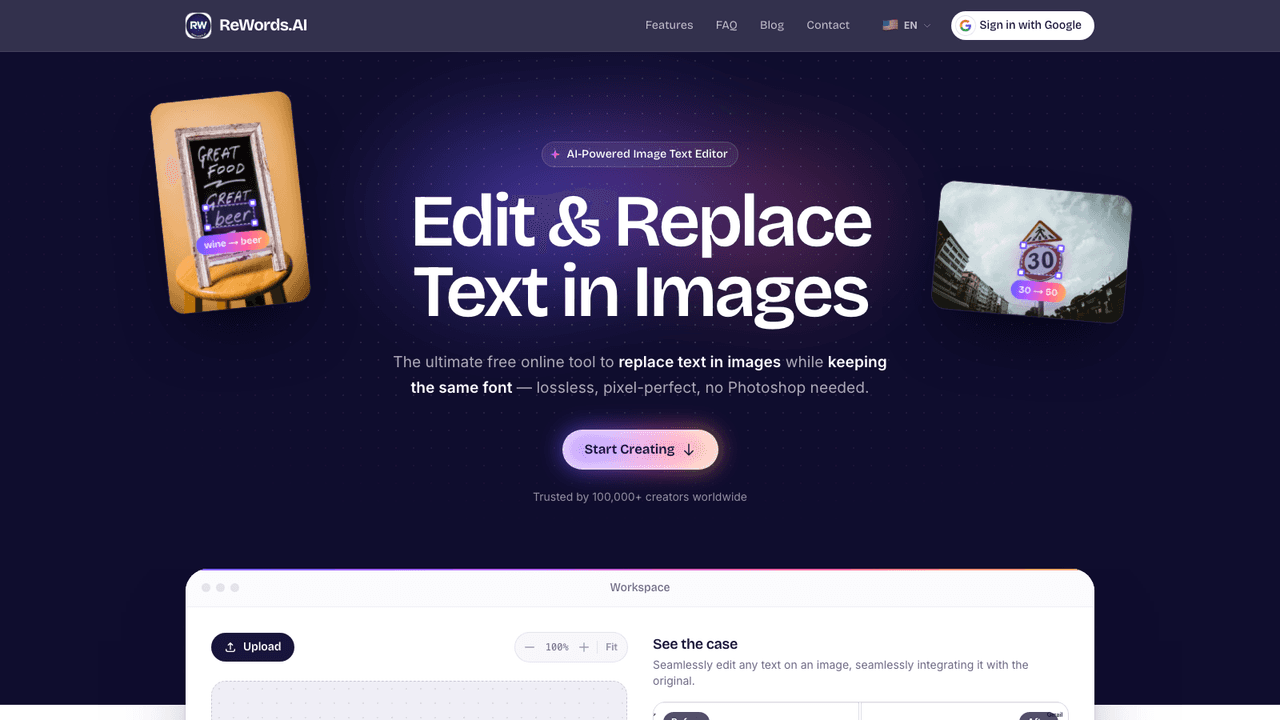
Image Text Editor is a web tool for changing words that are already part of a finished picture. You upload a JPG, PNG or WebP, the editor detects the visible text, you pick the block to change and type the new wording, and AI generates a version that uses the original lettering and surrounding design as a visual reference. It is aimed at marketers, ecommerce sellers and creators who need to fix a date, price, headline or typo on a poster, banner, screenshot or product image when the original design file is missing.
Sign in with Google and upload an image. The editor detects the visible text and lets you select the exact block to replace or remove. You enter the new wording and generate: a Standard 1K result uses one credit and an HD 2K result uses two. You then compare the edit with the original on a before and after slider and download a flattened PNG. Failed generations release their reserved credits.
- •Text Detection and Selection - Detects readable text blocks in the uploaded image so you choose exactly which wording changes before generation begins.
- •Replace Text in Place - Generates the new wording using the original lettering and surrounding design as reference, for posters, menus, thumbnails and banner ads.
- •Image Text Remover - Removes the selected words instead and rebuilds the background behind them when you need text gone rather than rewritten.
- •Before and After Review - A comparison slider shows the original and the edit so you can check spelling and nearby details before downloading.
- •Fix Text in AI Images - Corrects misspelled lettering in AI-generated images, such as turning a garbled sale banner into the intended words.
Marketers and small businesses use it to update prices, dates and offers on finished ads, posters and menus. Ecommerce sellers use it to change spec labels on product images. Creators use it to refresh thumbnail headlines and fix misspelled text in AI images. It changes one contained text area at a time and is not meant to replace a full design application.
Pricing
$9.99 - $39.99/mo
- Basic$9.99/mo
- Pro$19.99/mo
- Studio$39.99/mo
- 12 Credits$4.99 once
- 30 Credits$9.99 once
- 70 Credits$19.99 once