ScanRead.ai
Extract text from any image or document
About ScanRead.ai
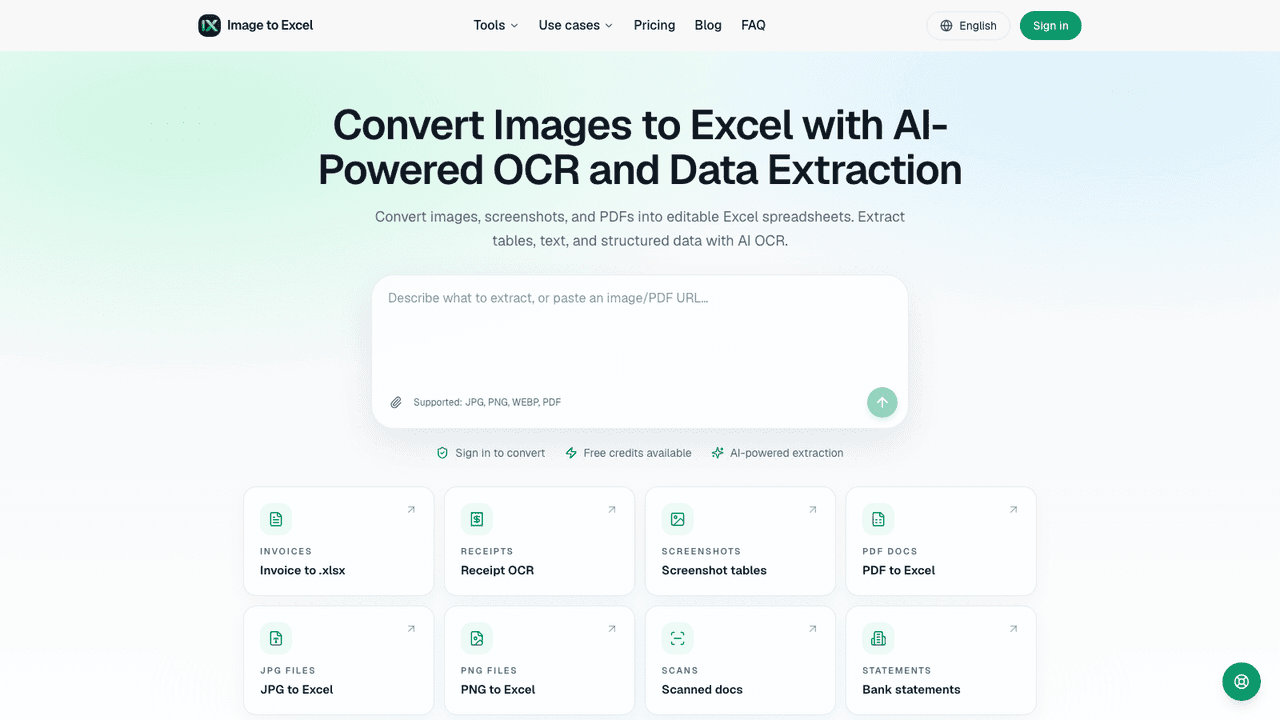
ScanRead.ai is a web OCR tool that extracts editable text from images and documents. You drop in a photo, screenshot, handwritten note or scanned PDF, and it returns copyable text in seconds that you can copy, export or share by link. It supports more than 100 languages and runs on PaddleOCR models, including PP-OCRv5 for text and PaddleOCR-VL for tables and mixed layouts. It is aimed at students, office workers and anyone digitizing receipts, contracts, notes or book pages without a scanner.
Upload a JPG, PNG, WebP or PDF, or paste an image from the clipboard; no signup is needed for a quick scan. The file is processed on ScanRead's servers and the extracted text appears beside the source with copy, export and share buttons. Source files are removed within 72 hours. A free account gets 20 pages a day, and paid plans add batch uploads, higher limits and watermark-free exports.
- •Image and PDF to text - Extracts text from photos, screenshots and multi-page scanned PDFs, making them searchable and copyable.
- •Handwriting recognition - Converts handwritten notes, in print or cursive, into typed text you can edit and search.
- •100+ languages - Recognizes text in over 100 languages, with dedicated tools for Arabic, Japanese and Chinese characters.
- •Batch processing - Paid plans upload up to 20 files at a time on Pro or 100 on Unlimited, with priority processing.
- •Exports and share links - Downloads results as .txt, .md or .docx on paid plans, or shares any result through a public link.
Students and researchers use it to pull text from book pages, slides and handwritten notes. Office workers and freelancers use it to turn receipts, invoices and contracts into editable text. Developers use it to grab error messages and code from screenshots.
Pricing
$0 - $39/mo
- Free$0/mo
- Pro$19/mo
- Unlimited$39/mo
- EnterpriseContact sales