Lisper
Privacy-first voice typing that works with local AI models
About Lisper
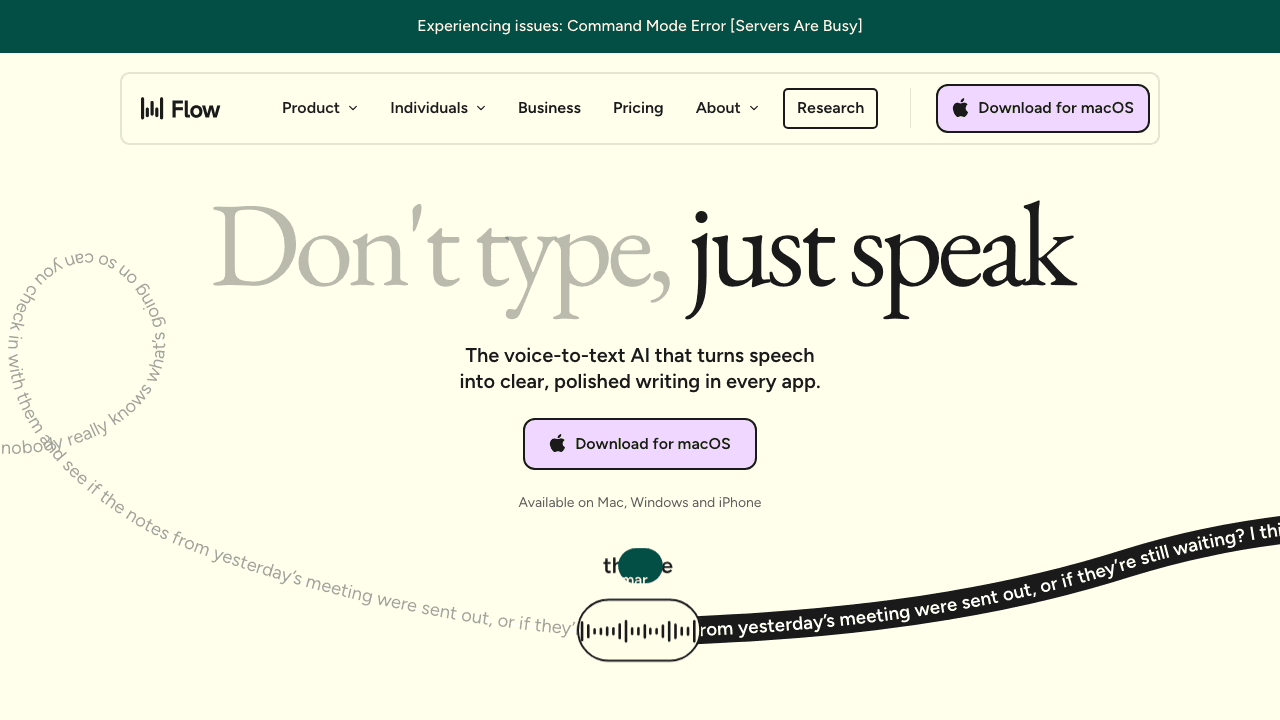
Lisper is a voice typing app for Windows 10 and 11, operated by Lisp Limited in Hong Kong. You press Right Alt in any window, speak, press it again, and the text is typed at your cursor with filler words removed and punctuation added. It handles over 100 languages, even mixed in one sentence, using cloud AI speech recognition that picks a model per language, or your own API key with providers such as Groq, whisper.cpp or Ollama. It is aimed at developers dictating prompts and comments, writers and multilingual speakers.
Install the Windows app and sign in with Google for the free cloud tier, or skip the account and enter your own API key. Press Right Alt to start talking and again to stop, or set a push-to-talk key. Lisper transcribes your speech, strips filler words, adds punctuation and types the result into the active app, from editors and terminals to chat and email. In bring-your-own-key mode your audio goes straight to the provider you chose, which can be a service running on your own computer.
- •One-key dictation - Starts and stops with Right Alt in any window, or with another key, a push-to-talk key or a mouse button.
- •AI clean-up - Removes filler words such as 'um' and 'uh', adds punctuation and, in email apps, adjusts spoken phrasing to a written style.
- •Mixed-language input - Recognizes over 100 languages and lets you switch mid-sentence, writing each word in its own language.
- •Bring your own key - Sends audio directly to a provider you configure, free and without limits, so it never passes through Lisper's servers.
- •Personal dictionary - Learns your terms automatically, so names and jargon come out correctly in later dictation.
Developers use it to dictate prompts in Claude Code, Codex, Cursor and the terminal, plus comments and commit messages. Writers and office workers use it to draft emails, documents and chat messages. Multilingual speakers use it to mix languages in one sentence. It is Windows-only for now; macOS and Linux are listed as coming soon.
Pricing
$0 - $12/mo
- Free$0/mo
- Pro$12/mo
- Founding$199 once