HivePic
Free AI image editor for watermark, object and background removal
About HivePic
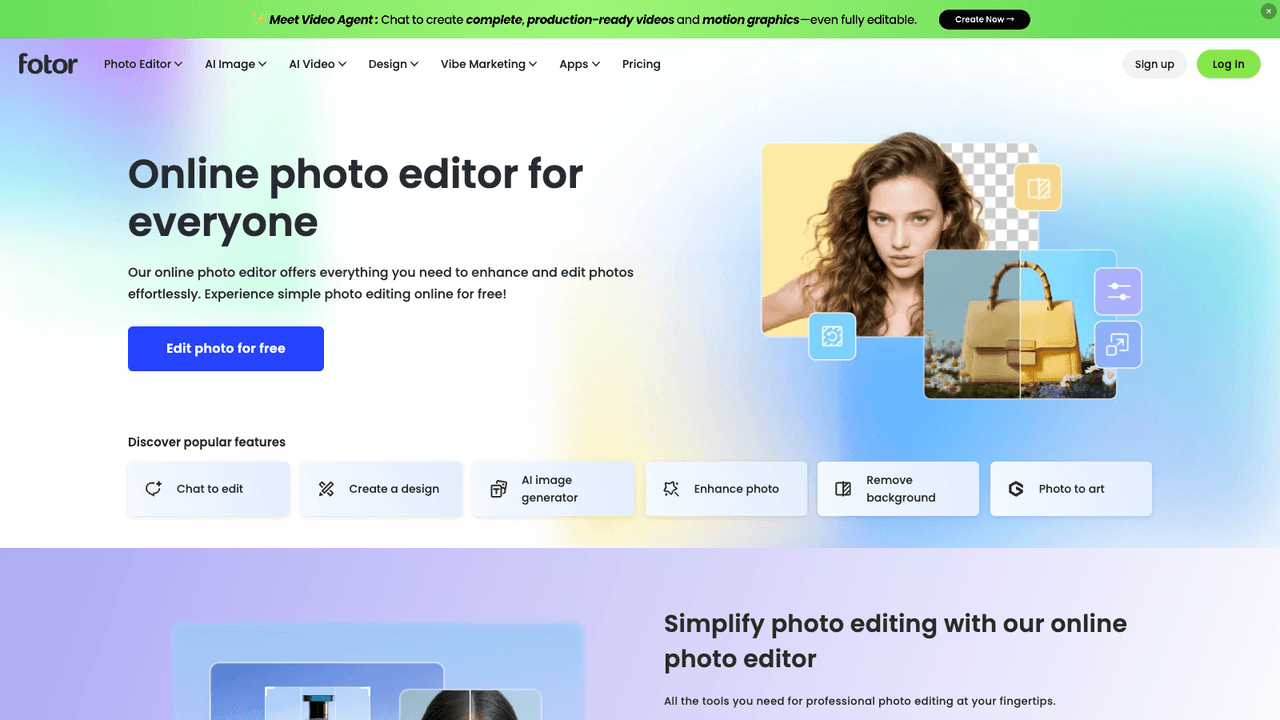
HivePic is an online image editor that pairs free browser tools with AI fixes. You can crop, rotate, adjust light and color, combine photos or pick colors at no cost, then describe a change in a short prompt or open a specialized AI tool to remove a watermark, object or background, unblur, upscale, enhance or restore an old photo. AI jobs use credits from a free daily allowance, with one-time packs for more. Uploads and results are deleted after 7 days. It suits anyone fixing everyday photos without installing software.
Upload a JPG, PNG or WebP image up to 20 MB. Either type a prompt in the AI editor, choosing standard (2 credits) or HD (5 credits), or jump to a tool such as Remove watermark or Upscale. The browser tools cost nothing. Without an account you get 3 credits a day; signing in with Google gives 10 a day and HD downloads. Failed jobs are not charged.
- •Prompt-based AI editor - Edits a photo from a short description, such as brightening a dim shot or changing the background, in standard or HD quality.
- •Removal tools - Removes watermarks, date stamps, unwanted objects or people, and makes transparent backgrounds for product cutouts.
- •Repair and enhancement - Unblurs, upscales, improves color and light, and restores scratched or faded old photos.
- •Free browser tools - Crops, rotates, adjusts, recolors, combines photos and picks colors locally without spending credits.
- •Creative extras - Turns a pet photo into emoji stickers, adds a rain filter or restyles an image from a prompt.
Everyday users use it to clean up family, travel and pet photos. Small online sellers use it for transparent product cutouts and quick fixes. People who need an occasional AI edit can stay within the free daily credits and buy a pack only when they need more.
Pricing
$0/mo
- Free$0/mo
- Starter$9.99 once
- Plus$29.99 once
- Pro$59.99 once