

A year ago the interesting question was which coding agent to use. That question has gone quiet, not because it was settled but because it stopped being the hard part.
The agent writes code now. Fine. Then it wants to run that code somewhere, and reach your Linear board, and open a website that has no API, and read the .docx someone dropped in the ticket. When it does all that and gets it wrong, you need to find out what it actually did. And when it finally works, it has to live somewhere your users can reach it.
None of that is the agent. All of it is now where the work is.
Here are ten tools covering those layers, grouped by which part of the problem they solve. Six are open source, and four of those cost nothing at all, so trying them is an afternoon rather than a purchase order.
The Agents Themselves
Two worth knowing, and they are interesting mostly for what they refuse to lock you into.
OpenCode
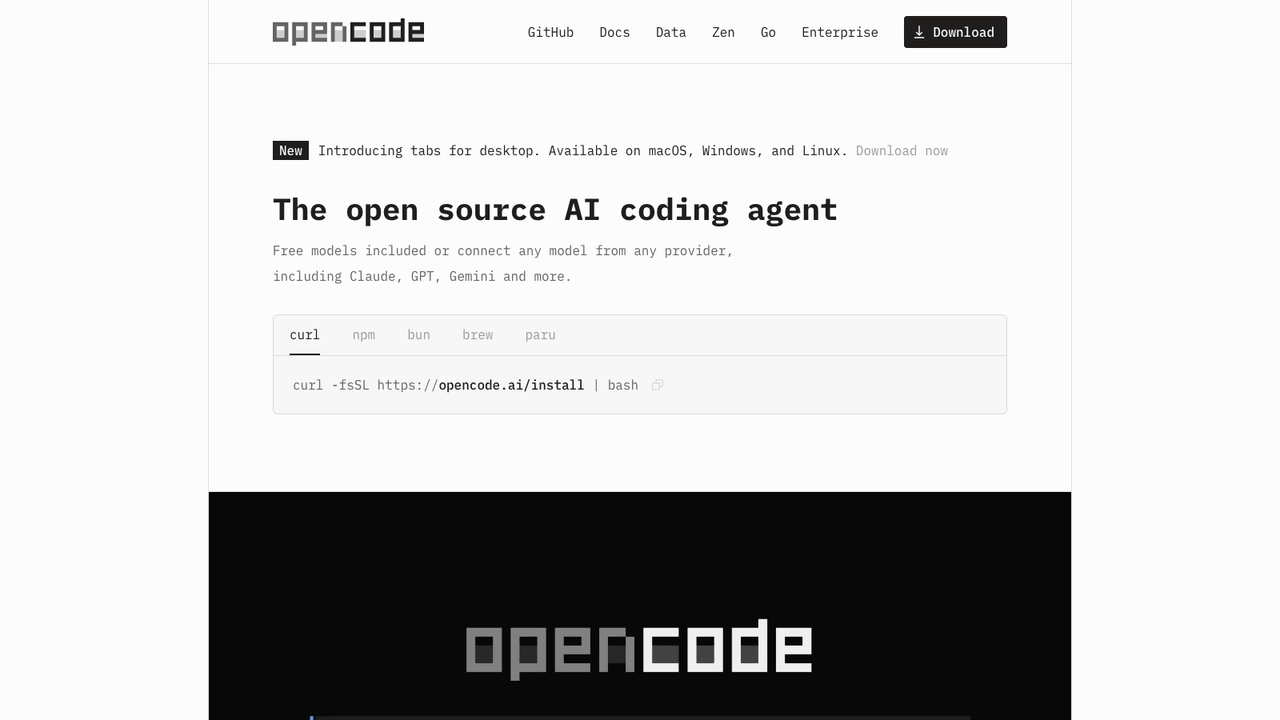
What it is: an MIT-licensed coding agent that runs in your terminal, your editor, or as a desktop app.
The design decision that matters: it is model-agnostic, reaching 75+ providers through Models.dev. Most agents are a front end for one vendor's model, which quietly makes your agent choice and your model choice the same decision. Here they are separate, so you can run an expensive model for the hard reasoning and a cheap one for mechanical edits, or point the whole thing at a local model and send nothing anywhere.
It also loads the right language servers automatically, so the model reads real type errors rather than guessing from raw text. That is a small detail with a large effect on how often it produces something that does not compile.
Cost: free, MIT. Optional Zen credits if you would rather not manage provider accounts. Enterprise is per-seat and contact-only.
Cline
What it is: an Apache-2.0 agent inside VS Code, with a CLI and SDK alongside.
The commercial shape is the point. No subscription, no seat fee. You bring your own API key and pay for the tokens you burn. That is genuinely cheaper if you reach for an agent a few times a day, and genuinely more expensive if you live in it. It is the honest trade rather than a marketing line: a flat fee is a bet you will use a lot, usage billing is a bet you will not.
The architecture is client-side, so requests go from your machine to the provider you picked rather than through a vendor's servers. In most security reviews that is the sentence that decides it.
One correction worth making: several roundups list a $20/user Cline tier. Their own pricing page says free, with a contact-only Enterprise plan. I went with their page.
Cost: free, you pay inference only.
Where the Code Actually Runs
Your agent wrote code. Now something has to execute it, and "on my laptop, unsandboxed" is a decision rather than a default.
E2B
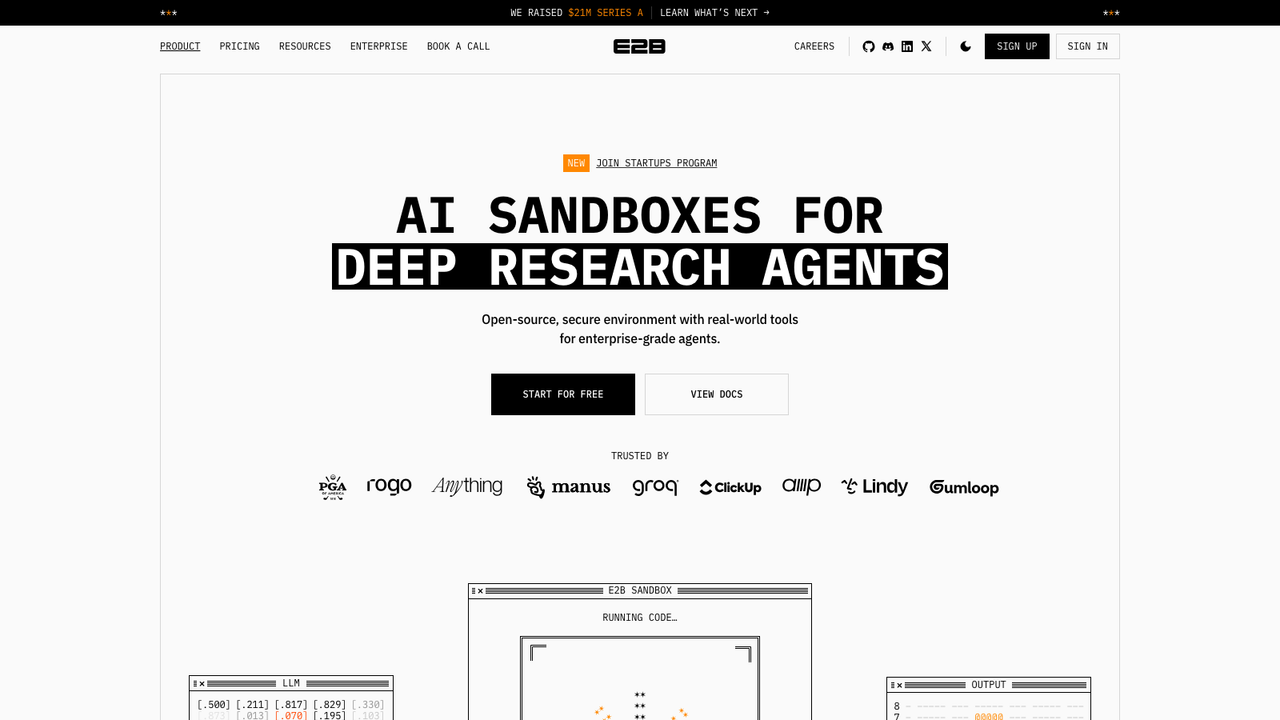
What it is: isolated cloud sandboxes built for running AI-generated code.
Sandboxes start fast and are meant to be disposable, so the working pattern is one per task or per attempt rather than a long-lived box that slowly fills with junk. Billing is per second of compute, which means idle agents cost nothing and a burst of fifty parallel sandboxes costs exactly what it used.
The core is open source, and for this category that is more than a nice-to-have. The thing you are being asked to trust is an isolation boundary. Being able to read how it works is part of evaluating it.
Cost: free Hobby tier with a one-time $100 in credits. Pro $150/mo, plus per-second compute from $0.000014/s.
Sandbox Runtime
What it is: Anthropic's open source tool for restricting what a process can touch, at the OS level, with no container.
It uses sandbox-exec on macOS and bubblewrap on Linux, plus a filtering proxy for network access. No container image, no daemon. That sounds like an implementation footnote and is actually the whole value: wrapping every agent command in Docker is heavy enough that people skip it and run unrestricted instead. Make the control cheap and it gets used.
It constrains exactly the three things currently running with more access than anyone intended: agents, local MCP servers, and whatever bash command an agent just decided to execute.
Two caveats worth stating. It is a research preview under an experimental org, so interfaces will move. And OS-level sandboxing is a real boundary but not a VM, so match it to your actual threat model.
Cost: free, Apache-2.0.
Agentuity
What it is: a platform for the unglamorous part, which is getting an agent into production and keeping it there.
Building an agent that works on your laptop is a weekend. Giving it an authenticated API, a frontend, storage, somewhere to run untrusted code and a deploy story is the part that eats a quarter. Agentuity bundles those: type-safe routes that generate matching React hooks, storage the agent reaches for as a tool, sandboxes, all deployed with one command.
The tension with any platform this integrated is lock-in, and it is real rather than hypothetical. The value is precisely that the parts are joined together, which is also what makes them hard to separate later.
Cost: $5 in free credits, then usage-based in ACUs with a public calculator.
What the Agent Can Reach
An agent that can only talk is a chatbot. Three tools for the boundary between the agent and everything else.
Composio
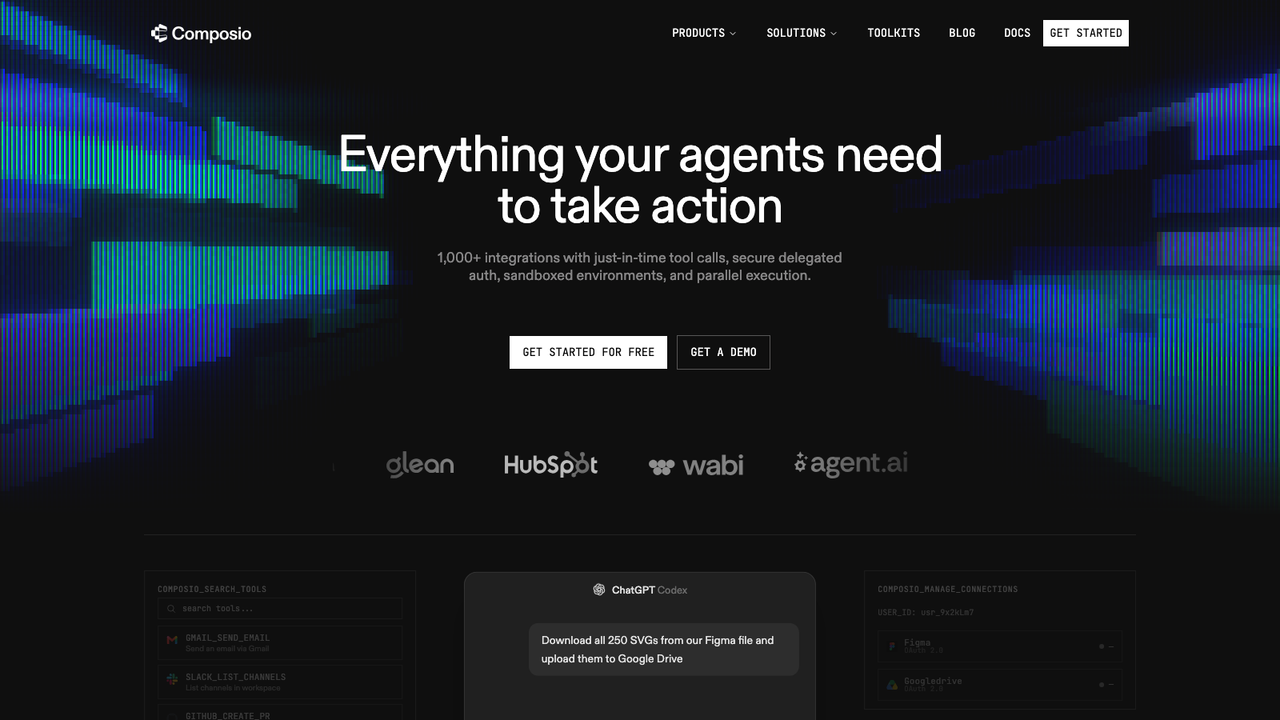
What it is: access to 1000+ tools, plus the auth infrastructure underneath them.
The tedious problem here is not the integrations, it is the authentication. Connecting an agent to Gmail, Slack, Linear and a database is not hard once. It is hard forty times, with four OAuth dances, token refresh, scope management and credential storage, none of which is the product you meant to build.
It is aimed squarely at coding harnesses rather than at frameworks generally: Claude, Codex, Cursor, OpenClaw and Hermes are named on the homepage.
Read the rate card properly before scaling. There is per-call metering, per-trigger-event metering, and a surcharge for using their managed OAuth apps instead of your own. The free tier is unusually honest though: hard-capped at 100K tool calls a month, no card, and it pauses at the cap rather than converting into a bill.
Cost: free up to 100K tool calls. Pro $29/mo including credit, then from $0.0003 per call.
Browserbase
What it is: managed browsers, so agents can use sites that will never ship an API.
The useful design choice is that it is layered. A Search API to find pages, a Fetch API to turn any URL into clean HTML, JSON or Markdown, and a full browser only when the agent genuinely needs to log in and click through a flow. Most tasks do not need a real browser, and paying for one when a fetch would do is just waste.
Anyone who has run their own Playwright fleet knows why this exists. They leak memory, they get blocked, sessions expire, and concurrency turns a process into a fleet.
Worth saying plainly: automating sites you do not own sits in contested territory, legally and in terms of service. That is your call to make.
Cost: free plan, then $20/mo and $99/mo, plus usage from about $0.10 per browser hour. Proxies extra.
AnyDoc
What it is: an MIT-licensed Rust library converting 14 document formats to clean Markdown.
There is no machine learning in it at all. It is a parser, so conversion is a few milliseconds and the output is deterministic instead of slightly different every run. Compare that with piping every document through a vision model: slower, priced per page, and inconsistent.
Every format goes through the same document model and serializer, so a .doc from 2003 and yesterday's .pptx produce the same shape of Markdown. It compiles to WebAssembly, so it runs in the browser and files never leave the machine. And it ships as an agent skill, meaning one command teaches Claude Code or Cursor to read documents it otherwise could not open.
Scanned images are still OCR's problem, not this tool's.
Cost: free, MIT.
Finding Out What It Did
Laminar
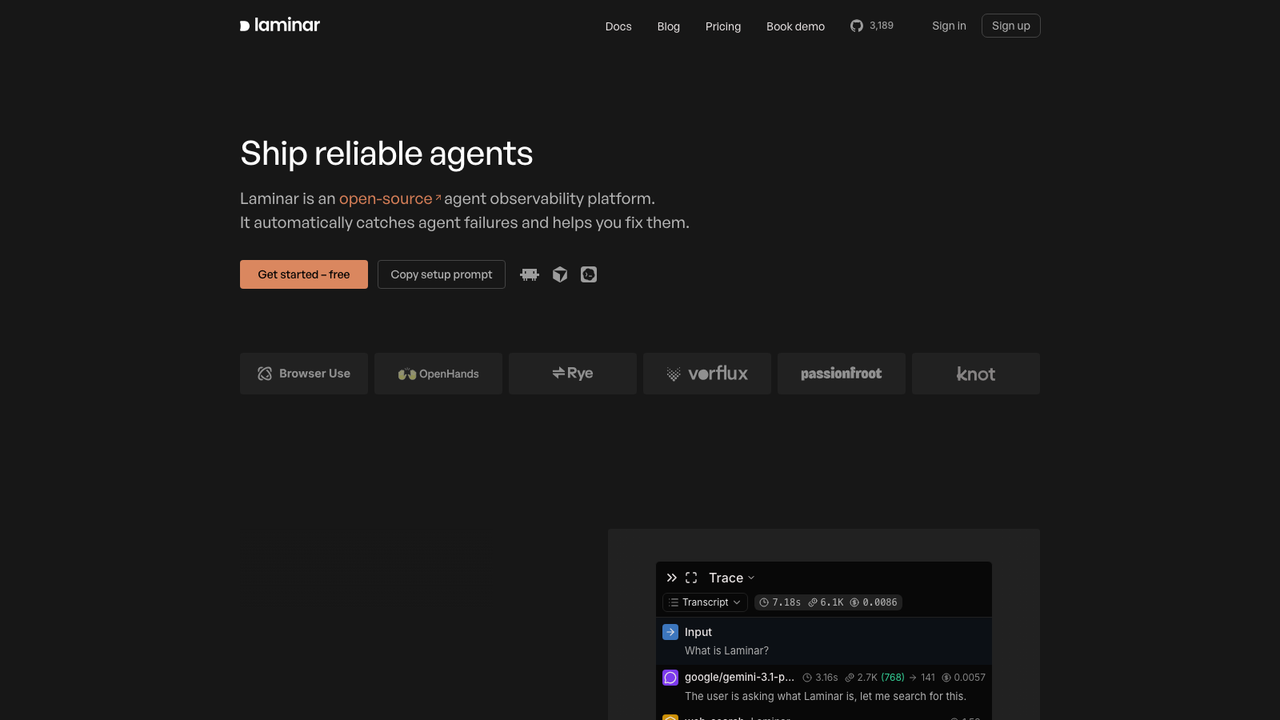
What it is: open source observability for agents.
It captures model calls, tool calls, sub-agents, tokens and cost, and renders them as a readable transcript rather than a pile of spans you reassemble by hand. With an agent the useful question is almost always "what did it decide to do", not "what was the p99".
The part that earns its place is Signals, which analyses runs looking for failure modes nobody defined in advance. That matches how agents actually break. With a normal service you know what failure looks like and write an alert for it. An agent fails by looping, by picking the wrong tool, by producing something plausible and wrong, and you cannot write assertions for failures you have not imagined yet.
Open source matters here too, because this tool sees your prompts and outputs by design.
Cost: free tier at 1 GB and 7-day retention, one seat. Starter $30/mo, Pro $150/mo, both unlimited seats.
Putting It In Front of Users
CopilotKit
What it is: a protocol and framework for embedding an agent in your own product.
Their AG-UI is a bi-directional connection between a user-facing app and any agentic backend. A protocol rather than a widget library means the agent and the interface stop being one codebase, so the same backend serves your React app, Slack and Teams without three implementations drifting apart. Generative UI takes it further, letting the agent render real components instead of describing them in prose.
The pricing ladder climbs steeply, from free to $39/mo to $100 per seat, so count your seats before assuming the middle tier is where you land.
Cost: free to build on, $39/mo, $100/seat/mo, Enterprise contact-only. Self-hostable.