Image GenerationFree

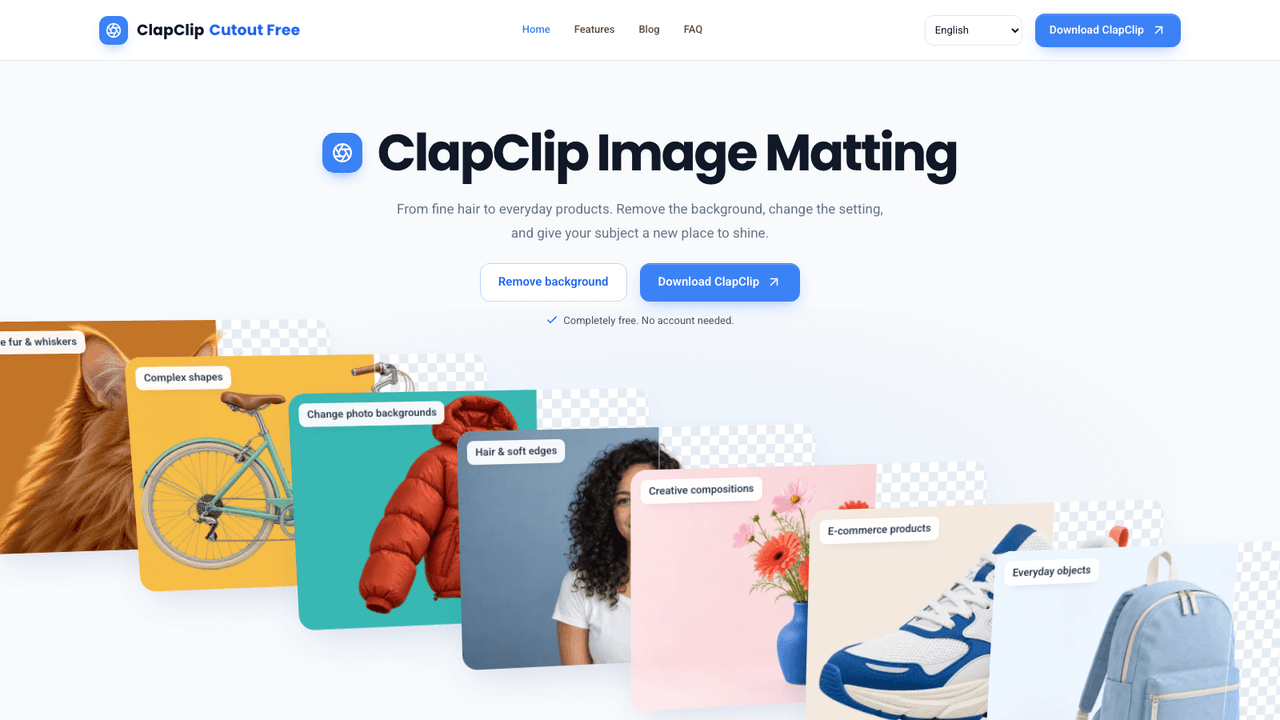
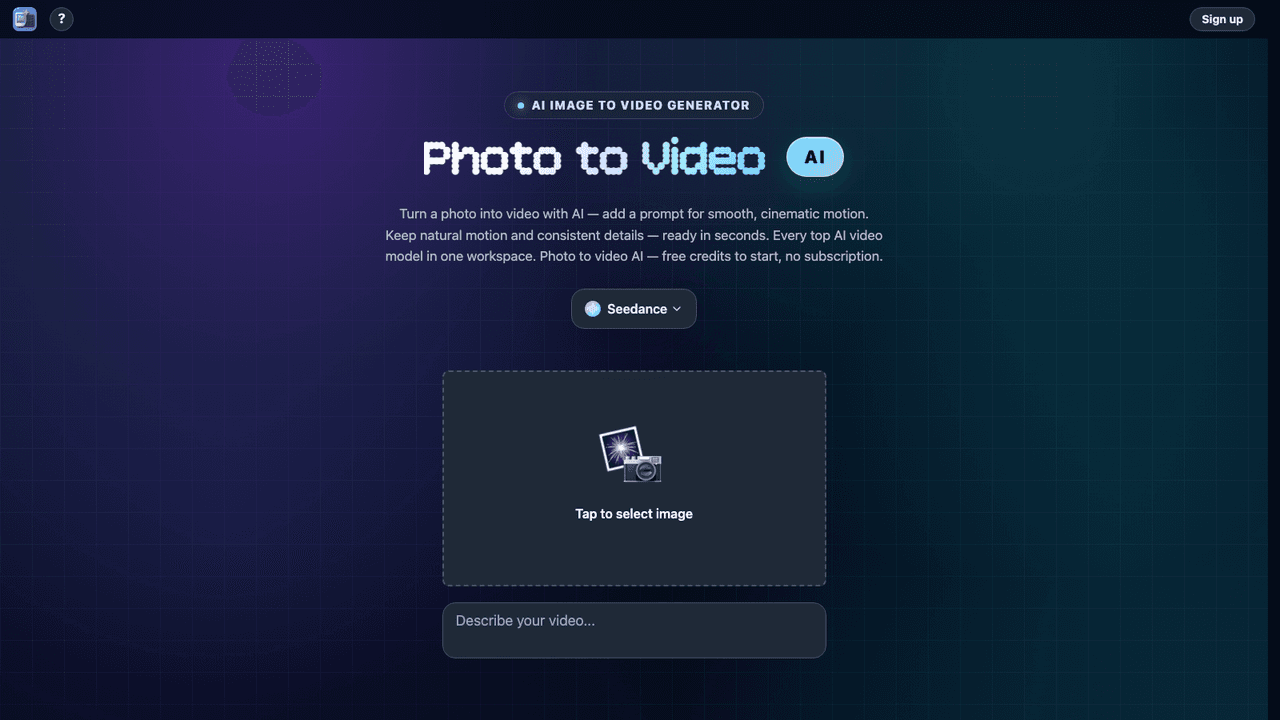
Private AI Background Remover
Remove backgrounds in your browser - your image never leaves the device
Private AI Background Remover vs Image Layer Separator vs ProRemover
Open as its own page| What it costs | |||
| Pricing | Free | Freemium | Paid |
| Pricing details | Free with no signup, no login and no watermark - processing runs locally in the browser | Free tier with a daily quota and a first full export, then credit plans: Pro 25 USD a month for 1,000 credits, Ultra 45 USD for 2,000 and Studio 99 USD for 6,000, each with its own daily free quota. Annual billing is cheaper per month and is shown by default on the pricing page, so the figures here are the month-to-month rates. Single credit packs from 5.99 USD are also sold. | Free preview; credits unlock HD export. Starter $9.90/month (300 credits; first charge $8.90). Bulk Pro $39.90/month, discounted from $49.90 (2,000 credits). One-time packs: 200 credits $9.90 (was $14.90), 500 credits $22.99 (was $30), Bulk Pass $45.99 (was $56.99). |
| Price range | No pricing page found | $0 - $99/mo | $9.90 - $39.90/mo |
| Free option | No free option | Free tier | No free option |
| Plans | Not available |
|
|
| What it is | |||
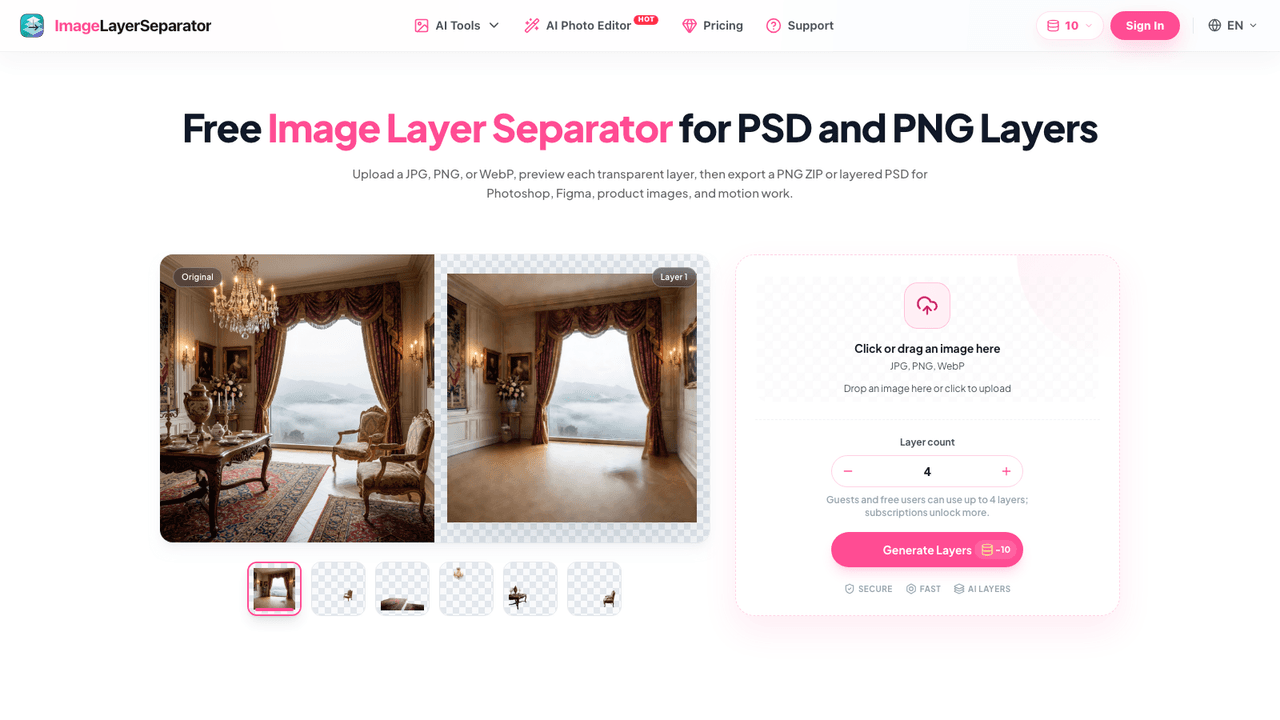
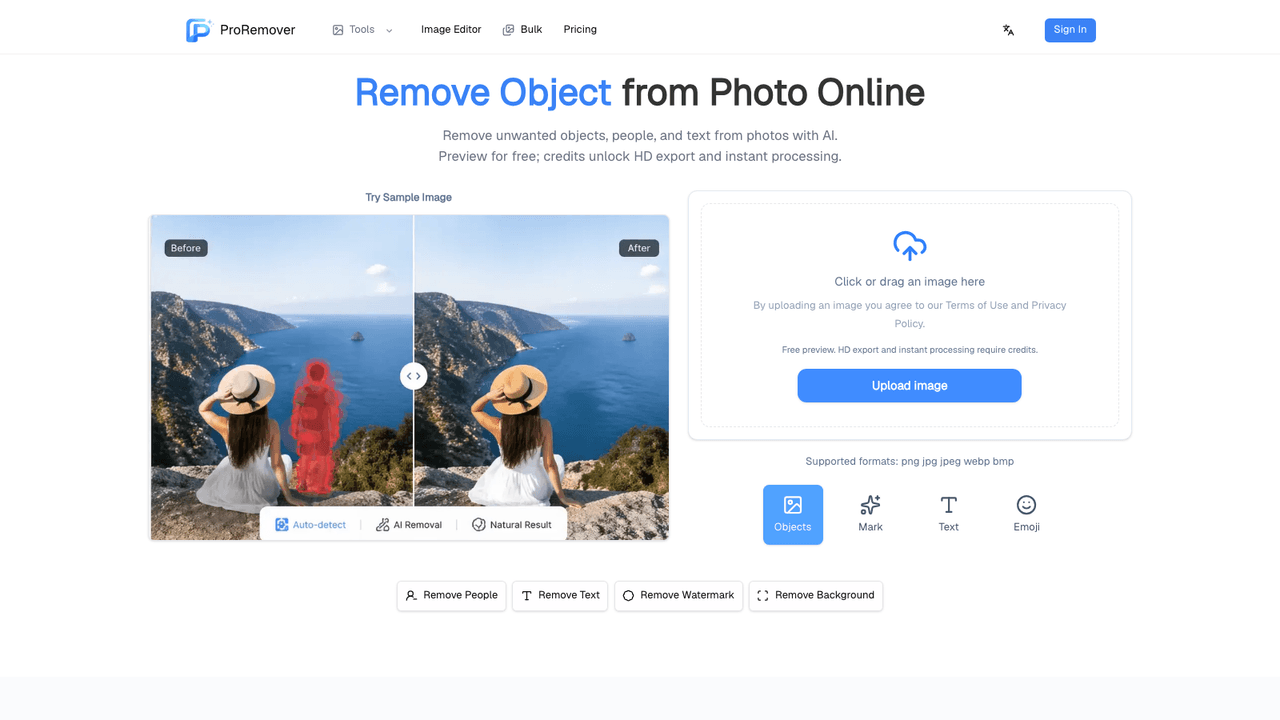
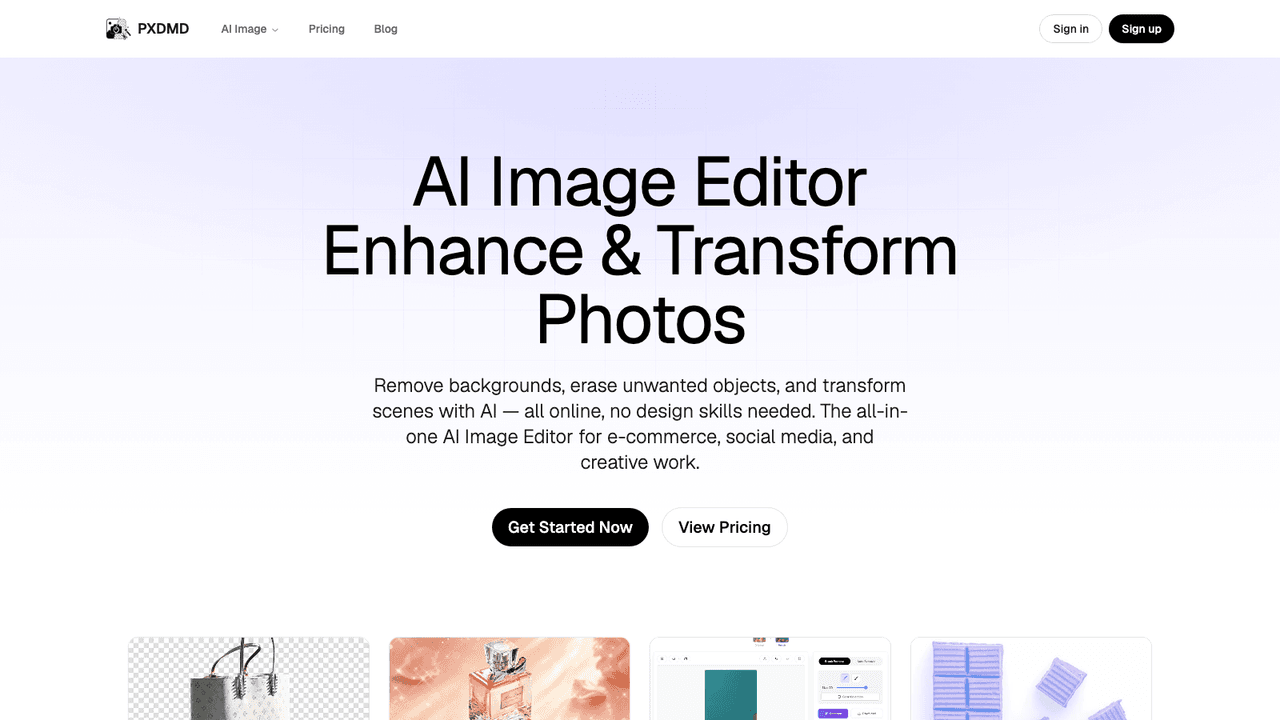
| What it does | Free background remover that runs entirely in your browser with no upload, no signup and no watermark, exporting transparent 4K PNGs with blur and crop tools. | Separates a JPG, PNG or WebP into editable transparent layers, exporting individual PNGs or a layered PSD for Photoshop and Figma. Has a free daily quota. | ProRemover removes unwanted objects, people, text, logos and backgrounds from photos with AI in the browser, with a free preview and plans from $9.90 a month. |
What it costs
- Pricing
- Free
- Pricing details
- Free with no signup, no login and no watermark - processing runs locally in the browser
- Price range
- No pricing page found
- Free option
- No free option
- Plans
- Not available
What it is
- What it does
- Free background remover that runs entirely in your browser with no upload, no signup and no watermark, exporting transparent 4K PNGs with blur and crop tools.
What it costs
- Pricing
- Freemium
- Pricing details
- Free tier with a daily quota and a first full export, then credit plans: Pro 25 USD a month for 1,000 credits, Ultra 45 USD for 2,000 and Studio 99 USD for 6,000, each with its own daily free quota. Annual billing is cheaper per month and is shown by default on the pricing page, so the figures here are the month-to-month rates. Single credit packs from 5.99 USD are also sold.
- Price range
- $0 - $99/mo
- Free option
- Free tier
- Plans
- Free$0/mo
- Starter$9.90/mo
- Pro$25/mo
- Studio$99/mo
What it is
- What it does
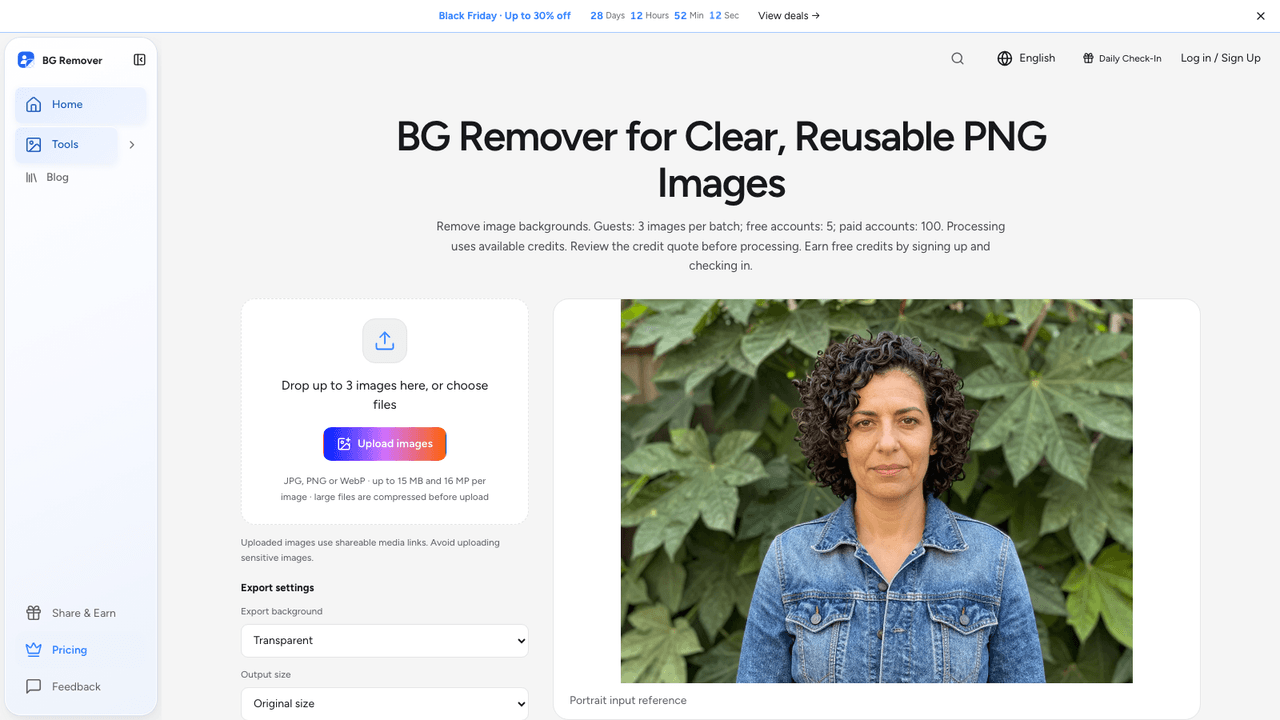
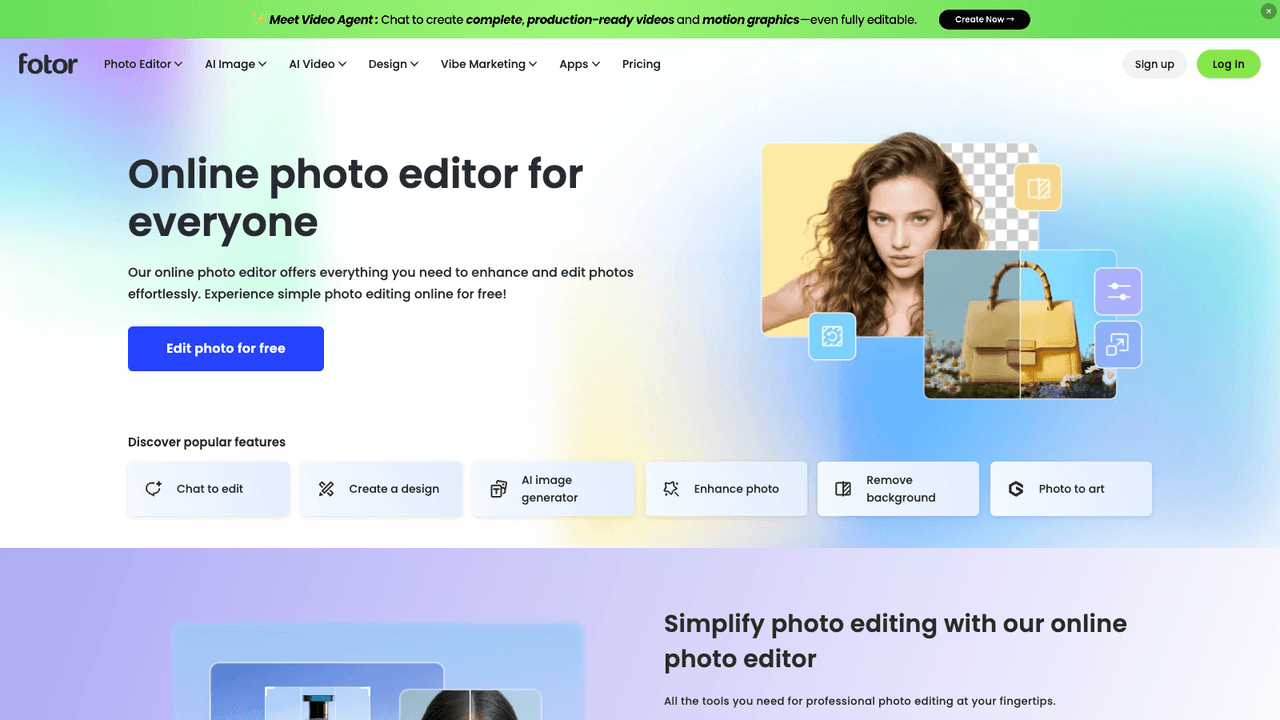
- Separates a JPG, PNG or WebP into editable transparent layers, exporting individual PNGs or a layered PSD for Photoshop and Figma. Has a free daily quota.
What it costs
- Pricing
- Paid
- Pricing details
- Free preview; credits unlock HD export. Starter $9.90/month (300 credits; first charge $8.90). Bulk Pro $39.90/month, discounted from $49.90 (2,000 credits). One-time packs: 200 credits $9.90 (was $14.90), 500 credits $22.99 (was $30), Bulk Pass $45.99 (was $56.99).
- Price range
- $9.90 - $39.90/mo
- Free option
- No free option
- Plans
- Starter Plan$9.90/mo
- Bulk Pro$39.90/mo
- 200 Credit$9.90 once
- 500 Credit$22.99 once
- Bulk Pass$45.99 once
What it is
- What it does
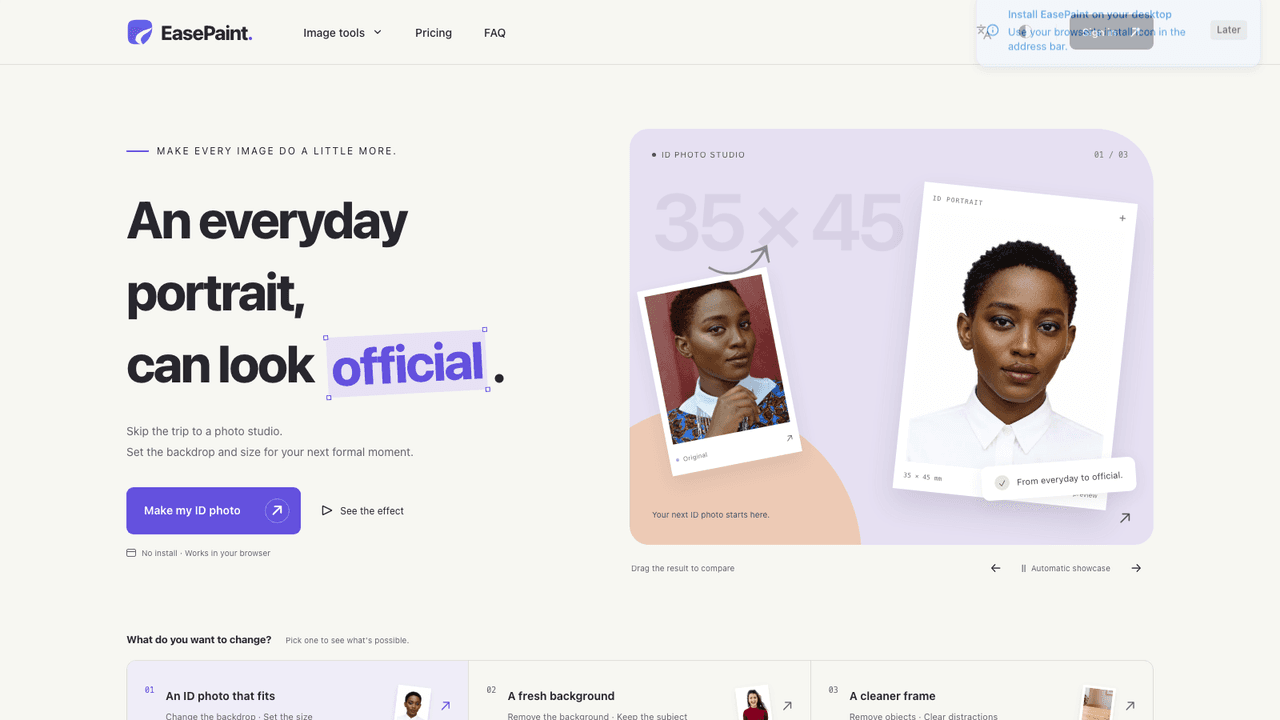
- ProRemover removes unwanted objects, people, text, logos and backgrounds from photos with AI in the browser, with a free preview and plans from $9.90 a month.
Compare Private AI Background Remover with


R
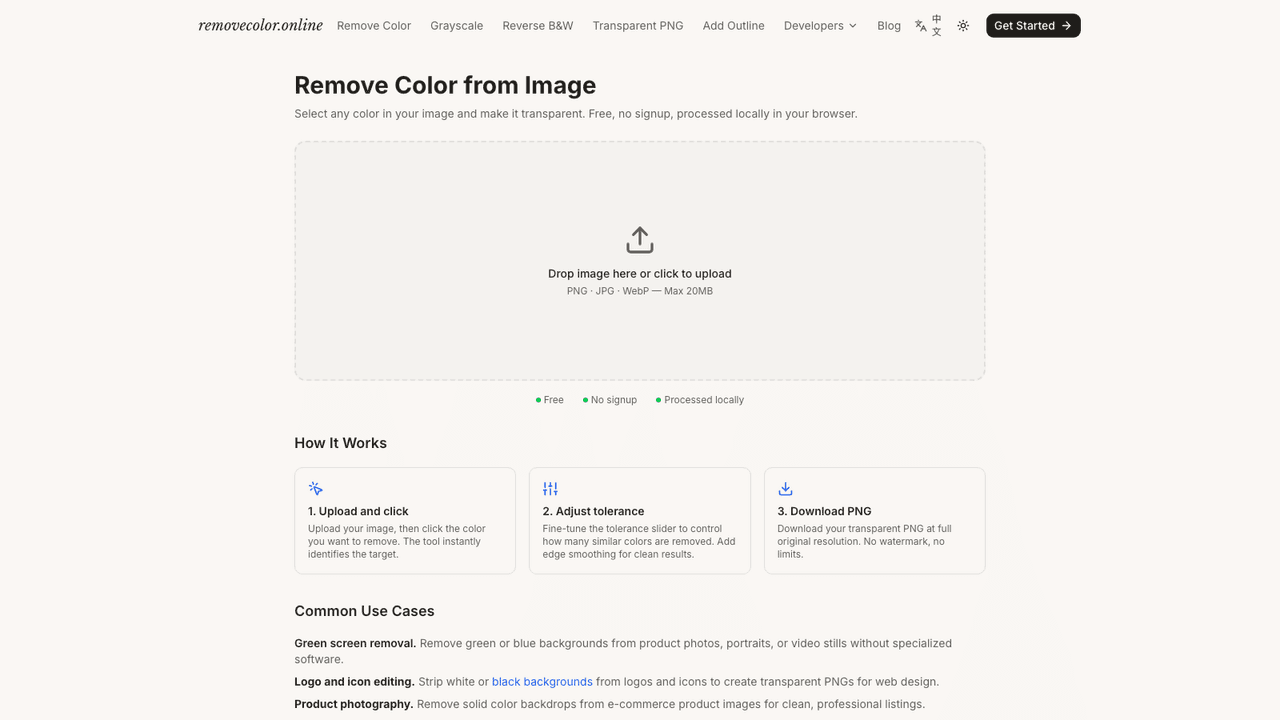
Private AI Background Remover vs RemoveColorFrom $9/mo


Want a different line-up? Build your own comparison.