

Running one coding agent is fine. You open a terminal, describe the job, watch it work.
Running three is where it falls apart. Each one lives in its own terminal, none of them knows what the others did, and the only record of what happened is scrollback you will close by accident. There is no answer to "what is in flight right now" other than checking four windows.
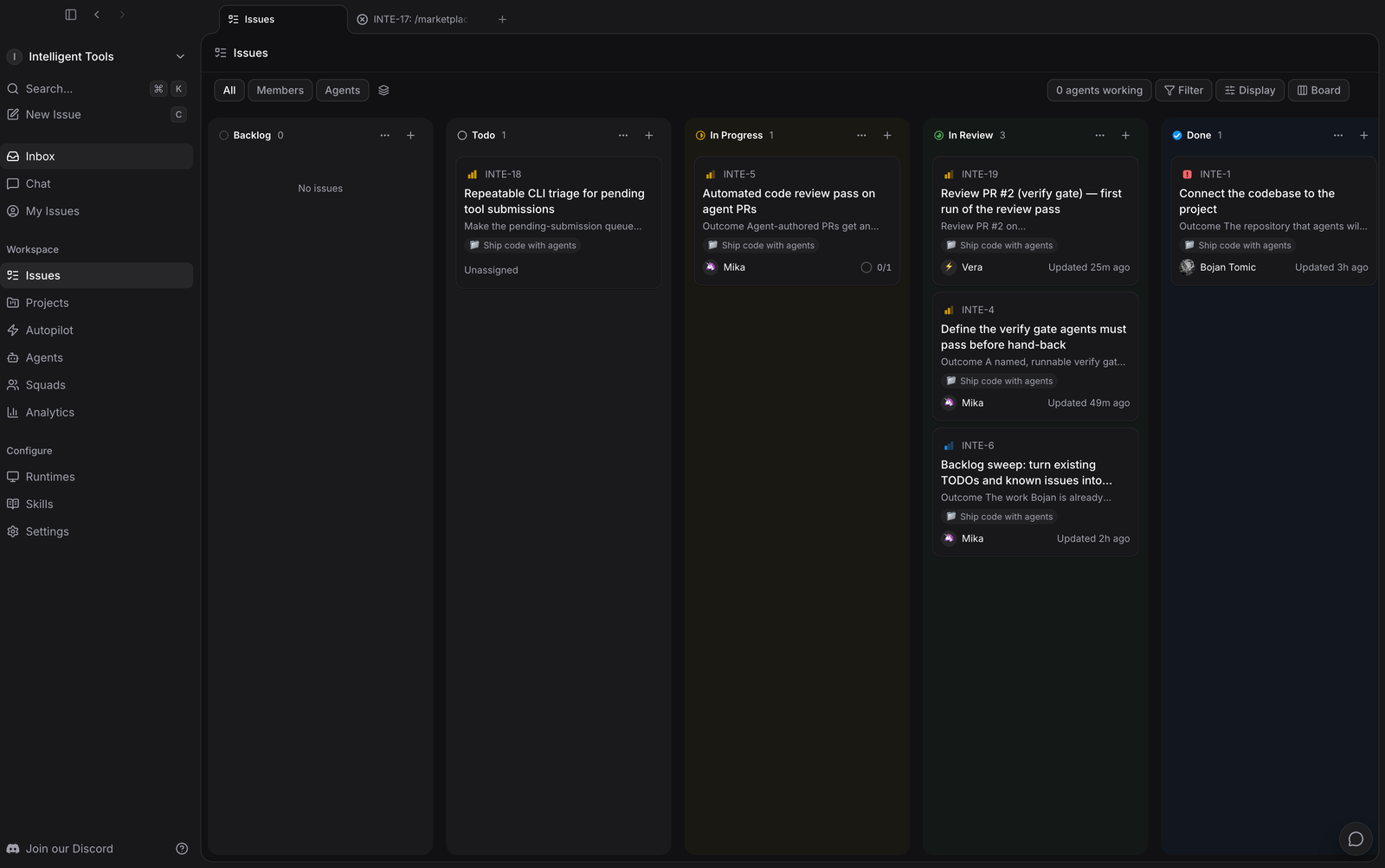
Multica is a task board for that problem. Agents get assigned issues the same way people do, they move their own cards across the board, and their work is attached to the issue instead of living in a terminal you closed.
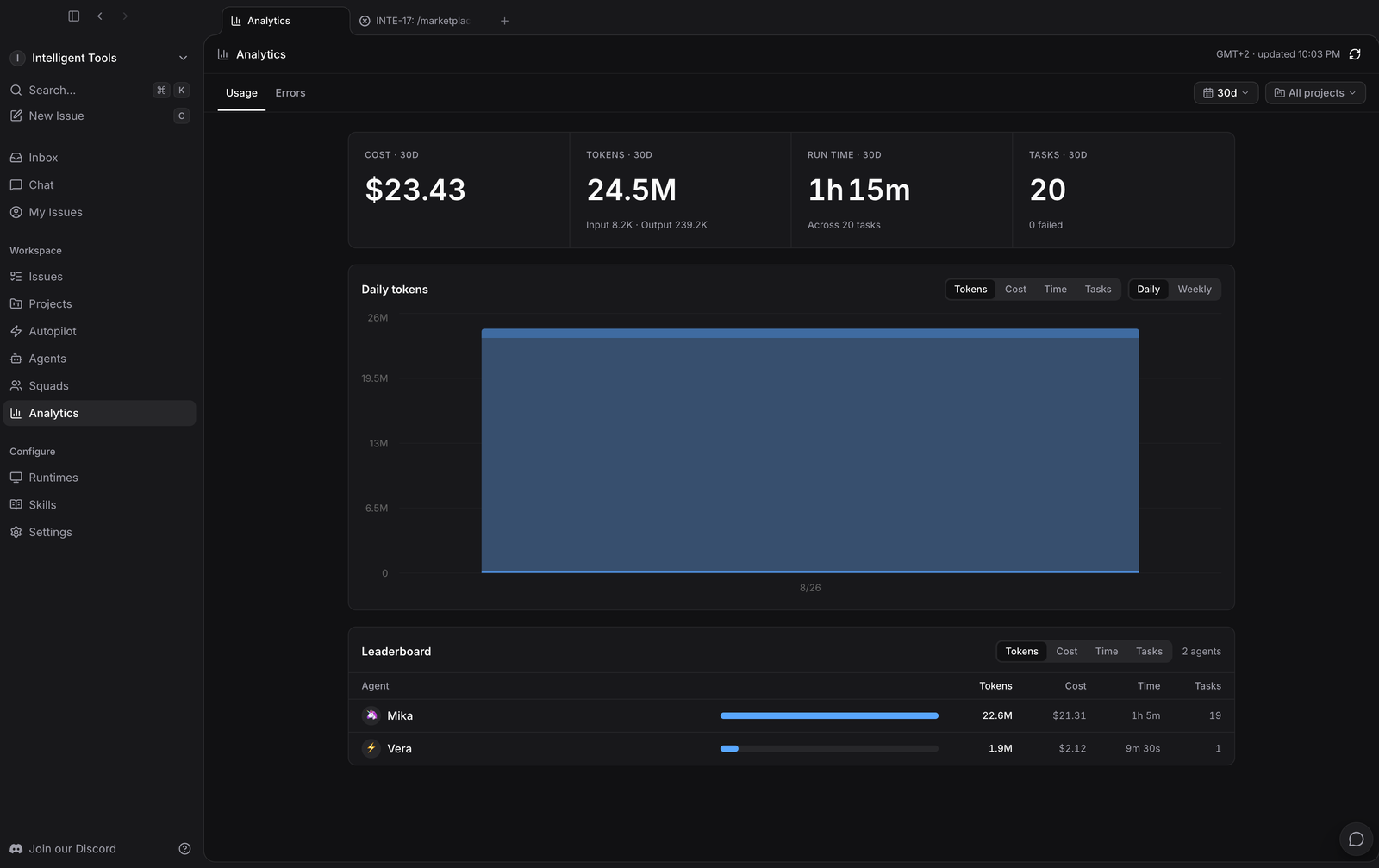
This is what setting it up on a real project looked like: this site, its actual backlog, three agents, and what the first few hours actually consumed.
Setup: 20 minutes, no errors
I used the desktop app on macOS rather than self-hosting, which is the fastest route in.
The only step that needs a decision is authentication. Log in to GitHub from your terminal over HTTPS before you start, because that is the credential the agents use when they open pull requests. Get that wrong and everything works right up until the moment an agent tries to push, which is the worst place to discover it.
That was the whole setup. Download, sign in, connect the repository, done in about twenty minutes with nothing going wrong.
One thing that catches people out: Multica does not ship an agent. It drives the CLIs you already have. A daemon scans the machine for tools it recognises and registers a runtime for each. It supports 23 out of the box, including Claude Code, Codex, Cursor, Copilot, OpenCode, OpenClaw, Gemini CLI and Kimi. Mine runs on Claude Code on the MacBook. If you have no agent CLI installed, install one first.
Creating agents by asking for them
I expected a form. There is one, but it is not how you are meant to work.
Multica ships with an agent called Mika, described as a workspace chief of staff, and you create everything else by talking to it. You describe the job you want done in plain language and Mika creates the issue, the agent, or the schedule. The dialog literally prompts you with an example: "let Bojan fix the inbox loading slowness in the Web project".
Both of my other agents came out of that chat:
| Agent | Job | Access |
|---|---|---|
| Mika | Chief of staff. Turns goals into issues, coordinates the others, builds reusable workflows | Workspace |
| Vera | Reviews agent-authored pull requests with fresh context | Owner only |
| Scout | Finds AI tools worth adding to the directory and verifies them | Workspace |
The narrowness matters. An agent told to "help with the site" produces vague work. An agent told "review agent-authored PRs, and you did not write this code" produces something usable.
So does the access column. Vera is owner only, because a reviewer anyone can retask is not a reviewer.
Instructions are plain text in the agent's Instructions tab. Edit them and behaviour changes on the next run, no redeploy. You are tuning a job description, not a config file.
Writing issues agents can actually finish
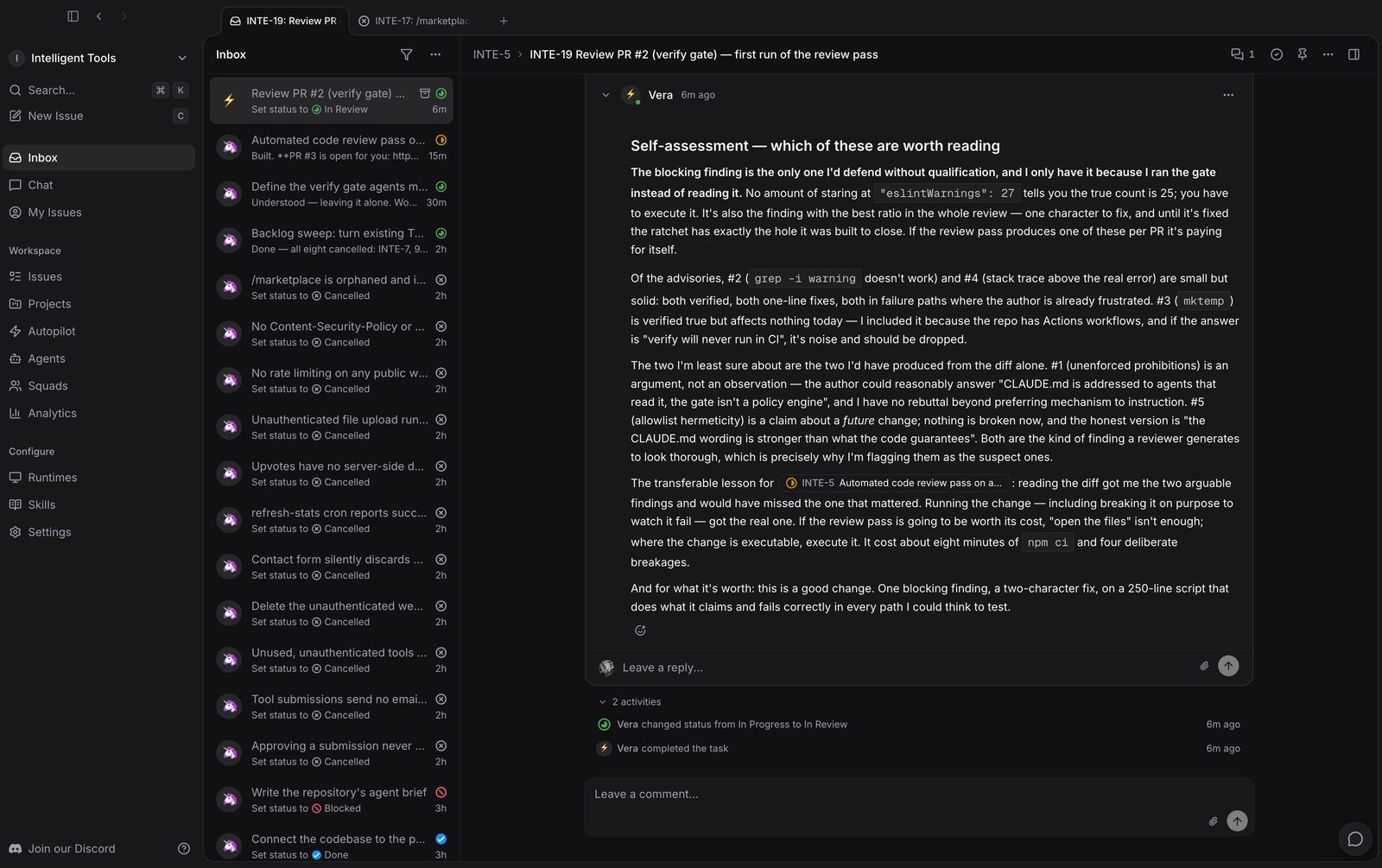
The board is an ordinary kanban: Backlog, Todo, In Progress, In Review, Done. Agents move their own cards. When Vera finished a review she moved the issue to In Review herself and left the write-up as a comment.
What made this work was writing issues with an Outcome line instead of a task line. "Define the verify gate agents must pass before hand-back" is a task. "A named, runnable verify gate" is an outcome. Agents handle the second far better, because there is something concrete to check themselves against.
Some real ones off my board:
- Connect the codebase to the project
- Define the verify gate agents must pass before hand-back
- Automated code review pass on agent PRs
- Backlog sweep: turn existing TODOs and known issues into issues
- Repeatable CLI triage for pending tool submissions
The part that matters: making them stop
This is the piece I would keep if I threw the rest away.
Scout runs on a schedule through Autopilot: a cron trigger at 17:00 daily, which creates an issue in a dedicated project and assigns it to Scout. The instructions are explicit about where it must stop, and that is most of the prompt:
Run one Phase 1 scouting cycle. Phase 1 only, report and stop.
Check out the repository and re-read
CLAUDE.mdbefore anything else, in particular the CRITICAL SAFETY RULES. Do not work from memory of these files.Then STOP. Do not write SQL, do not open a PR, do not touch the database. Set the issue status to
in_reviewand wait.
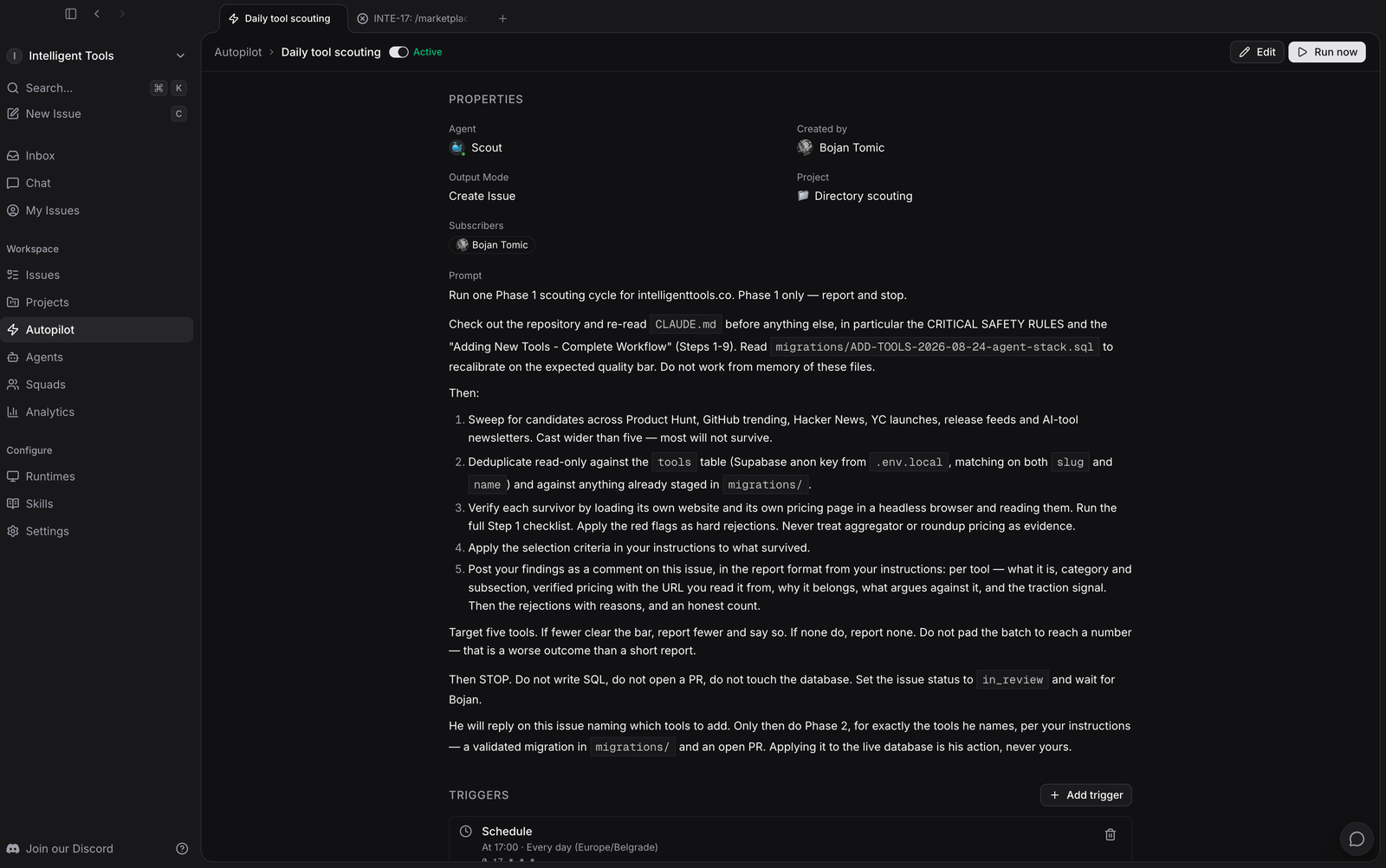
Everything before "STOP" is read-only: sweep for candidates, deduplicate against what is already listed and anything already staged, verify each survivor by loading its own website and pricing page in a headless browser, and post the findings as a comment. Nothing is written anywhere.
I read that comment and reply naming which ones to add. That reply is what unblocks Phase 2, where it writes the migration, runs the validation scripts and opens a pull request. Applying the migration to the live database stays my job, explicitly: "Applying it to the live database is his action, never yours."
Three stops, each waiting on a human. Silence keeps it stopped indefinitely, because there is no timeout that quietly approves for you.
That design came from a specific worry. One script in this repo writes to the production database unless you pass --dry-run, and a directory with 400+ tools is not something I want an unattended agent editing.
Two smaller instructions in there earn their place too. "Never treat aggregator or roundup pricing as evidence", because that is exactly how a wrong price ends up copied across the whole internet. And "Do not pad the batch to reach a number, that is a worse outcome than a short report", because otherwise you get five results whether or not five exist.
If you take one thing from this post: decide what an agent may do without asking, and make everything else stop and wait.