Vertov
Screen recording for humans and AI agents
About Vertov
Vertov is a browser-based screen recorder for teams that turns a walkthrough into a shareable link, a transcript and, if you want, a brief for an AI agent. You record your screen, camera or both, cut mistakes by deleting words from the transcript, and send a link viewers can comment on without an account. Plans are priced by the hours of video a workspace stores, with members and viewers free. It is built for teams replacing Loom and for developers who hand work to coding agents.
You pick a screen, window or tab and record in the browser or with the Chrome extension, drawing on screen as you go. Vertov transcribes the recording, and you trim it by selecting words, add zooms or blur private details, then share a link or export an MP4. AI docs can draft a step-by-step procedure from the transcript, and agents can read recordings or upload their own through MCP or the API.
- •Edit by transcript - Delete words or filler words from the transcript to cut the matching moments from the video.
- •AI SOP drafts - Opens AI docs on a recording with a transcript and drafts a procedure your team can follow.
- •Agent briefs over MCP - Connects AI agents through MCP or the API so they can read a recorded brief and send back a video of their work.
- •Live link sharing - Sends a link while you are still recording with the Chrome extension, so viewers can join live or watch from the start.
- •Loom import - Copies up to 50 public Loom links at a time, or private videos through the extension.
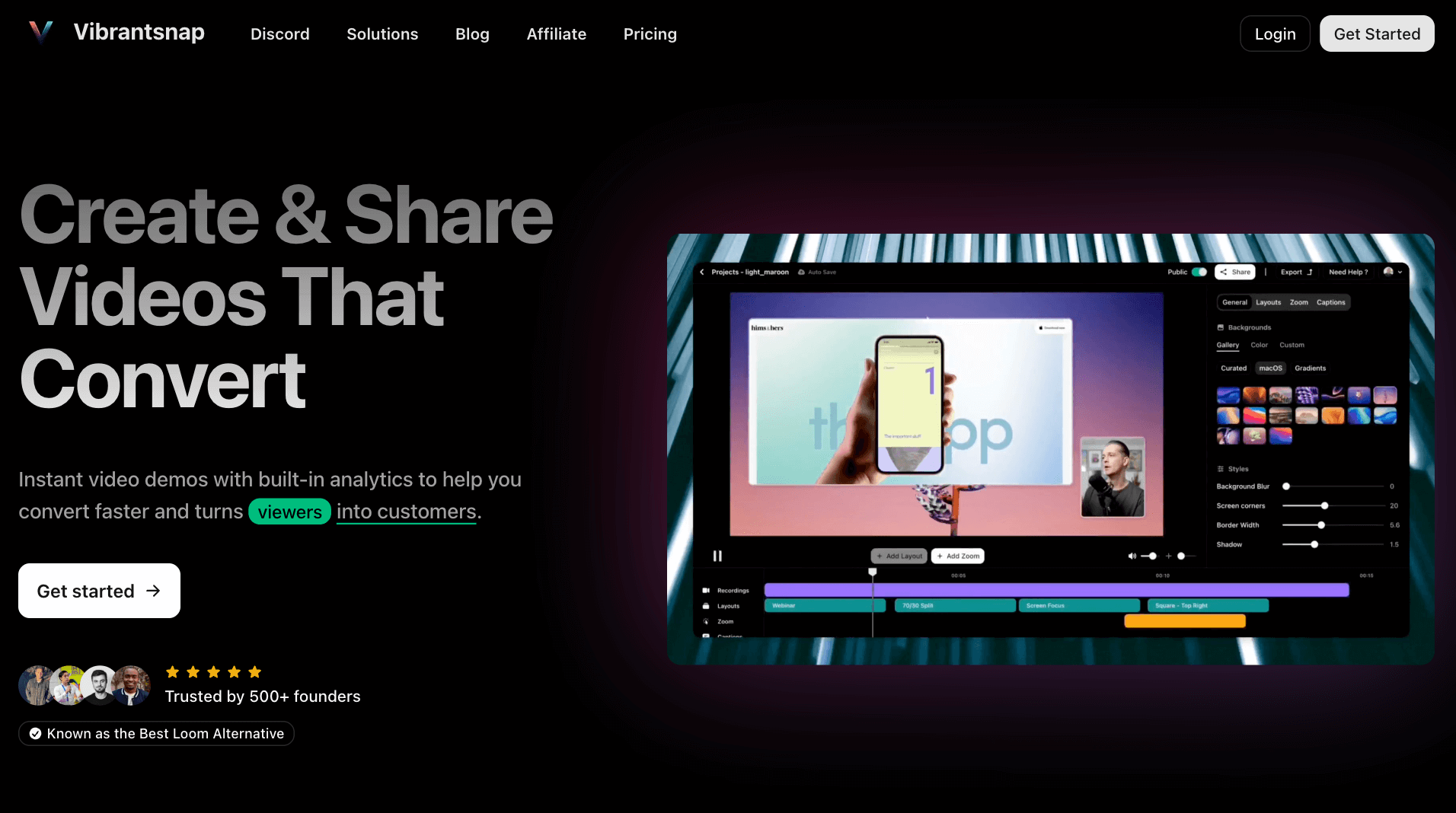
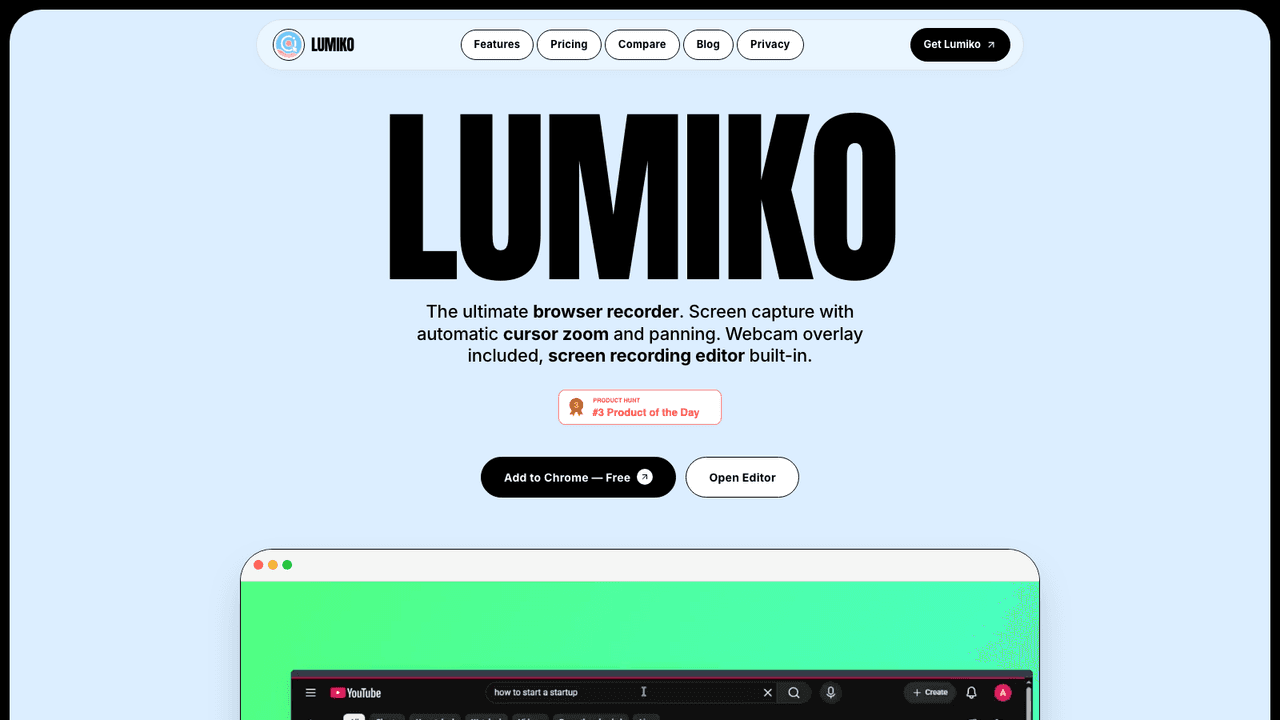
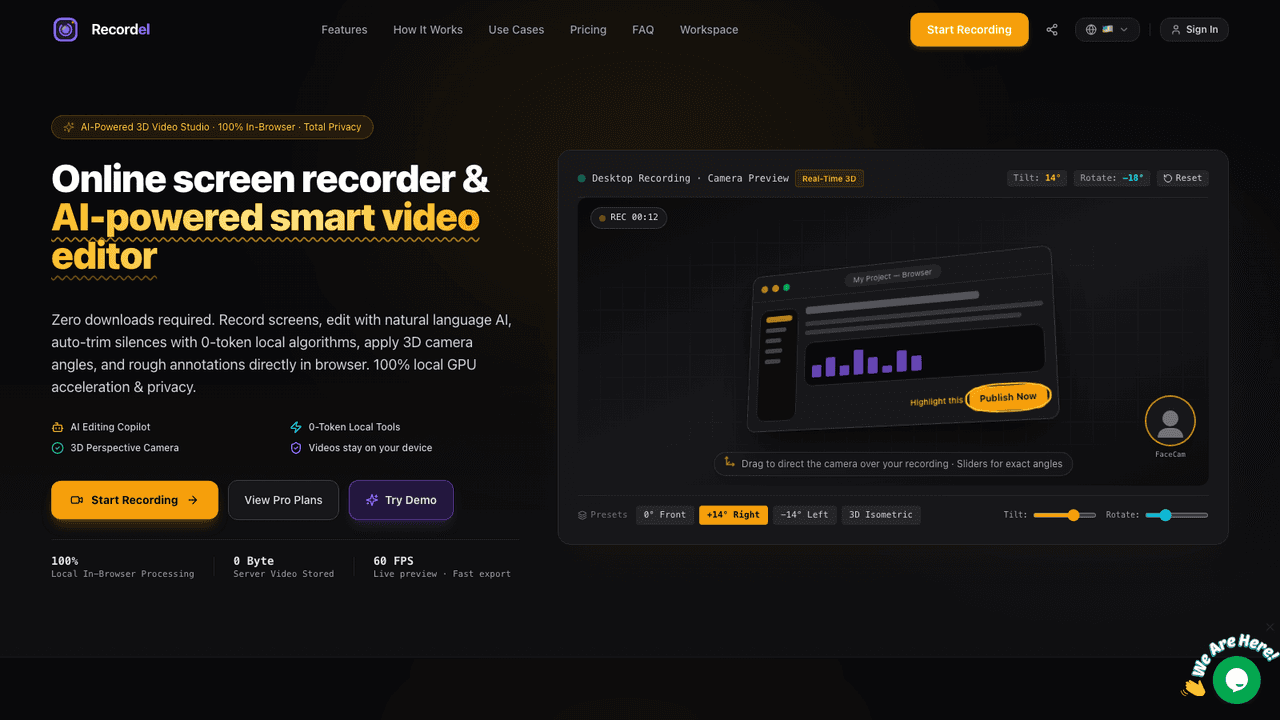
Product and support teams use it to record walkthroughs and turn them into procedures. Developers use it to brief coding agents with video and review what the agent did. Teams moving off Loom use it to keep one shared library without per-seat fees.
Pricing
$0 - $99/mo
- Free$0/mo
- Pro$9/mo
- Team$29/mo
- Business$99/mo
- EnterpriseContact sales