Maixiang
AI photo editor for outfit swaps, object removal, cutouts and anime styles
About Maixiang
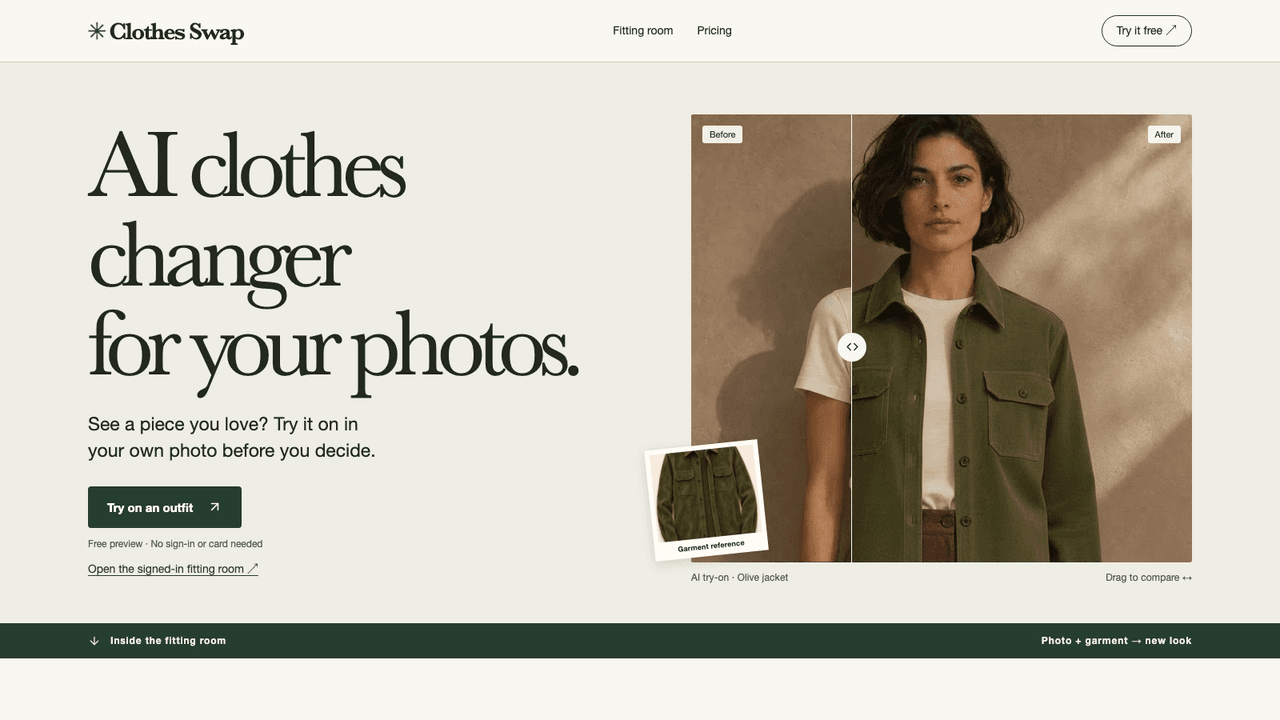
Maixiang is a web-based AI photo editor that always starts from your own photo. You upload an image, pick a tool and get an edited version to compare with the original. Its tools try on an outfit from another photo or a clothing image, extract an outfit as a transparent PNG, brush away unwanted objects or people, remove backgrounds, improve clarity or upscale, and turn a photo into Ghibli-inspired anime art. Each tool has an illustrated tutorial. It suits online sellers, fashion shoppers and casual users editing photos without design software.
Look through the examples and choose the edit you want. Upload your original photo, then pick a style, add an outfit reference or brush over the area to change, depending on the tool. Generate the result, compare it with the original and download the version you want to keep. Generation needs sign-in and uses 30 to 60 credits per image, depending on the tool.
- •AI outfit changer - Tries on an outfit taken from another person's photo or from a clothing image.
- •Outfit extractor - Pulls the main subject's outfit out as a transparent PNG for reference.
- •Object and background removal - Brushes away unwanted objects or people, or isolates people, products or pets as a transparent cutout.
- •Photo enhancer - Improves clarity or upscales a photo, with a choice of enhancement modes.
- •Photo to anime - Turns a photo into Ghibli-inspired anime art.
Online sellers use it to remove backgrounds and clean up product photos. Shoppers and fashion creators use the outfit tools to preview looks. Casual users use the anime and enhancement tools to restyle or rescue their own pictures.
Pricing
One time purchase, not a subscription
- 600 credits$10 once
- 1,800 credits$30 once
- 6,000 credits$100 once