EasePaint vs Image Layer Separator vs ProRemover
A side by side look at EasePaint, Image Layer Separator and ProRemover: pricing, features and what each one is best for.



All comparisons
| Visit EasePaint | Visit Image Layer Separator | Visit ProRemover | |
|---|---|---|---|
| What it costs | |||
| Pricing | Freemium | Freemium | Paid |
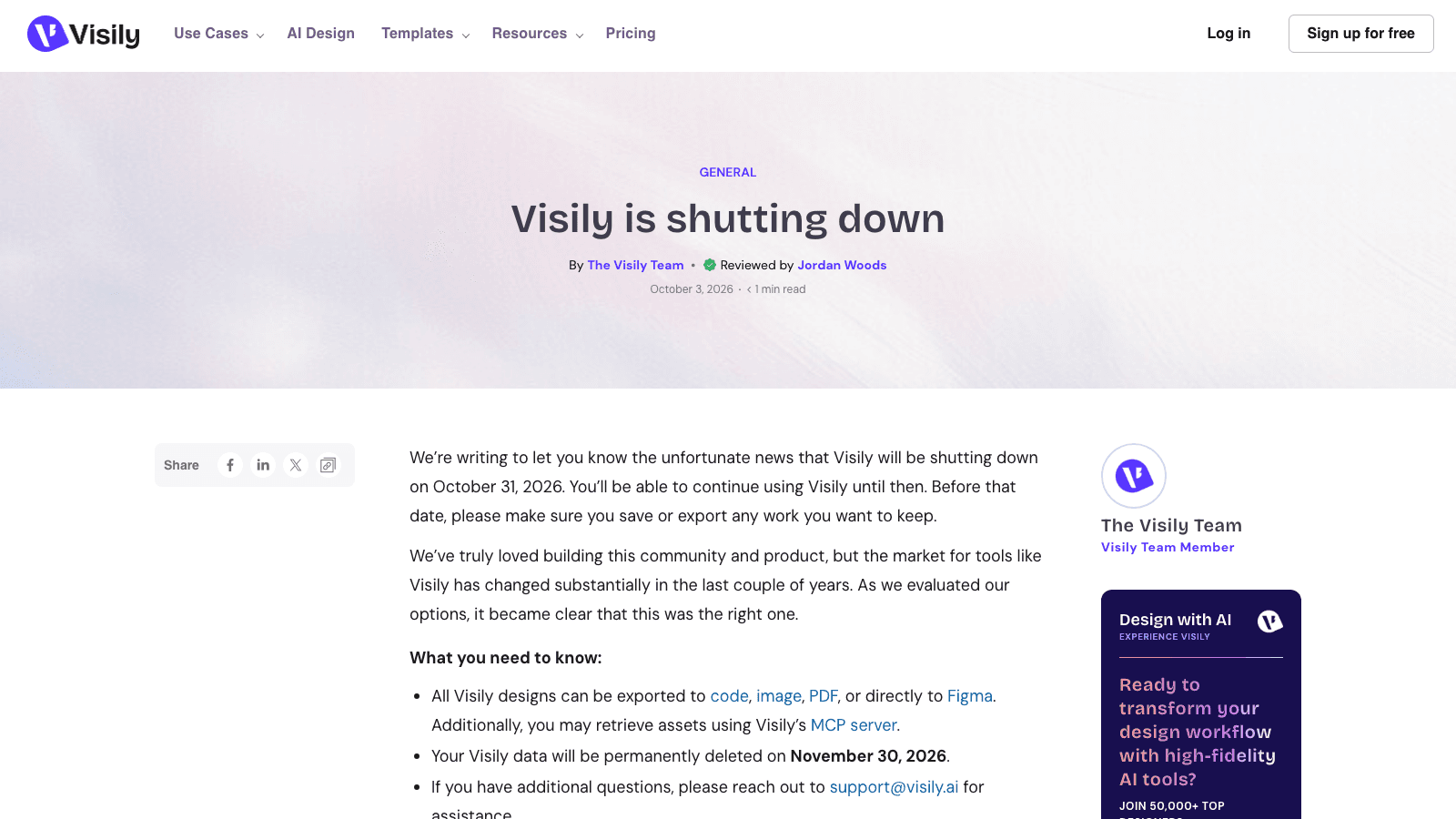
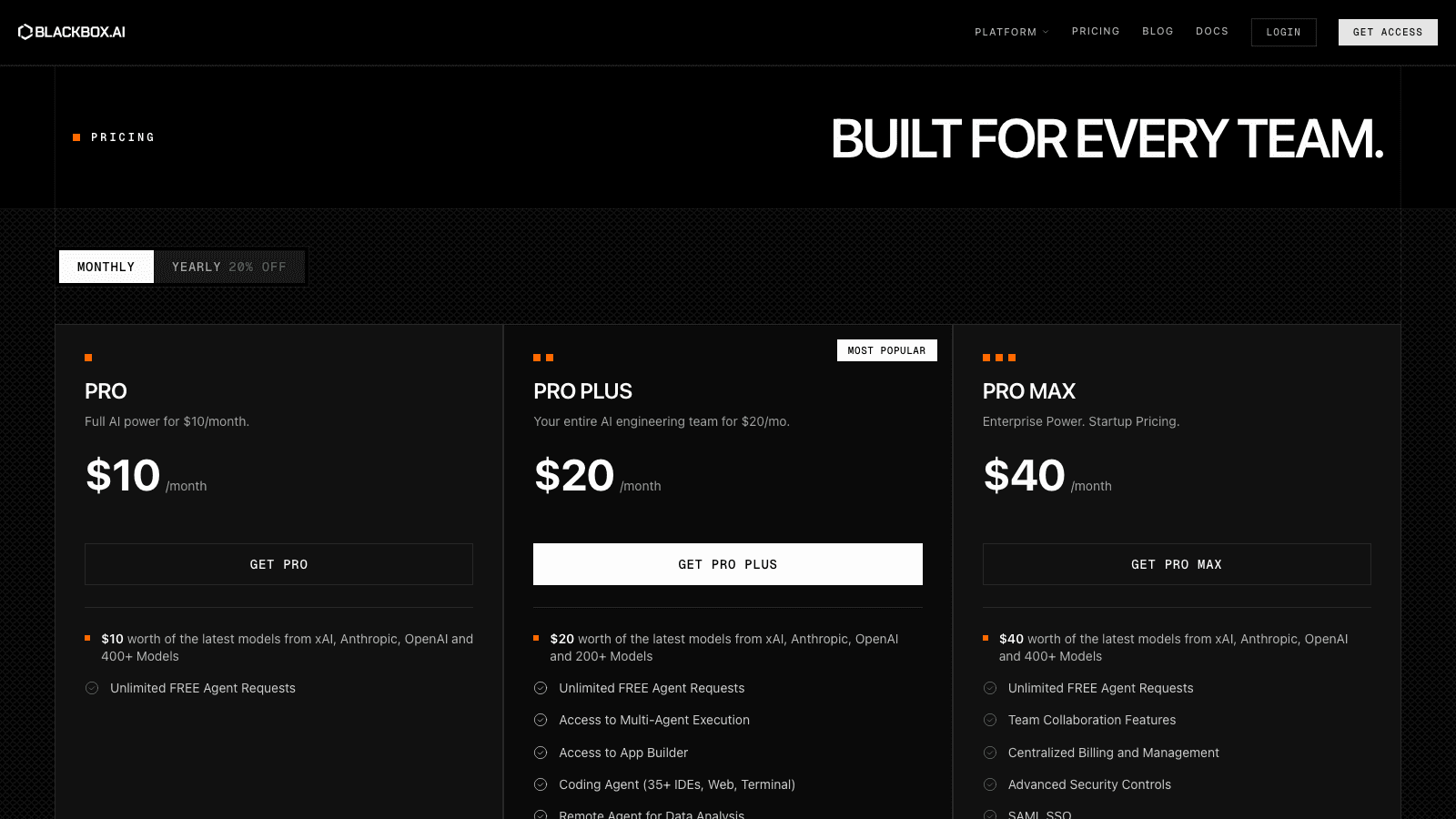
| Pricing details | Browser tools (compress, crop, convert, filters, watermark, GIF) are free without an account. Pro $9.99/month or $79/year (about $6.58/month) with 300 credits a month across the five AI tools; 50-credit packs available. | Free tier with a daily quota and a first full export, then credit plans: Pro 25 USD a month for 1,000 credits, Ultra 45 USD for 2,000 and Studio 99 USD for 6,000, each with its own daily free quota. Annual billing is cheaper per month and is shown by default on the pricing page, so the figures here are the month-to-month rates. Single credit packs from 5.99 USD are also sold. | Free preview; credits unlock HD export. Starter $9.90/month (300 credits; first charge $8.90). Bulk Pro $39.90/month, discounted from $49.90 (2,000 credits). One-time packs: 200 credits $9.90 (was $14.90), 500 credits $22.99 (was $30), Bulk Pass $45.99 (was $56.99). |
| Price range | Not available | $0 - $99/mo | $9.90 - $39.90/mo |
| Free option | Free tier | Free tier | No free option |
| Plans |
|
|
|
| What it is | |||
| What it does | EasePaint is a browser image editor with free compress, crop, convert, watermark, GIF and filter tools, plus AI background removal, upscaling and ID photos. | Separates a JPG, PNG or WebP into editable transparent layers, exporting individual PNGs or a layered PSD for Photoshop and Figma. Has a free daily quota. | ProRemover removes unwanted objects, people, text, logos and backgrounds from photos with AI in the browser, with a free preview and plans from $9.90 a month. |
| Platform | Web | Web | Not available |
What it costs
- Pricing
- Freemium
- Pricing details
- Browser tools (compress, crop, convert, filters, watermark, GIF) are free without an account. Pro $9.99/month or $79/year (about $6.58/month) with 300 credits a month across the five AI tools; 50-credit packs available.
- Price range
- Not available
- Free option
- Free tier
- Plans
- Free$0/mo
- Pro$9.99/mo
What it is
- What it does
- EasePaint is a browser image editor with free compress, crop, convert, watermark, GIF and filter tools, plus AI background removal, upscaling and ID photos.
- Platform
- Web
What it costs
- Pricing
- Freemium
- Pricing details
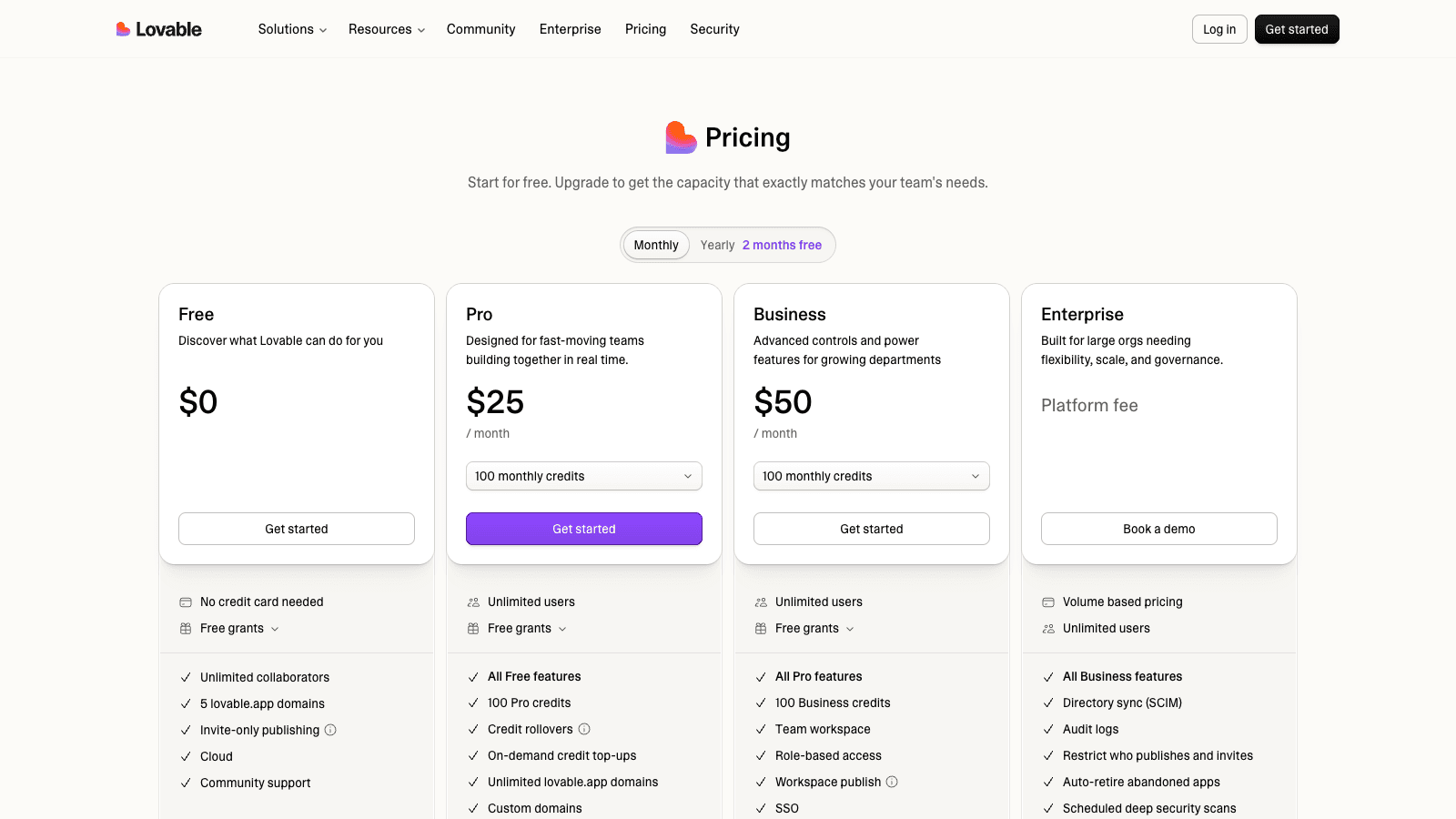
- Free tier with a daily quota and a first full export, then credit plans: Pro 25 USD a month for 1,000 credits, Ultra 45 USD for 2,000 and Studio 99 USD for 6,000, each with its own daily free quota. Annual billing is cheaper per month and is shown by default on the pricing page, so the figures here are the month-to-month rates. Single credit packs from 5.99 USD are also sold.
- Price range
- $0 - $99/mo
- Free option
- Free tier
- Plans
- Free$0/mo
- Starter$9.90/mo
- Pro$25/mo
- Studio$99/mo
What it is
- What it does
- Separates a JPG, PNG or WebP into editable transparent layers, exporting individual PNGs or a layered PSD for Photoshop and Figma. Has a free daily quota.
- Platform
- Web
What it costs
- Pricing
- Paid
- Pricing details
- Free preview; credits unlock HD export. Starter $9.90/month (300 credits; first charge $8.90). Bulk Pro $39.90/month, discounted from $49.90 (2,000 credits). One-time packs: 200 credits $9.90 (was $14.90), 500 credits $22.99 (was $30), Bulk Pass $45.99 (was $56.99).
- Price range
- $9.90 - $39.90/mo
- Free option
- No free option
- Plans
- Starter Plan$9.90/mo
- Bulk Pro$39.90/mo
- 200 Credit$9.90 once
- 500 Credit$22.99 once
- Bulk Pass$45.99 once
What it is
- What it does
- ProRemover removes unwanted objects, people, text, logos and backgrounds from photos with AI in the browser, with a free preview and plans from $9.90 a month.
- Platform
- Not available
Read the full reviews
What each one is actually like to use, tested by hand rather than summarised from the vendor’s own page.