Campus vs Multica
A side by side look at Campus and Multica: pricing, features and what each one is best for.

All comparisons
| Visit Campus | Visit Multica | |
|---|---|---|
| What it costs | ||
| Pricing | Free | Freemium |
| Pricing details | Free. macOS only, distributed as a direct download rather than through the App Store. | Free to use inside your own organization, including self-hosting. A commercial licence is needed only to offer it to outside parties; hosted or commercial terms are by contact sales. No prices are published. |
| Price range | Not published by the vendor | From $0/mo |
| Free option | No free option | Free tier |
| What it is | ||
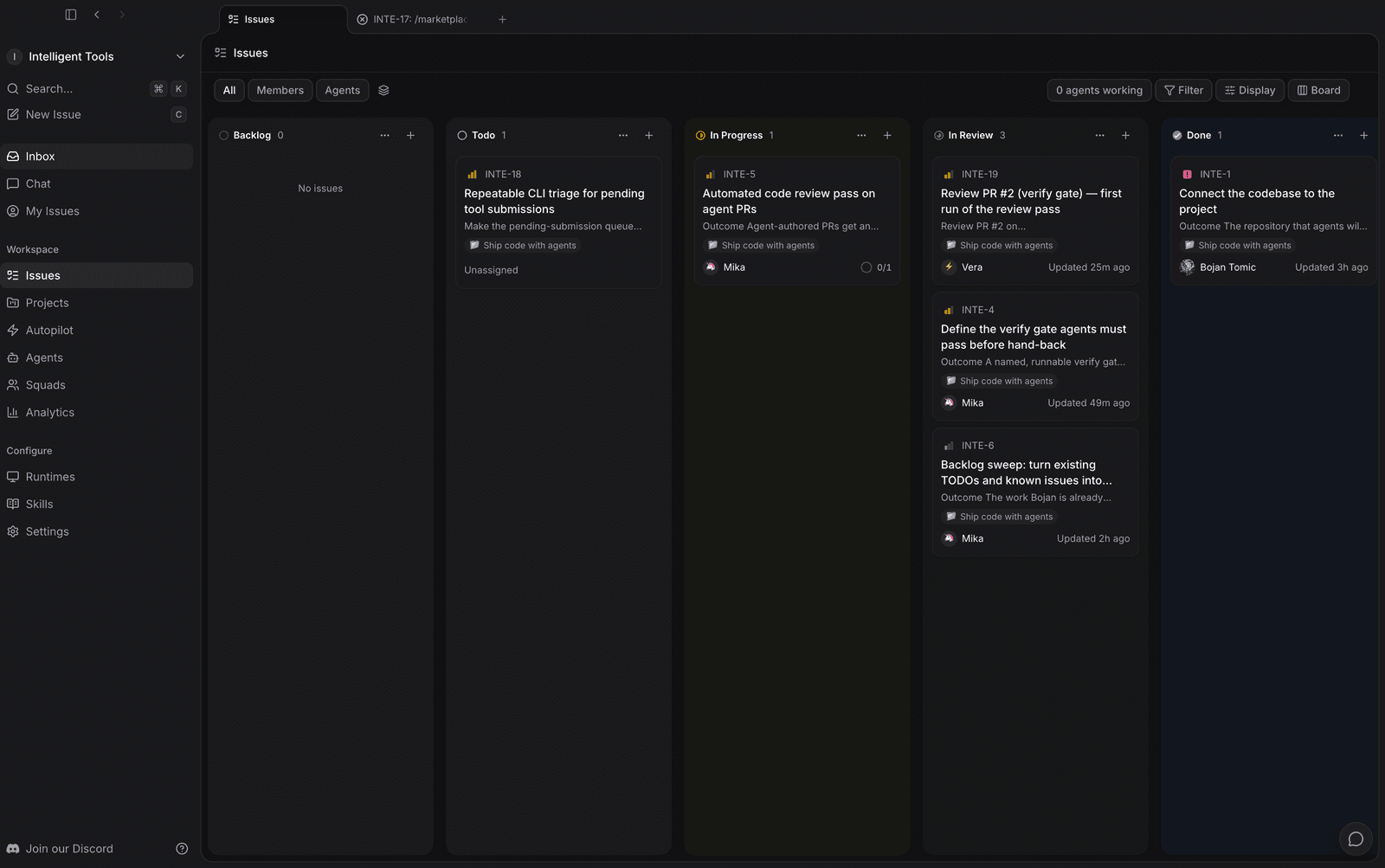
| What it does | A macOS workspace built as an infinite canvas, where every tool is a draggable tile: browsers, terminals, notes and agent tasks in one persistent space. | Assigns tasks to coding agents the way you would to people, tracking progress across 23 different CLI tools. Self-hostable, on a source-available licence. |
What it costs
- Pricing
- Free
- Pricing details
- Free. macOS only, distributed as a direct download rather than through the App Store.
- Price range
- Not published by the vendor
- Free option
- No free option
What it is
- What it does
- A macOS workspace built as an infinite canvas, where every tool is a draggable tile: browsers, terminals, notes and agent tasks in one persistent space.
What it costs
- Pricing
- Freemium
- Pricing details
- Free to use inside your own organization, including self-hosting. A commercial licence is needed only to offer it to outside parties; hosted or commercial terms are by contact sales. No prices are published.
- Price range
- From $0/mo
- Free option
- Free tier
What it is
- What it does
- Assigns tasks to coding agents the way you would to people, tracking progress across 23 different CLI tools. Self-hostable, on a source-available licence.
Read the full reviews
What each one is actually like to use, tested by hand rather than summarised from the vendor’s own page.