
I've been using Claude Code heavily for the last few months. After burning through a lot of tokens and making every mistake possible, I've settled on six strategies that deliver consistent results.
1. I Don't Loop, I Stay in Control
There's a lot of hype right now about running Claude Code in autonomous loops. You've probably seen the ROLF (Ralph) loop videos where someone writes a detailed spec document, sets up a bash script that runs AI agents repeatedly, and walks away while the AI builds the entire project. The idea is that Claude reads the document, picks the next step, executes it, and repeats until everything is done.
I tried it. The results weren't convincing - certainly not for production code I have to maintain, or for healthcare software where bugs affect patient care. The problem isn't Claude's ability to follow a plan; it's returning to code I don't fully understand, with decisions and unhandled edge cases that don't match my approach.
Planning dramatically improves AI output, but autonomous execution doesn't work yet, at least not for my work. I still review every change, approve every plan, and course-correct before bad patterns spread. This is why I'm not into live coding, where Claude runs on its own. It's impressive in demos, but expensive and unpredictable for long-term maintenance.
2. I Use Plan Mode for Everything
Plan mode in Claude Code has become my default. You can cycle through modes with a keyboard shortcut, and plan mode changes the entire workflow. Instead of Claude immediately executing changes based on my prompt, it first explores the codebase, researches relevant documentation, generates a detailed plan, and then waits for my approval. Sometimes it asks clarifying questions if my prompt wasn't specific enough.
This saves me from bad prompts. If I'm unclear about what I want, plan mode forces me to clarify before wasting tokens on the wrong solution. But more importantly, it shows me what Claude is thinking. I see what it believes is causing the bug, which files it plans to modify, and what approach it wants to take. This is valuable intelligence even if I end up rejecting the plan.
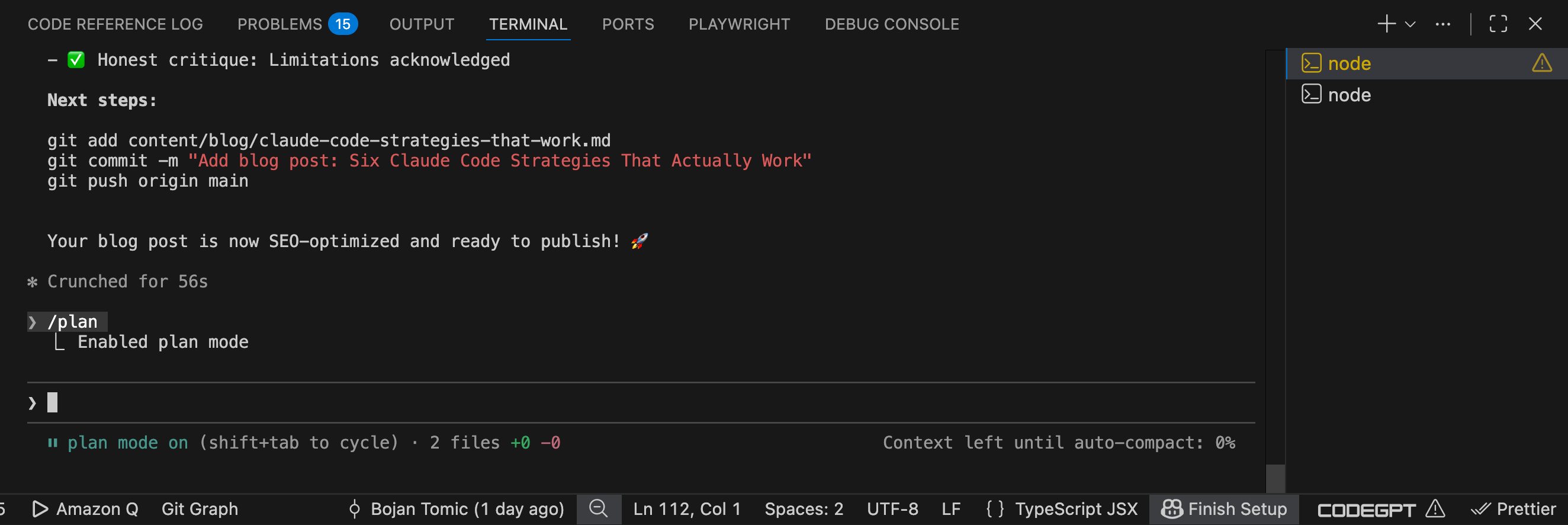
Always review and refine Claude's plan before approving. Don't skip this step - it's where you catch mistakes and ensure alignment with your project goals.
3. I Built Custom Agents and Project-Specific Skills
Claude Code lets you create specialized sub-agents with their own context windows and save tokens. I built a Google Search Console analyzer to help with SEO, pulling data from Search Console and planning a strategy.
I use MCP servers, Atlassian, and MySQL. The integration is valuable - similar to how GitHub Copilot integrates with IDEs, but more flexible for custom workflows.
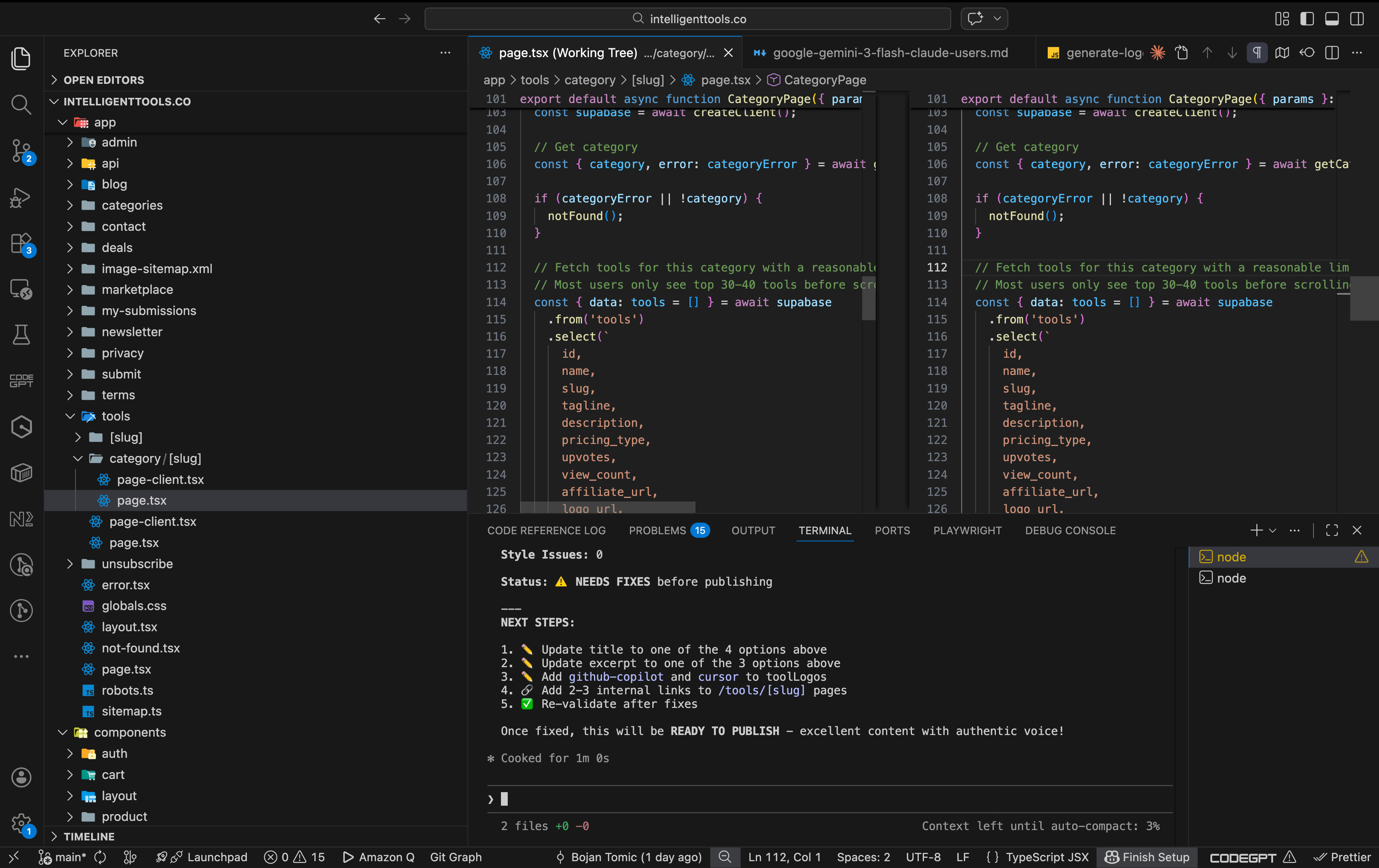
Beyond agents, I also create project-specific skills. These are files that describe patterns, preferences, and coding rules I want Claude to follow. For my Next.js projects, I have a skill that specifies: use the App Router, not the Pages Router; keep data fetching in Server Components; only use Client Components when absolutely necessary for interactivity; and follow our specific file structure patterns. Claude reads these skills lazily when they're relevant to the code.
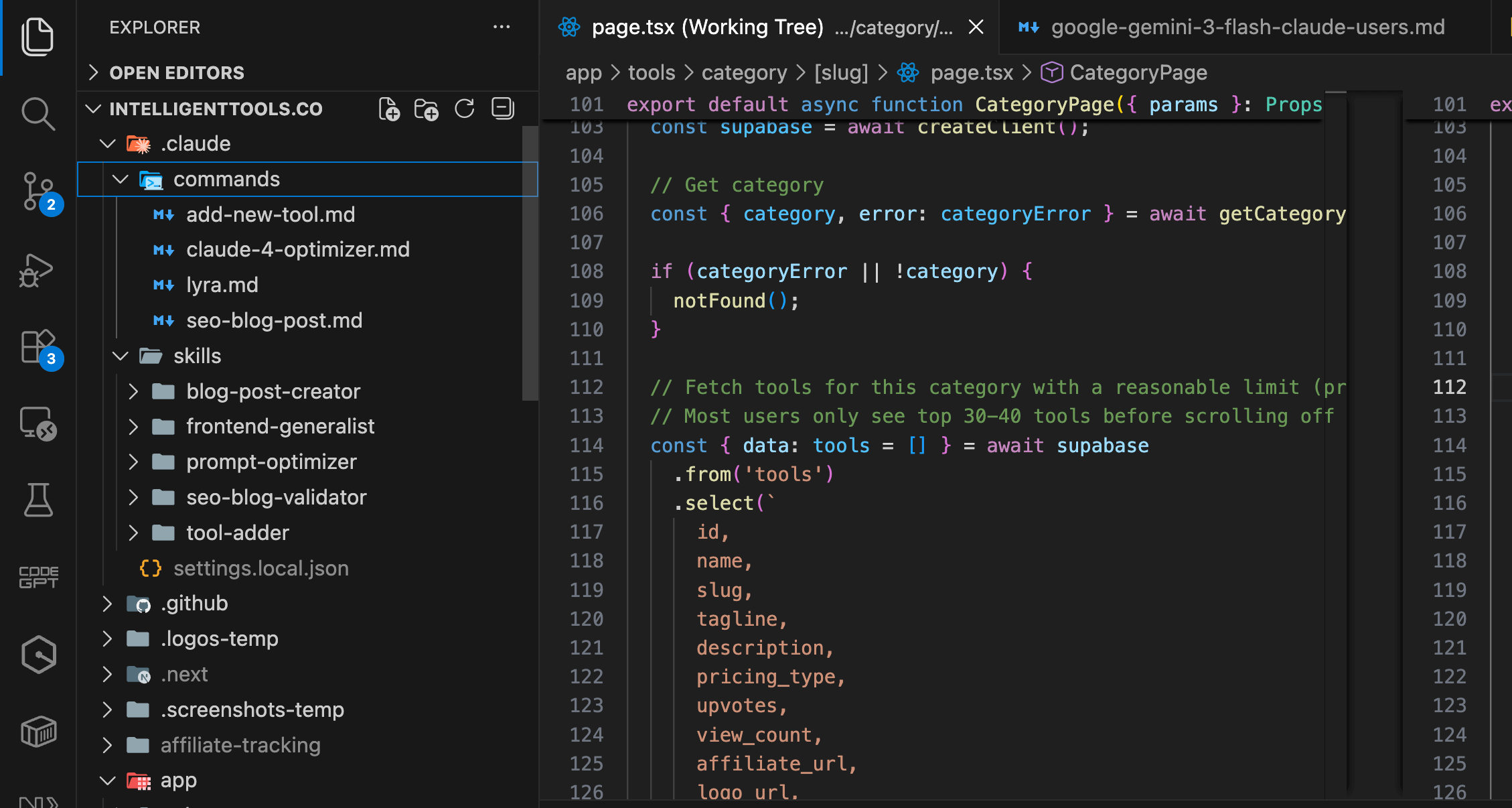
In short, custom and explicit skills ensure that Claude reflects my preferences, which is essential for reliable, maintainable code.
4. I Use Different Models for Different Tasks
Not all AI models are equal, and I've learned to match the model to the task. For complex architectural decisions or when I'm working with a new library I don't know well, I use Claude Sonnet 4.6 or Opus. These models are better at reasoning through difficult problems and understanding nuanced requirements.
For simple refactoring, boilerplate generation, or repetitive changes, I use Claude Haiku. It's faster and uses fewer tokens for straightforward tasks. I save the expensive models for when I actually need them. This is similar to how tools like Cursor let you choose between different AI models depending on the task complexity.
Match your model to your problem. Use advanced models for tough tasks, and simpler models for routine work. This saves resources and improves results.
5. I'm Explicit About What I Want
This might be my most important strategy: I never hope that Claude will do something my way. I tell it explicitly.
Yes, Claude might have done some of this anyway. But why hope? I'd rather give explicit instructions and increase my chances of getting the right output the first time than save a few seconds typing and then spend an hour fixing code that didn't match my expectations.
Be explicit. Assume nothing. Tell Claude exactly what you want, every time. This is the surest way to boost output quality. Tools are not mind readers and won't be - so clear instructions are your best ally.
6. I Verify Everything (And Give Claude Tools to Verify It)
I don't blindly trust AI-generated code, even with a perfect prompt or plan. I review every change, assess its alignment with my approach, and ensure that patterns and edge cases meet my standards. I only keep code I'd maintain for six months.
Sometimes 'bad' code still works, but uses patterns or assumptions I don't like. I accept the good and improve the rest. That's my responsibility as the developer in control.
But I also give Claude tools to verify its own work. I tell it to write unit tests alongside implementations. For critical user flows in our healthcare software, I have it write end-to-end tests. It can run our linting commands and fix issues it finds. For web interfaces, I sometimes use the Playwright MCP to let Claude open a browser and actually test the UI, though I'm careful with this because it burns a lot of tokens.
Never merge code without reviewing both the implementation and the tests. AI can make mistakes in both places, so verification is always essential.
What This Means for Real Projects
These strategies work for me because I'm building real software that needs to be maintained. My work at ICANotes involves HIPAA compliance, patient data security, and systems that healthcare providers depend on. My side projects, like intelligenttools.co, need to be sustainable in the long term without constant firefighting.
AI tools like Claude Code are genuinely helpful when used correctly. They let me build faster than I could on my own. But they're tools, not replacements for developer judgment. The output is only as good as the input, and even perfect input still involves randomness.
The smartest developers stay in control: they use AI, but verify its work and give it clear instructions. This is the key to effective, maintainable code.