VideoPaid

AI Video Expander
Change a video’s aspect ratio without cropping
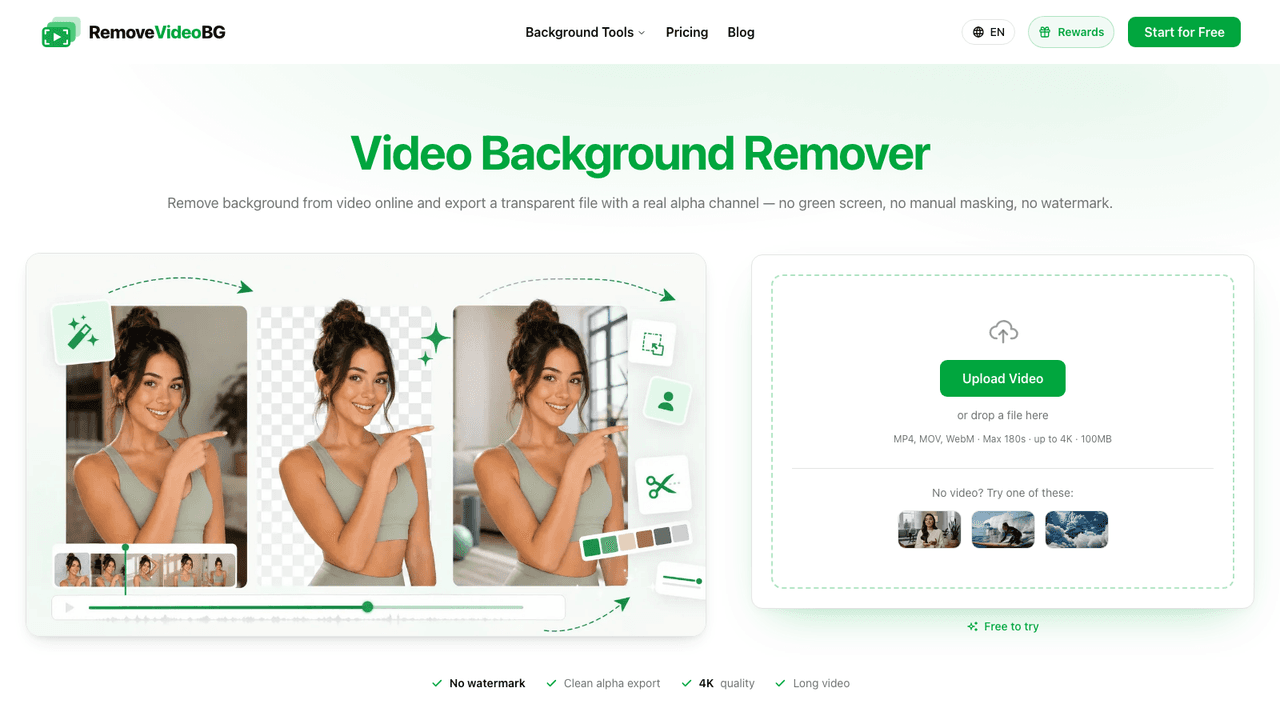
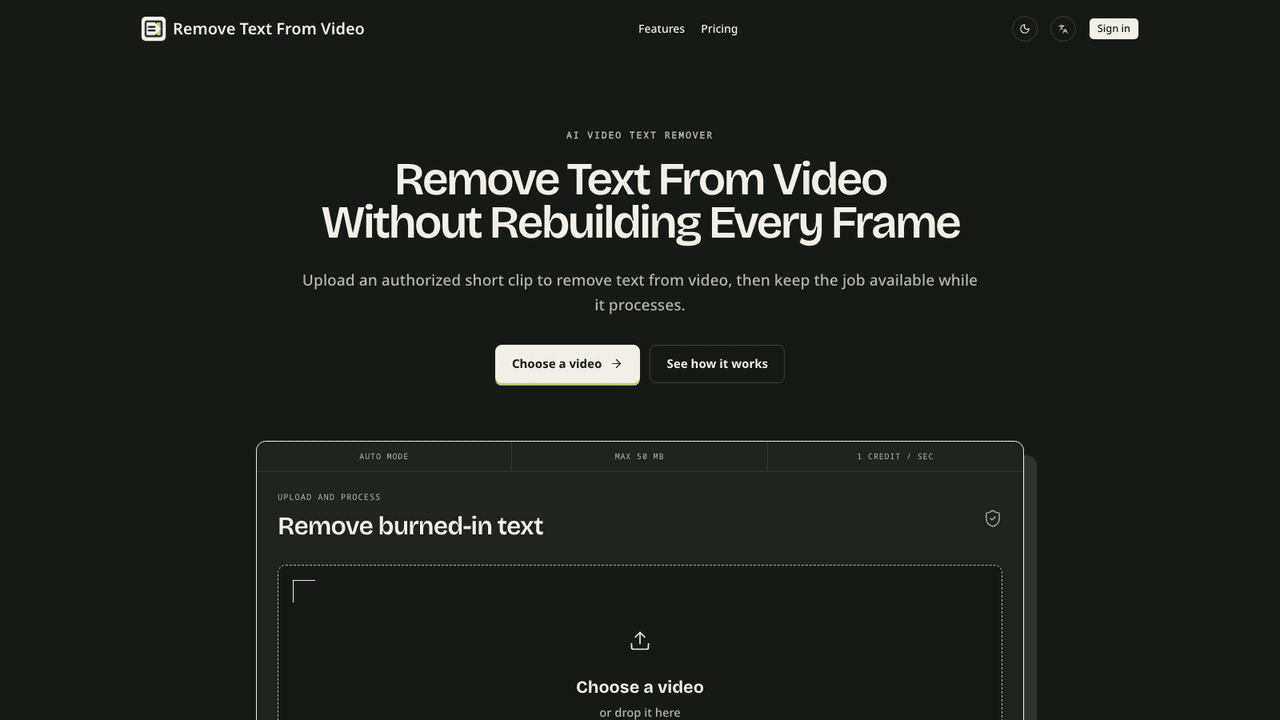
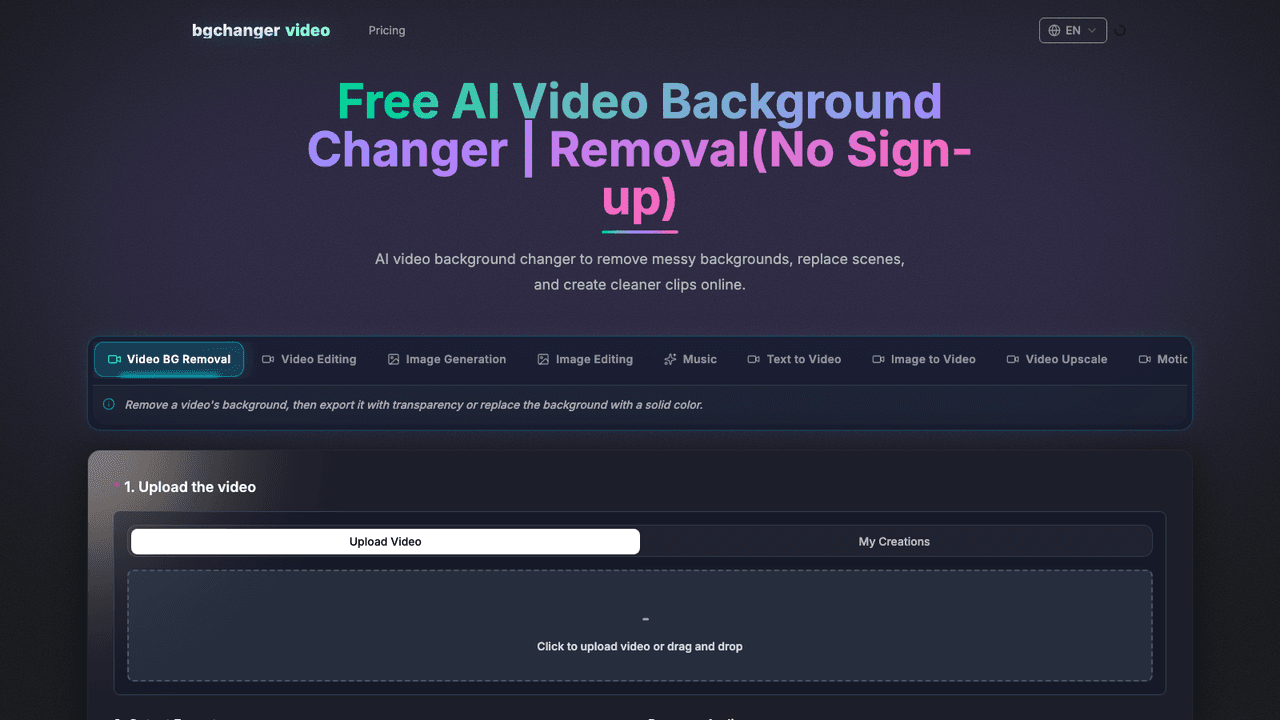
AI Video Expander vs RemoveVideoBG vs Remove Background From Video
Open as its own page| What it costs | |||
| Pricing | Paid | Freemium | Paid |
| Pricing details | Basic $19.90/month (660 credits), Pro $39.90/month (1,600 credits), Max $79.90/month (4,000 credits). Yearly $199, $399 or $799. 10 free credits for new accounts. | Freemium: free start. Monthly plans Lite $14.99, Plus $29.99, Pro $66.99, Max $149.99; yearly saves up to 60%; one-time credit packs never expire. | No free tier. Month-to-month Plus is 4.99 USD and Pro is 99. A yearly Plus at 54.90 a year works out cheaper per credit, and a one-time pack of 5,000 credits is 69.90. The vendor publishes a comparison of what each route costs per credit and per clip, from roughly 0.0092 to 0.0100 per credit and about 0.18 to 0.20 for a sample clip, which makes the routes directly comparable rather than leaving you to divide. |
| Price range | $19.90 - $79.90/mo | Not available | $4.99 - $99/mo |
| Free option | No free option | Free tier | No free option |
| Plans |
|
|
|
| What it is | |||
| What it does | AI Video Expander uses AI video outpainting to change a clip to 9:16, 4:5, 1:1 or 16:9 by generating new scene space around it instead of cropping the shot. | RemoveVideoBG is an AI video background remover that removes, replaces, blurs, or green-screens video backgrounds online, with no watermark and no install. | Removes video backgrounds and exports with real transparency for compositing. Paid from 4.99 USD a month, with the cost per clip published for each route. |
| Platform | Not available | Web | Web browser |
What it costs
- Pricing
- Paid
- Pricing details
- Basic $19.90/month (660 credits), Pro $39.90/month (1,600 credits), Max $79.90/month (4,000 credits). Yearly $199, $399 or $799. 10 free credits for new accounts.
- Price range
- $19.90 - $79.90/mo
- Free option
- No free option
- Plans
- Basic$19.90/mo
- Pro$39.90/mo
- Max$79.90/mo
What it is
- What it does
- AI Video Expander uses AI video outpainting to change a clip to 9:16, 4:5, 1:1 or 16:9 by generating new scene space around it instead of cropping the shot.
- Platform
- Not available
What it costs
- Pricing
- Freemium
- Pricing details
- Freemium: free start. Monthly plans Lite $14.99, Plus $29.99, Pro $66.99, Max $149.99; yearly saves up to 60%; one-time credit packs never expire.
- Price range
- Not available
- Free option
- Free tier
- Plans
- Free$0/mo
- Lite$14.99/mo
- Plus$29.99/mo
- Pro$66.99/mo
- Max$149.99/mo
What it is
- What it does
- RemoveVideoBG is an AI video background remover that removes, replaces, blurs, or green-screens video backgrounds online, with no watermark and no install.
- Platform
- Web
What it costs
- Pricing
- Paid
- Pricing details
- No free tier. Month-to-month Plus is 4.99 USD and Pro is 99. A yearly Plus at 54.90 a year works out cheaper per credit, and a one-time pack of 5,000 credits is 69.90. The vendor publishes a comparison of what each route costs per credit and per clip, from roughly 0.0092 to 0.0100 per credit and about 0.18 to 0.20 for a sample clip, which makes the routes directly comparable rather than leaving you to divide.
- Price range
- $4.99 - $99/mo
- Free option
- No free option
- Plans
- Plus$4.99/mo
- Pro$99/mo
What it is
- What it does
- Removes video backgrounds and exports with real transparency for compositing. Paid from 4.99 USD a month, with the cost per clip published for each route.
- Platform
- Web browser
Compare AI Video Expander with


Want a different line-up? Build your own comparison.