AI Video Expander vs BGChanger AI
A side by side look at AI Video Expander and BGChanger AI: pricing, features and what each one is best for.


All comparisons
| Visit AI Video Expander | Visit BGChanger AI | |
|---|---|---|
| What it costs | ||
| Pricing | Paid | Paid |
| Pricing details | Basic $19.90/month (660 credits), Pro $39.90/month (1,600 credits), Max $79.90/month (4,000 credits). Yearly $199, $399 or $799. 10 free credits for new accounts. | No free tier (sign-in trial only). Monthly: Lite $9.99 (1,700 credits), Basic $19.99 (3,600 credits), Plus $29.99 (7,000 credits, team-ready). Annual billing is -20% per month. One-time credit packs from $199 (never expire). Monthly figures; the page defaults to yearly. |
| Price range | $19.90 - $79.90/mo | $9.99 - $29.99/mo |
| Free option | No free option | Free trial only |
| Plans |
|
|
| What it is | ||
| What it does | AI Video Expander uses AI video outpainting to change a clip to 9:16, 4:5, 1:1 or 16:9 by generating new scene space around it instead of cropping the shot. | Remove or replace a video background online with AI. Export transparent clips or swap in a solid color, no rotoscoping, plus AI character replacement. |
What it costs
- Pricing
- Paid
- Pricing details
- Basic $19.90/month (660 credits), Pro $39.90/month (1,600 credits), Max $79.90/month (4,000 credits). Yearly $199, $399 or $799. 10 free credits for new accounts.
- Price range
- $19.90 - $79.90/mo
- Free option
- No free option
- Plans
- Basic$19.90/mo
- Pro$39.90/mo
- Max$79.90/mo
What it is
- What it does
- AI Video Expander uses AI video outpainting to change a clip to 9:16, 4:5, 1:1 or 16:9 by generating new scene space around it instead of cropping the shot.
What it costs
- Pricing
- Paid
- Pricing details
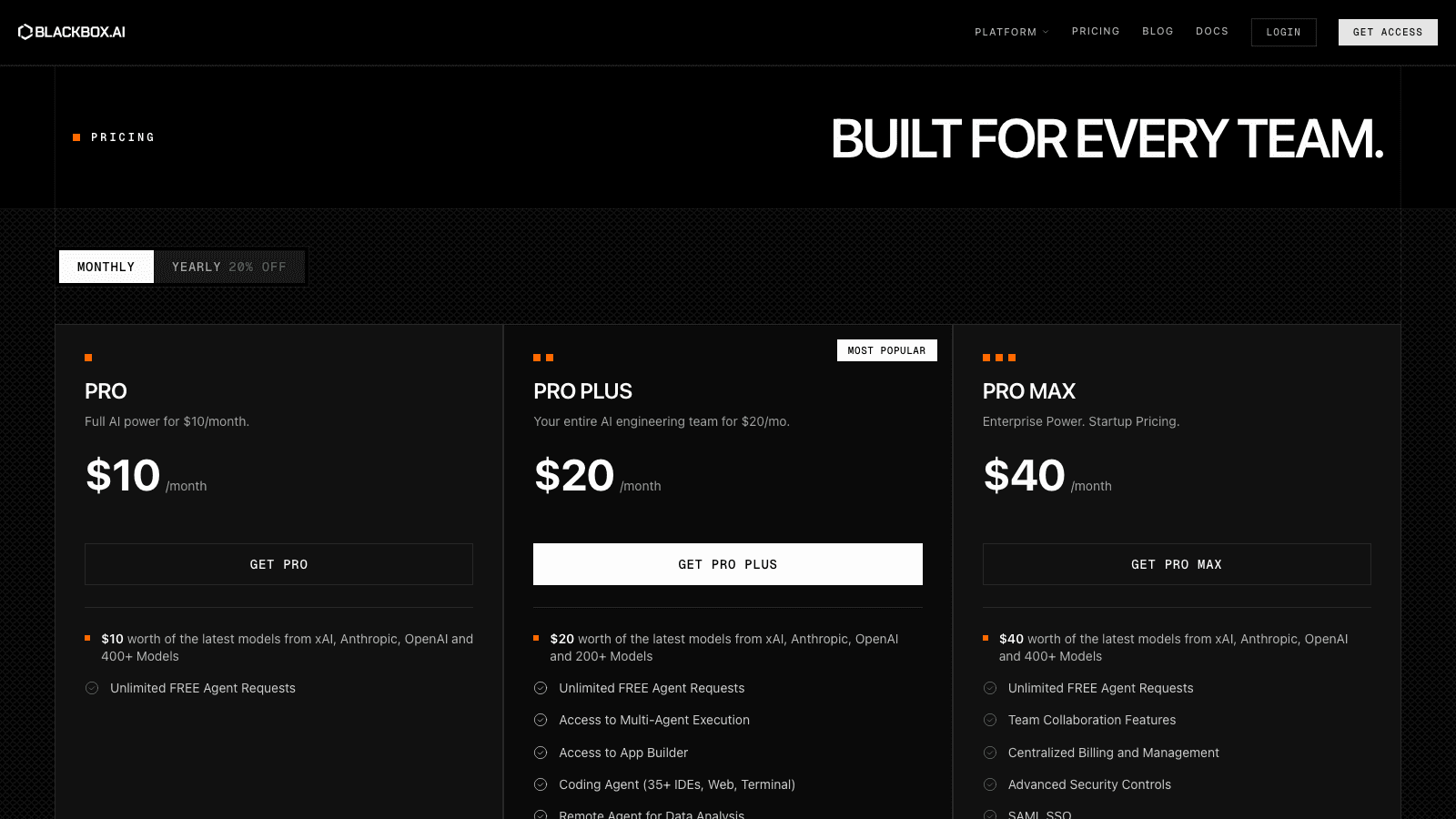
- No free tier (sign-in trial only). Monthly: Lite $9.99 (1,700 credits), Basic $19.99 (3,600 credits), Plus $29.99 (7,000 credits, team-ready). Annual billing is -20% per month. One-time credit packs from $199 (never expire). Monthly figures; the page defaults to yearly.
- Price range
- $9.99 - $29.99/mo
- Free option
- Free trial only
- Plans
- Lite$9.99/mo
- Basic$19.99/mo
- Plus$29.99/mo
What it is
- What it does
- Remove or replace a video background online with AI. Export transparent clips or swap in a solid color, no rotoscoping, plus AI character replacement.
Read the full reviews
What each one is actually like to use, tested by hand rather than summarised from the vendor’s own page.