ABrush
AI image generation inside Adobe Photoshop, with 23+ models
About ABrush
ABrush is a plugin that brings AI image generation into Adobe Photoshop, made by a team that describes it as built by artists for artists. You generate variations from a prompt, edit only the part of the document you need, and then finish the result by hand with Photoshop's own tools, without switching to a separate AI service. It is aimed at illustrators, concept artists and designers who already work in Photoshop and want AI generation to fit into that workflow rather than replace it.
You sign up on the ABrush site, download the plugin from your account and install it in Photoshop 26.1 or newer. Generation runs in the cloud, so no powerful graphics card is needed. Inside Photoshop you pick a model, write a prompt or use a reference, generate several variations and place the one you want into your document, where you refine it by hand. Each generation spends tokens from your plan.
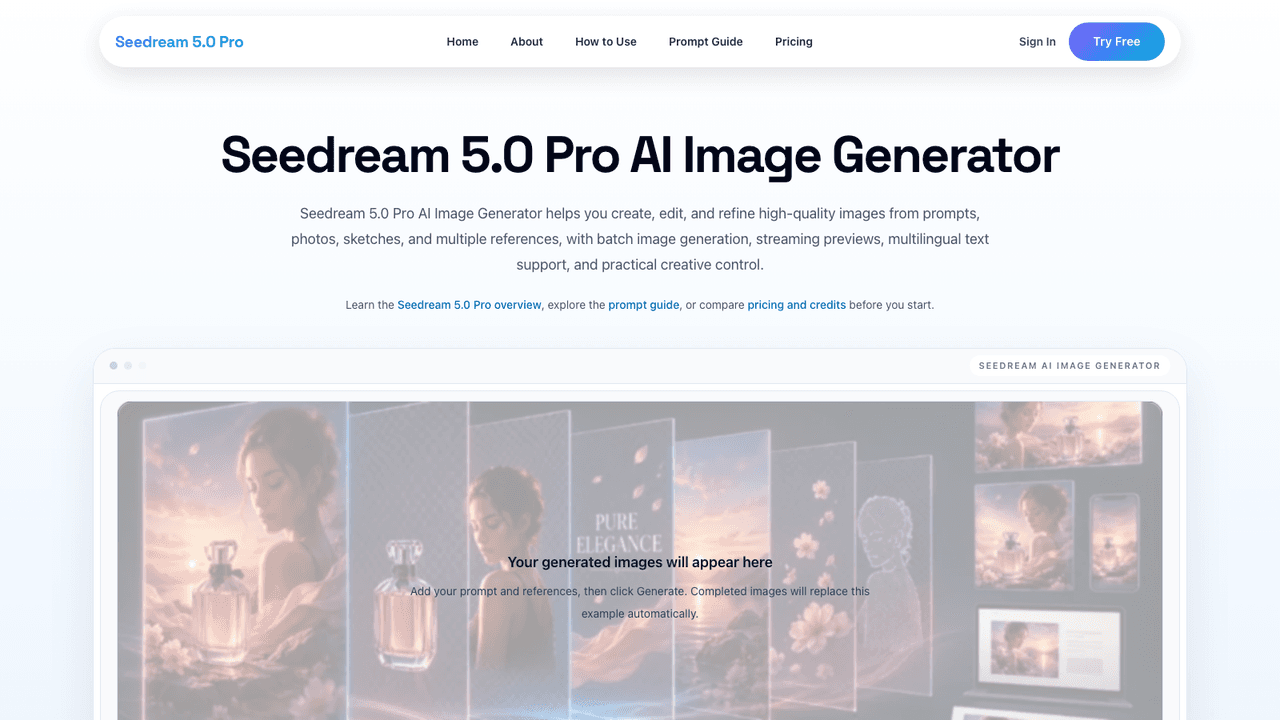
- •23+ Image Models - Choose between models such as Nano Banana 2 and Pro, Flux, Qwen and Seedream from inside the plugin.
- •Selective Editing - Change only the area of the document you need while keeping the rest of your work untouched.
- •ControlNet and References - Use ControlNet and IP-Adapter references to keep composition and characters consistent across generations.
- •LoRA Styles - Apply LoRA style models, and on team plans train private custom models for the team.
- •Presets and History - Save prompts and settings as presets, share them, and return to earlier generations from the history.
Illustrators and concept artists use it to generate and iterate on images without leaving Photoshop. Design teams use the Teams plan to share presets, a collective token pool and private custom models. It suits people who want to keep refining results by hand.
Pricing
$12 - $48/mo
- Lite$12/mo
- Pro$24/mo
- Premium$48/mo
- Teams$24/mo
- Custom team planContact sales