Recapo.ai vs Vertov
A side by side look at Recapo.ai and Vertov: pricing, features and what each one is best for.


All comparisons
| Visit Recapo.ai | Visit Vertov | |
|---|---|---|
| What it costs | ||
| Pricing | Paid | Freemium |
| Pricing details | Starter $19/month (2,500 credits), Basic $29 (5,000), Pro $59 (15,000, 1080p), Ultimate $129 (40,000, 4K). Billed annually: $149, $249, $579, $1,259 a year. No free plan. | Free with 180 minutes of video. Pro $9/month (25 hours, or $90/year), Team $29/month (125 hours, or $290/year), Business from $99/month (500 hours, or $990/year) up to $499/month for 2,500 hours. Priced per workspace, members and viewers free. |
| Price range | $19 - $129/mo | $0 - $99/mo |
| Free option | No free option | Free tier |
| Plans |
|
|
| What it is | ||
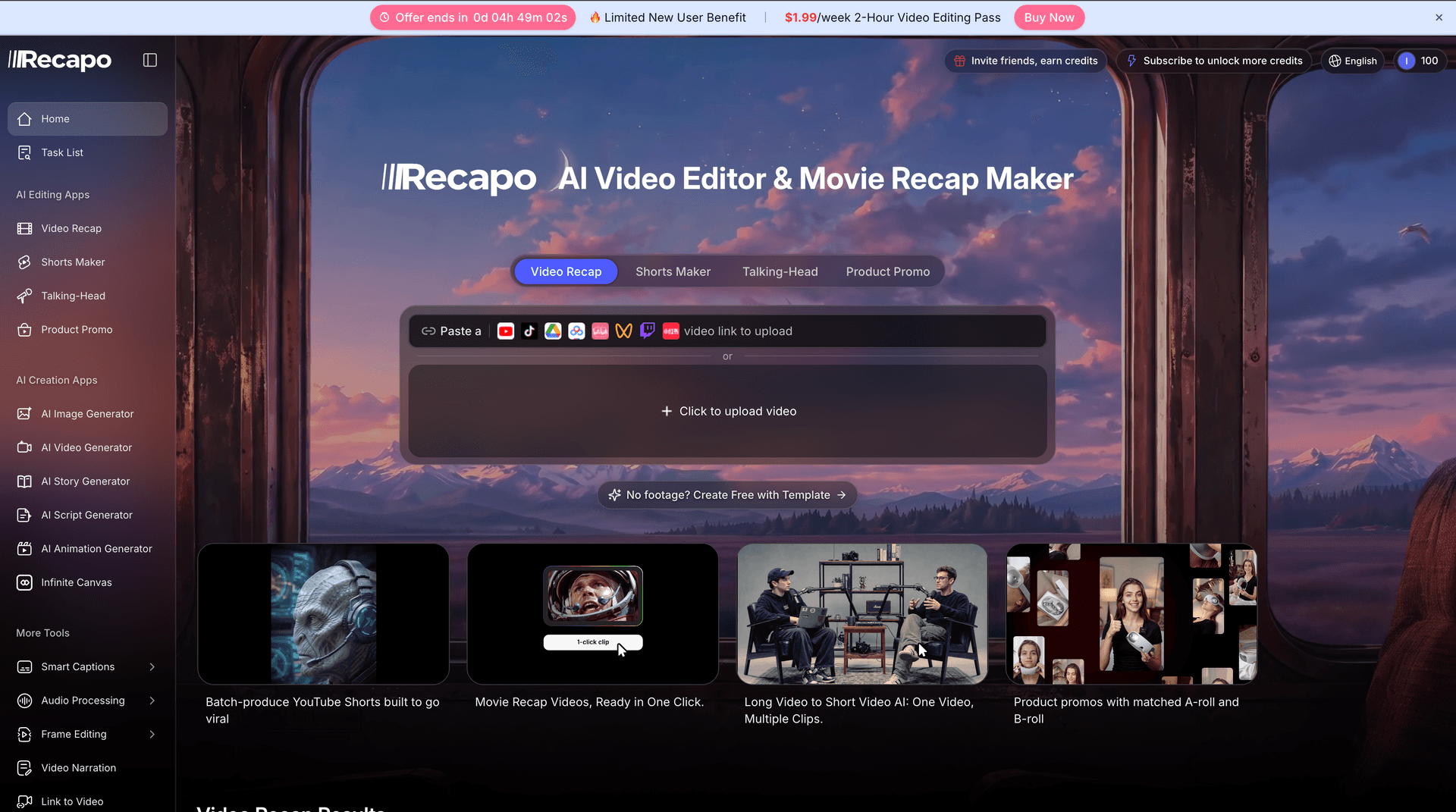
| What it does | Turns long video into publish-ready shorts by finding the strongest moments, then adding scripts, synced captions and AI voiceover, from a link or an upload. | Vertov records your screen in the browser, transcribes it, lets you cut by editing the transcript, and briefs AI agents with video over MCP or an API. |
What it costs
- Pricing
- Paid
- Pricing details
- Starter $19/month (2,500 credits), Basic $29 (5,000), Pro $59 (15,000, 1080p), Ultimate $129 (40,000, 4K). Billed annually: $149, $249, $579, $1,259 a year. No free plan.
- Price range
- $19 - $129/mo
- Free option
- No free option
- Plans
- Starter$19/mo
- Basic$29/mo
- Pro$59/mo
- Ultimate$129/mo
What it is
- What it does
- Turns long video into publish-ready shorts by finding the strongest moments, then adding scripts, synced captions and AI voiceover, from a link or an upload.
What it costs
- Pricing
- Freemium
- Pricing details
- Free with 180 minutes of video. Pro $9/month (25 hours, or $90/year), Team $29/month (125 hours, or $290/year), Business from $99/month (500 hours, or $990/year) up to $499/month for 2,500 hours. Priced per workspace, members and viewers free.
- Price range
- $0 - $99/mo
- Free option
- Free tier
- Plans
- Free$0/mo
- Pro$9/mo
- Team$29/mo
- Business$99/mo
- EnterpriseContact sales
What it is
- What it does
- Vertov records your screen in the browser, transcribes it, lets you cut by editing the transcript, and briefs AI agents with video over MCP or an API.
Read the full reviews
What each one is actually like to use, tested by hand rather than summarised from the vendor’s own page.