Lumiko vs Opus Clip
A side by side look at Lumiko and Opus Clip: pricing, features and what each one is best for.


All comparisons
| Visit Lumiko | Visit Opus Clip | |
|---|---|---|
| What it costs | ||
| Pricing | Freemium | Freemium |
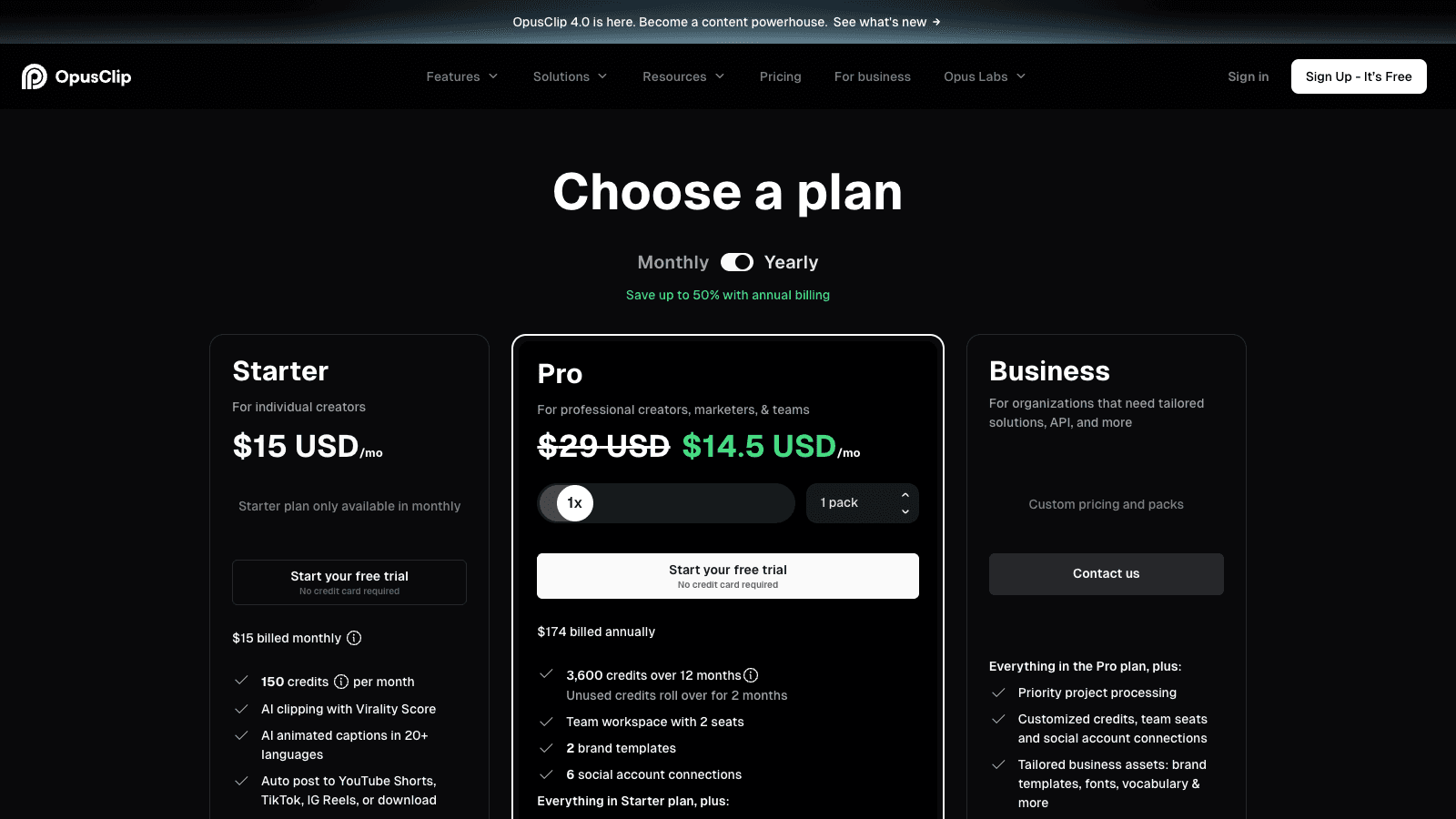
| Pricing details | Free forever with unlimited recording, auto-zoom, blur and webcam, exports up to 1440p and no sign-up required. Pro is a one-time $9, a launch discount from a stated regular price of $29, and removes the watermark, unlocks 4K exports and covers up to three devices with no renewals. | Free forever with 60 credits a month. Starter $15/month (monthly only). Pro $29/month, or $14.50/month billed as $174 a year. Business is custom. |
| Free option | Free tier | Free tier |
| Plans |
|
|
| What it is | ||
| What it does | Lumiko is a Chrome screen recorder with automatic cursor zoom and panning, webcam overlay, blur and a built-in timeline editor, free for exports to 1440p. | Opus Clip cuts long videos into short vertical clips, picking the moments and adding captions automatically, with free minutes each month before any paid plan. |
What it costs
- Pricing
- Freemium
- Pricing details
- Free forever with unlimited recording, auto-zoom, blur and webcam, exports up to 1440p and no sign-up required. Pro is a one-time $9, a launch discount from a stated regular price of $29, and removes the watermark, unlocks 4K exports and covers up to three devices with no renewals.
- Free option
- Free tier
- Plans
- Free$0/mo
- Pro$9 once
What it is
- What it does
- Lumiko is a Chrome screen recorder with automatic cursor zoom and panning, webcam overlay, blur and a built-in timeline editor, free for exports to 1440p.
What it costs
- Pricing
- Freemium
- Pricing details
- Free forever with 60 credits a month. Starter $15/month (monthly only). Pro $29/month, or $14.50/month billed as $174 a year. Business is custom.
- Free option
- Free tier
- Plans
- Free$0/mo
- Starter$15/mo
- Pro$29/mo
- BusinessContact sales
What it is
- What it does
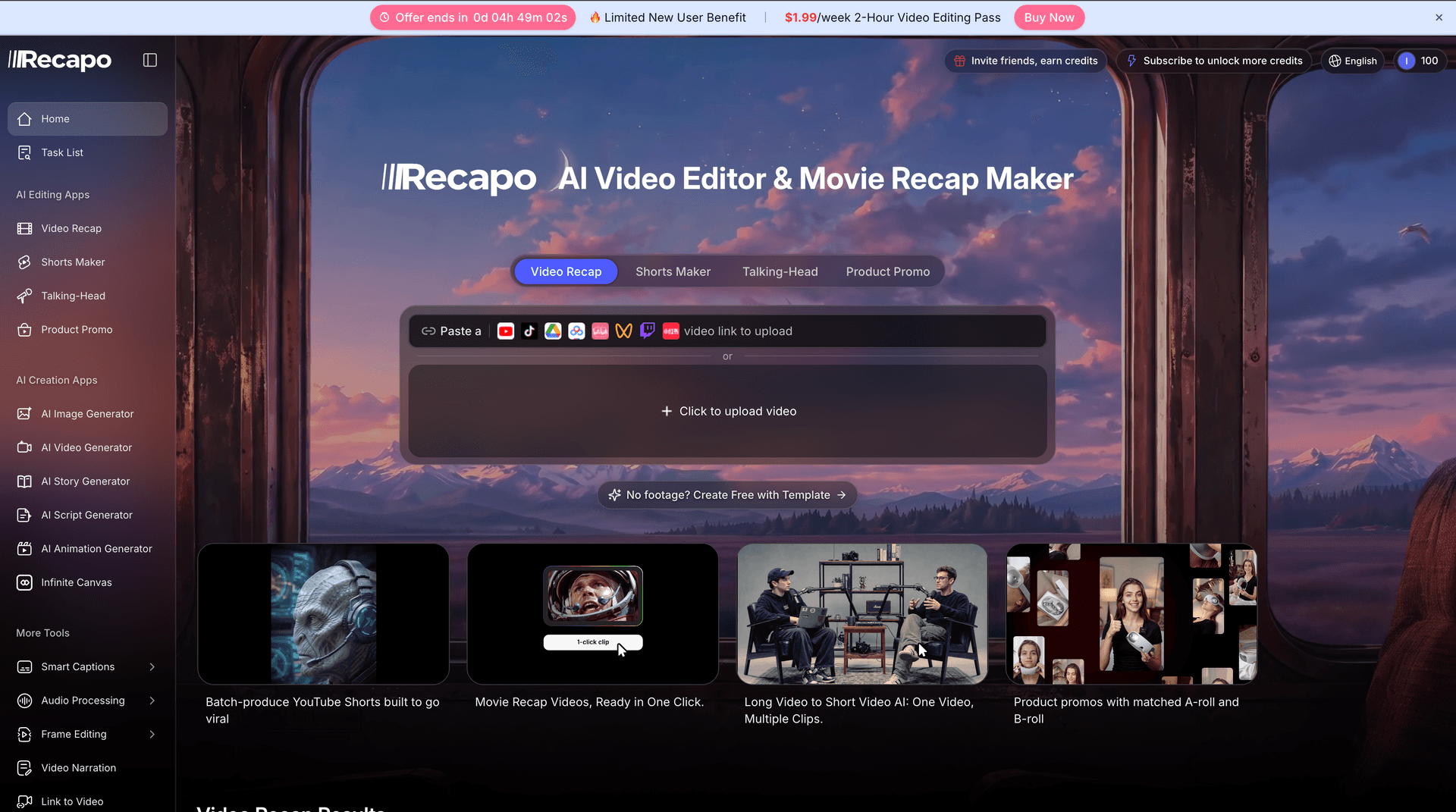
- Opus Clip cuts long videos into short vertical clips, picking the moments and adding captions automatically, with free minutes each month before any paid plan.
Read the full reviews
What each one is actually like to use, tested by hand rather than summarised from the vendor’s own page.