Klap vs Remove Text From Video
A side by side look at Klap and Remove Text From Video: pricing, features and what each one is best for.


All comparisons
| Visit Klap | Visit Remove Text From Video | |
|---|---|---|
| What it costs | ||
| Pricing | Paid | Freemium |
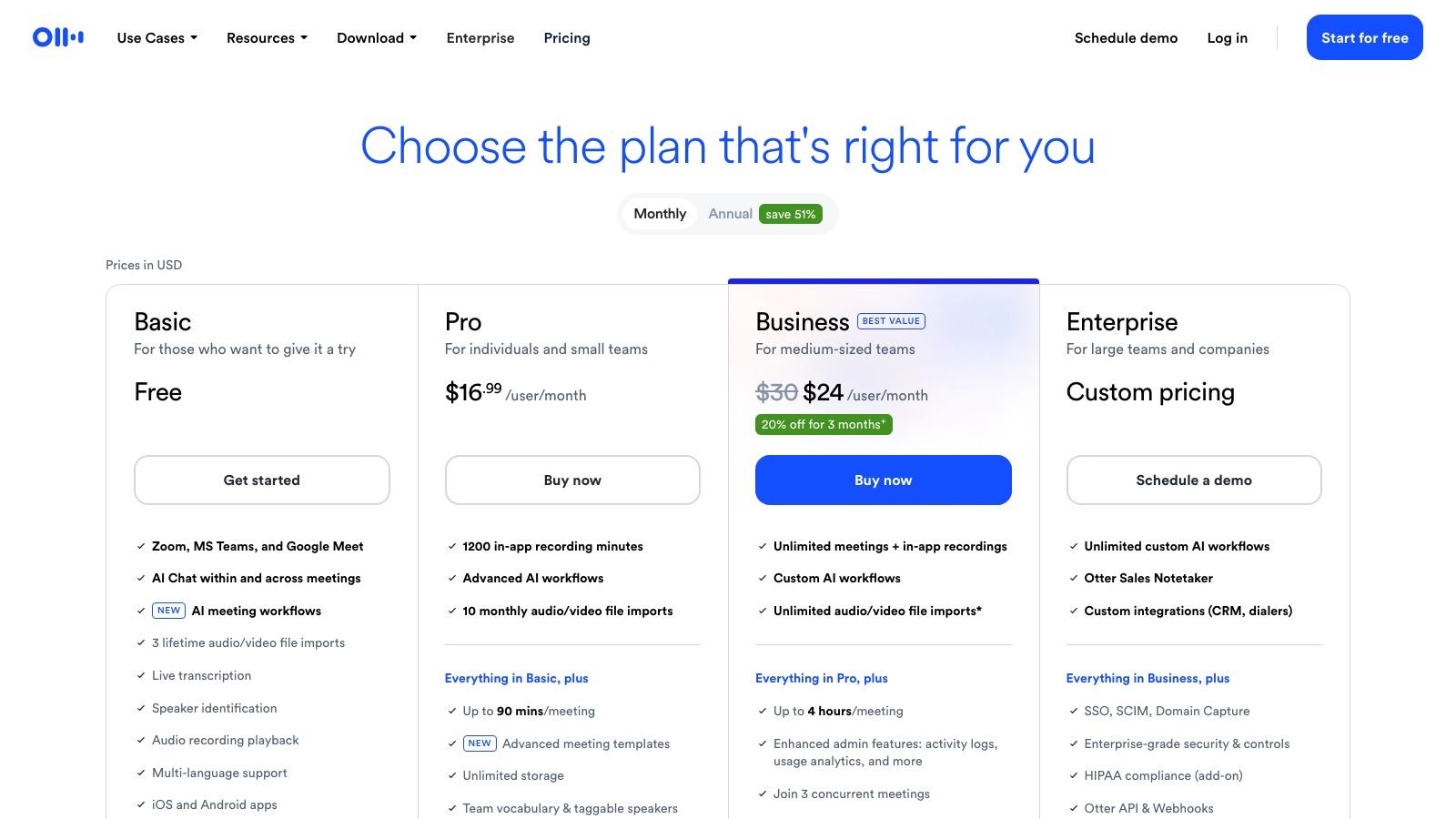
| Pricing details | Free trial on 1 video, then Basic $29, Pro $79 and Pro+ $189 a month billed monthly, or $14.50, $39.50 and $94.50 a month billed yearly, for 100, 300 or 1,000 clips a month. | Free preview of the first 30 seconds of every upload. Pro $14.99/month (900 credits) or $12.49/month billed $149.90 yearly. Business is a waitlist. One-time credit packs also exist. |
| Price range | $29 - $189/mo | $0 - $14.99/mo |
| Free option | Free trial only | Free tier |
| Plans |
|
|
| What it is | ||
| What it does | Klap uses AI to turn long YouTube videos, podcasts and streams into vertical clips for TikTok, Reels and Shorts, with reframing, captions and scheduled posting. | Removes burned-in text, captions and overlays from video across the whole frame, processing as a background job you can leave and return to from a dashboard. |
| Platform | Web | Web |
| The details | ||
| Tags | editingeditorcutshort-form | editingediteditorcuttrim |
What it costs
- Pricing
- Paid
- Pricing details
- Free trial on 1 video, then Basic $29, Pro $79 and Pro+ $189 a month billed monthly, or $14.50, $39.50 and $94.50 a month billed yearly, for 100, 300 or 1,000 clips a month.
- Price range
- $29 - $189/mo
- Free option
- Free trial only
- Plans
- Basic$29/mo
- Pro$79/mo
- Pro+$189/mo
What it is
- What it does
- Klap uses AI to turn long YouTube videos, podcasts and streams into vertical clips for TikTok, Reels and Shorts, with reframing, captions and scheduled posting.
- Platform
- Web
The details
- Tags
- editingeditorcutshort-form
What it costs
- Pricing
- Freemium
- Pricing details
- Free preview of the first 30 seconds of every upload. Pro $14.99/month (900 credits) or $12.49/month billed $149.90 yearly. Business is a waitlist. One-time credit packs also exist.
- Price range
- $0 - $14.99/mo
- Free option
- Free tier
- Plans
- Free$0/mo
- Pro$14.99/mo
- BusinessContact sales
What it is
- What it does
- Removes burned-in text, captions and overlays from video across the whole frame, processing as a background job you can leave and return to from a dashboard.
- Platform
- Web
The details
- Tags
- editingediteditorcuttrim
Read the full reviews
What each one is actually like to use, tested by hand rather than summarised from the vendor’s own page.