Kiro vs Mowgli
A side by side look at Kiro and Mowgli: pricing, features and what each one is best for.


All comparisons
| Visit Kiro | Visit Mowgli | |
|---|---|---|
| What it costs | ||
| Pricing | Freemium | Freemium |
| Pricing details | Free tier with 50 credits and access to open weight models and Claude Sonnet 4.5, rate limited. Paid per user per month: Pro $20, Pro+ $40, Pro Max $100, Power $200. Enterprise is custom with SSO and usage analytics. Add-on credits are $0.04 each on paid tiers. | Free plan with 300 credits - Starter $12/mo, Pro $20/mo, Team $49/mo (all billed annually) - custom enterprise plans available |
| Price range | $0 - $200/mo | $0 - $59/mo |
| Free option | Free tier | Free tier |
| Plans |
|
|
| What it is | ||
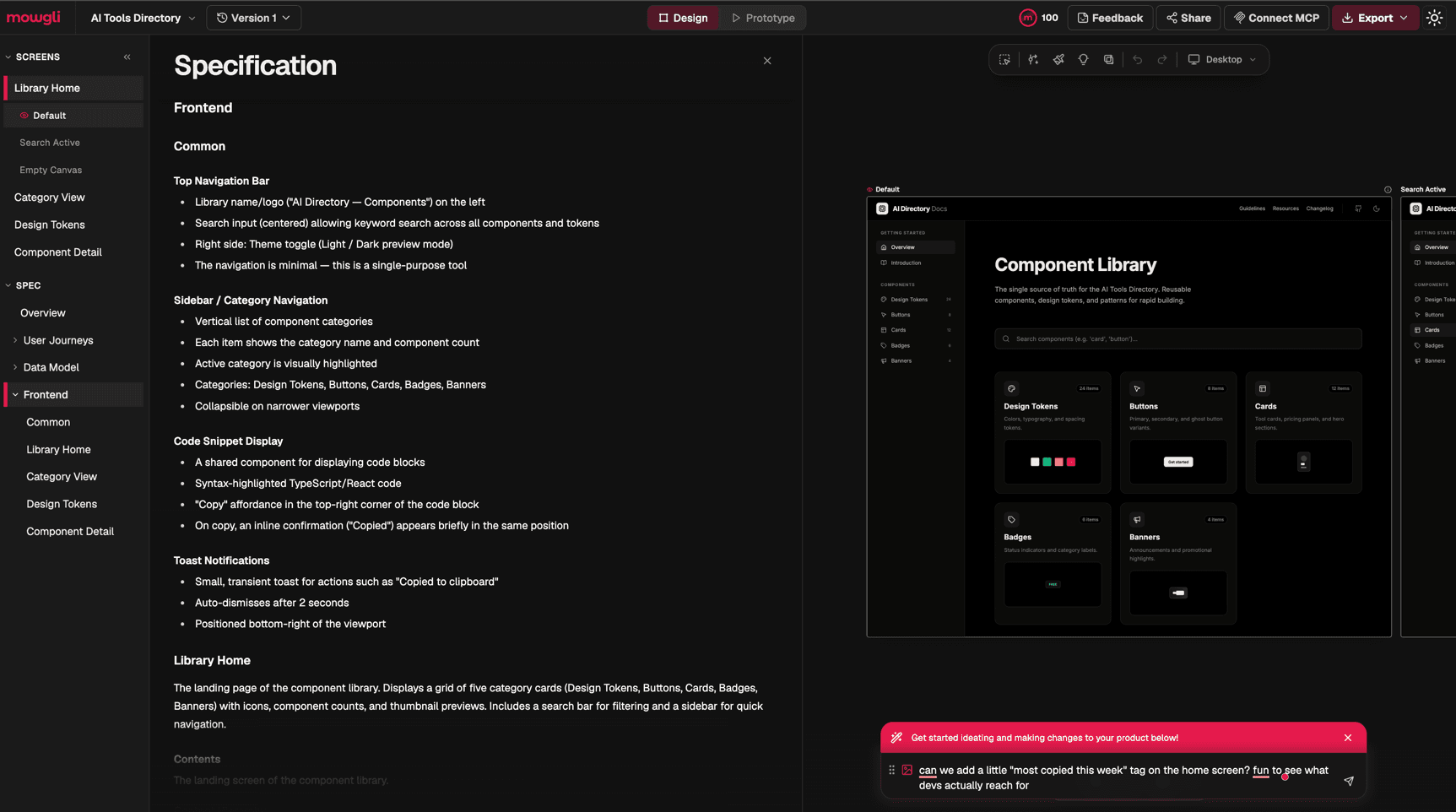
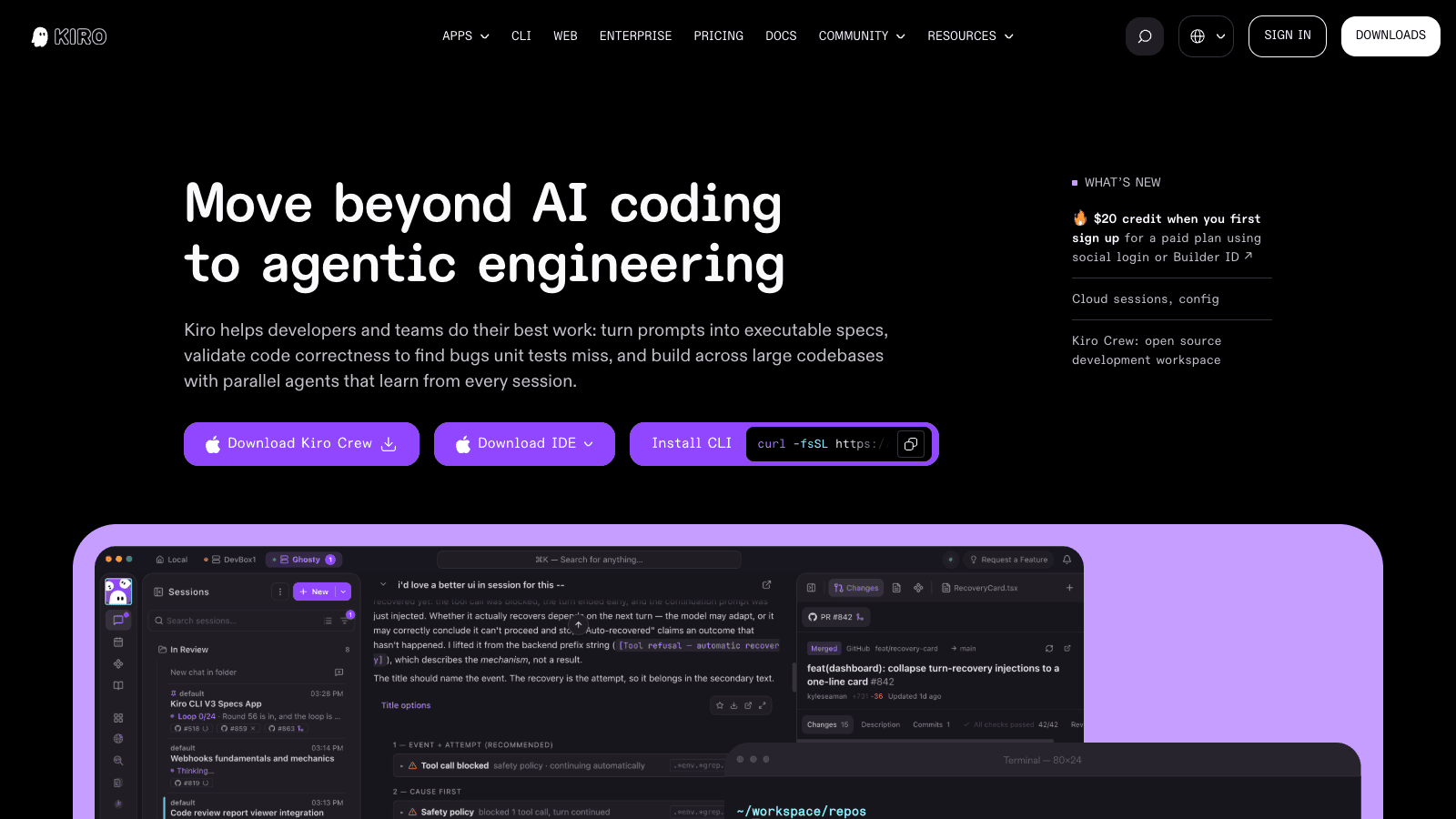
| What it does | AWS agentic coding that turns a prompt into requirements, specs and sequenced tasks. Ships as an IDE, a terminal CLI, a web app and a background crew. | AI design canvas that holds your whole product - flows, journeys and screens - in one place, then exports to Figma or straight into your coding agent. |
What it costs
- Pricing
- Freemium
- Pricing details
- Free tier with 50 credits and access to open weight models and Claude Sonnet 4.5, rate limited. Paid per user per month: Pro $20, Pro+ $40, Pro Max $100, Power $200. Enterprise is custom with SSO and usage analytics. Add-on credits are $0.04 each on paid tiers.
- Price range
- $0 - $200/mo
- Free option
- Free tier
- Plans
- Kiro Free$0/mo
- Kiro Pro$20/mo
- Kiro Pro+$40/mo
- Kiro Pro Max$100/mo
- Kiro Power$200/mo
- EnterpriseContact sales
What it is
- What it does
- AWS agentic coding that turns a prompt into requirements, specs and sequenced tasks. Ships as an IDE, a terminal CLI, a web app and a background crew.
What it costs
- Pricing
- Freemium
- Pricing details
- Free plan with 300 credits - Starter $12/mo, Pro $20/mo, Team $49/mo (all billed annually) - custom enterprise plans available
- Price range
- $0 - $59/mo
- Free option
- Free tier
- Plans
- Free$0/mo
- Starter$15/mo
- Pro$29/mo
- Team$59/mo
- EnterpriseContact sales
What it is
- What it does
- AI design canvas that holds your whole product - flows, journeys and screens - in one place, then exports to Figma or straight into your coding agent.
Read the full reviews
What each one is actually like to use, tested by hand rather than summarised from the vendor’s own page.