Image GenerationPaid

Game Thumb
AI Roblox thumbnail maker and game asset creator
Game Thumb vs Canva vs FloorAI
Open as its own page| What it costs | |||
| Pricing | Paid | Freemium | Freemium |
| Pricing details | Paid: Starter $9.99/month (40 credits), Creator $19.99/month (120), Studio $79.99/month (500); yearly $84.90, $169.90 or $679.90. Credit packs from $5 for 10. The free account gets 2 credits a month for example prompts only. | Free tier for one person. Paid tiers are geo-priced and rendered in local currency, so no USD figure is confirmed and the USD price columns are left empty rather than carrying an unverified number. Read from Serbia: monthly on 2026-09-04 showed Pro at 1,500 RSD per person and Business at 2,100 RSD per person; the annual view on 2026-09-16 showed Pro at 12,000 RSD a year for one person and Business at 21,000 RSD a year per person, badged Save from 16%. The pricing page opens on Yearly, so the monthly figures are the ones to compare against a monthly plan elsewhere. Enterprise is contact-only. | Free to start with no card - Starter $9.99/month billed $119.94 yearly (100 generations) - Plus $24.99/month (400) - Professional $49.99/month (1,000) - commercial use and watermark free on paid plans |
| Price range | $9.99 - $79.99/mo | From $0/mo | $0 - $99.99/mo |
| Free option | No free option | Free tier | Free tier |
| Plans |
| Not available |
|
| What it is | |||
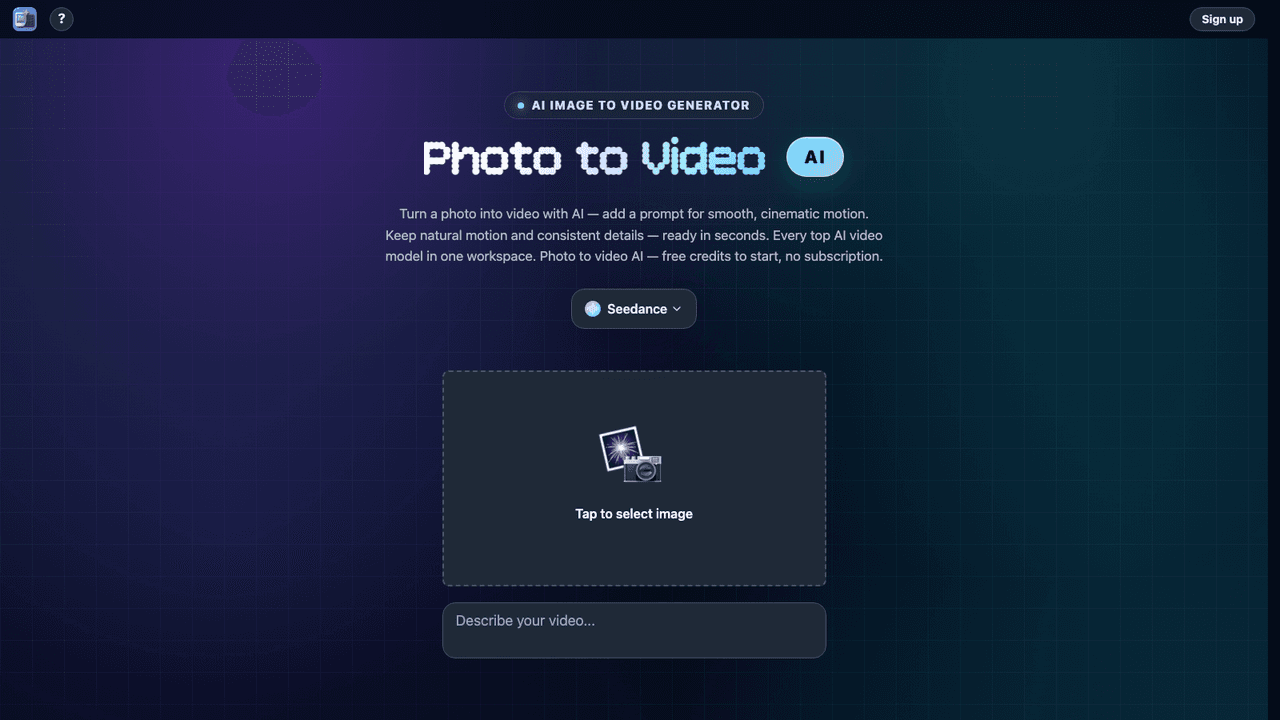
| What it does | Game Thumb is an AI Roblox thumbnail maker: turn a prompt or reference image into 16:9 game art, then make icons, UI, textures and clothing. From $9.99/month. | Canva is an online graphic design platform that empowers anyone to create professional visual content without prior design experience. | Turns a photo of an old drawing, a graph paper sketch or one sentence into a clean labelled floor plan, then opens it in an editor where you can move a wall. |
What it costs
- Pricing
- Paid
- Pricing details
- Paid: Starter $9.99/month (40 credits), Creator $19.99/month (120), Studio $79.99/month (500); yearly $84.90, $169.90 or $679.90. Credit packs from $5 for 10. The free account gets 2 credits a month for example prompts only.
- Price range
- $9.99 - $79.99/mo
- Free option
- No free option
- Plans
- Starter$9.99/mo
- Creator$19.99/mo
- Studio$79.99/mo
- 10 credits$5 once
- 50 credits$15 once
- 100 credits$19.99 once
- 250 credits$42.99 once
- 400 credits$74.99 once
What it is
- What it does
- Game Thumb is an AI Roblox thumbnail maker: turn a prompt or reference image into 16:9 game art, then make icons, UI, textures and clothing. From $9.99/month.
What it costs
- Pricing
- Freemium
- Pricing details
- Free tier for one person. Paid tiers are geo-priced and rendered in local currency, so no USD figure is confirmed and the USD price columns are left empty rather than carrying an unverified number. Read from Serbia: monthly on 2026-09-04 showed Pro at 1,500 RSD per person and Business at 2,100 RSD per person; the annual view on 2026-09-16 showed Pro at 12,000 RSD a year for one person and Business at 21,000 RSD a year per person, badged Save from 16%. The pricing page opens on Yearly, so the monthly figures are the ones to compare against a monthly plan elsewhere. Enterprise is contact-only.
- Price range
- From $0/mo
- Free option
- Free tier
- Plans
- Not available
What it is
- What it does
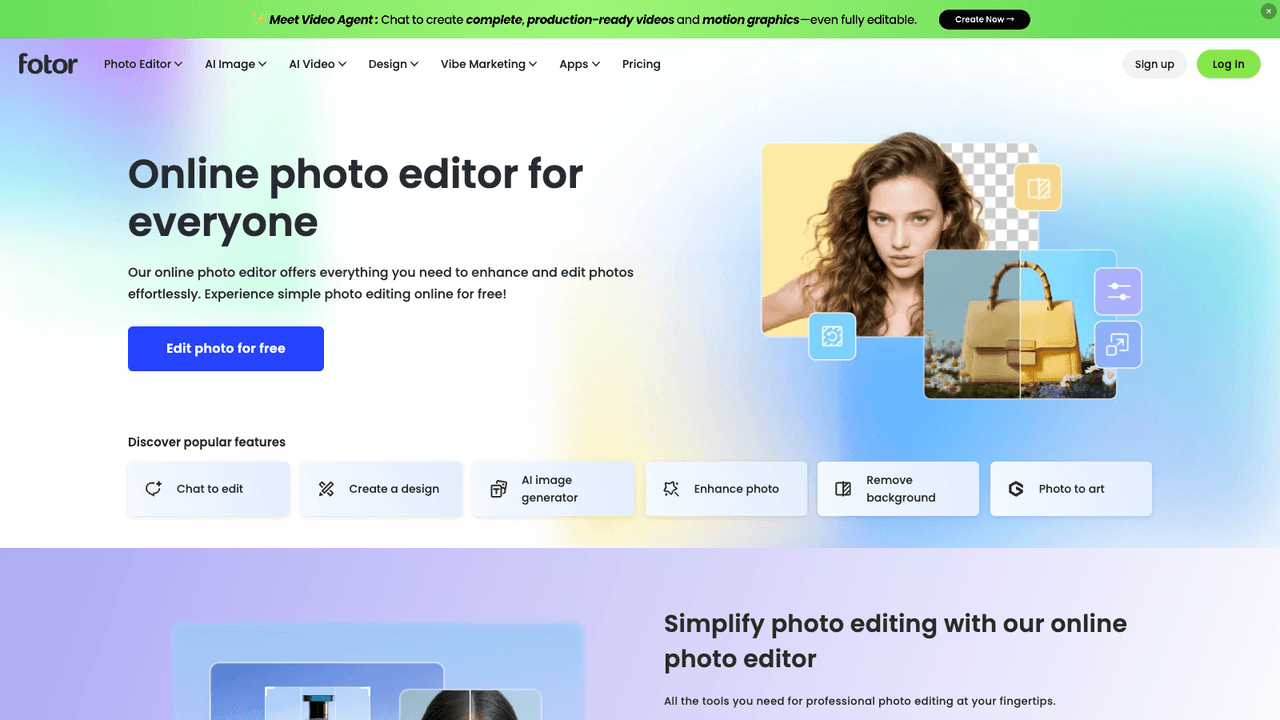
- Canva is an online graphic design platform that empowers anyone to create professional visual content without prior design experience.
What it costs
- Pricing
- Freemium
- Pricing details
- Free to start with no card - Starter $9.99/month billed $119.94 yearly (100 generations) - Plus $24.99/month (400) - Professional $49.99/month (1,000) - commercial use and watermark free on paid plans
- Price range
- $0 - $99.99/mo
- Free option
- Free tier
- Plans
- Free$0/mo
- Starter$19.99/mo
- Plus$49.99/mo
- Professional$99.99/mo
- Starter Pack$39.99 once
- Pro Pack$199.99 once
- Professional Pack$499.99 once
What it is
- What it does
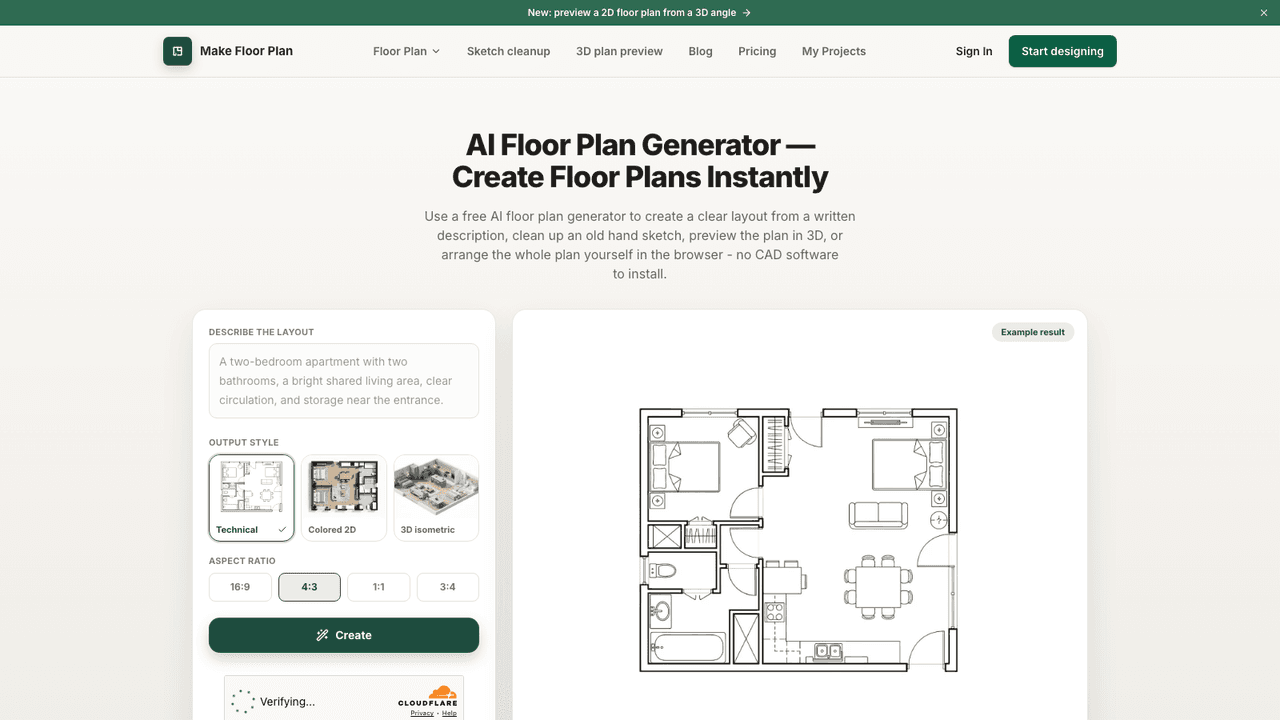
- Turns a photo of an old drawing, a graph paper sketch or one sentence into a clean labelled floor plan, then opens it in an editor where you can move a wall.
Compare Game Thumb with


Want a different line-up? Build your own comparison.