O

OpenWiki vs PDFtoMarkdown.ai
A side by side look at OpenWiki and PDFtoMarkdown.ai: pricing, features and what each one is best for.
In this comparison
All comparisons
| Visit OpenWiki | Visit PDFtoMarkdown.ai | |
|---|---|---|
| What it costs | ||
| Pricing | Open source | Paid |
| Pricing details | Free and MIT licensed, installed from npm as openwiki. You bring your own model key across thirteen supported providers, or run it inside Codex, Claude Code, OpenCode or Cursor and let the host agent's authenticated model do the work. There is no hosted tier and no pricing page. | Priced per page with no subscription tier. Ten free pages with no signup. Pay-as-you-go is $0.03 a page billed monthly for what you use, prepaid credit bundles start from about $0.024 a page at volume, and auto-refill tops up at the bundle rate. Credits never expire and one credit covers one standard page, with OCR and AI options costing more. |
| Price range | No pricing page found | Usage based, no flat monthly plan |
| Free option | Free tier | Free trial only |
| What it is | ||
| What it does | A LangChain CLI that writes a Markdown wiki for your codebase and keeps it current, tying every material claim back to versioned source evidence in git. | Converts PDFs into structured Markdown through a web app, REST API or MCP server, keeping headings, tables and OCR text intact for coding agents to read. |
What it costs
- Pricing
- Open source
- Pricing details
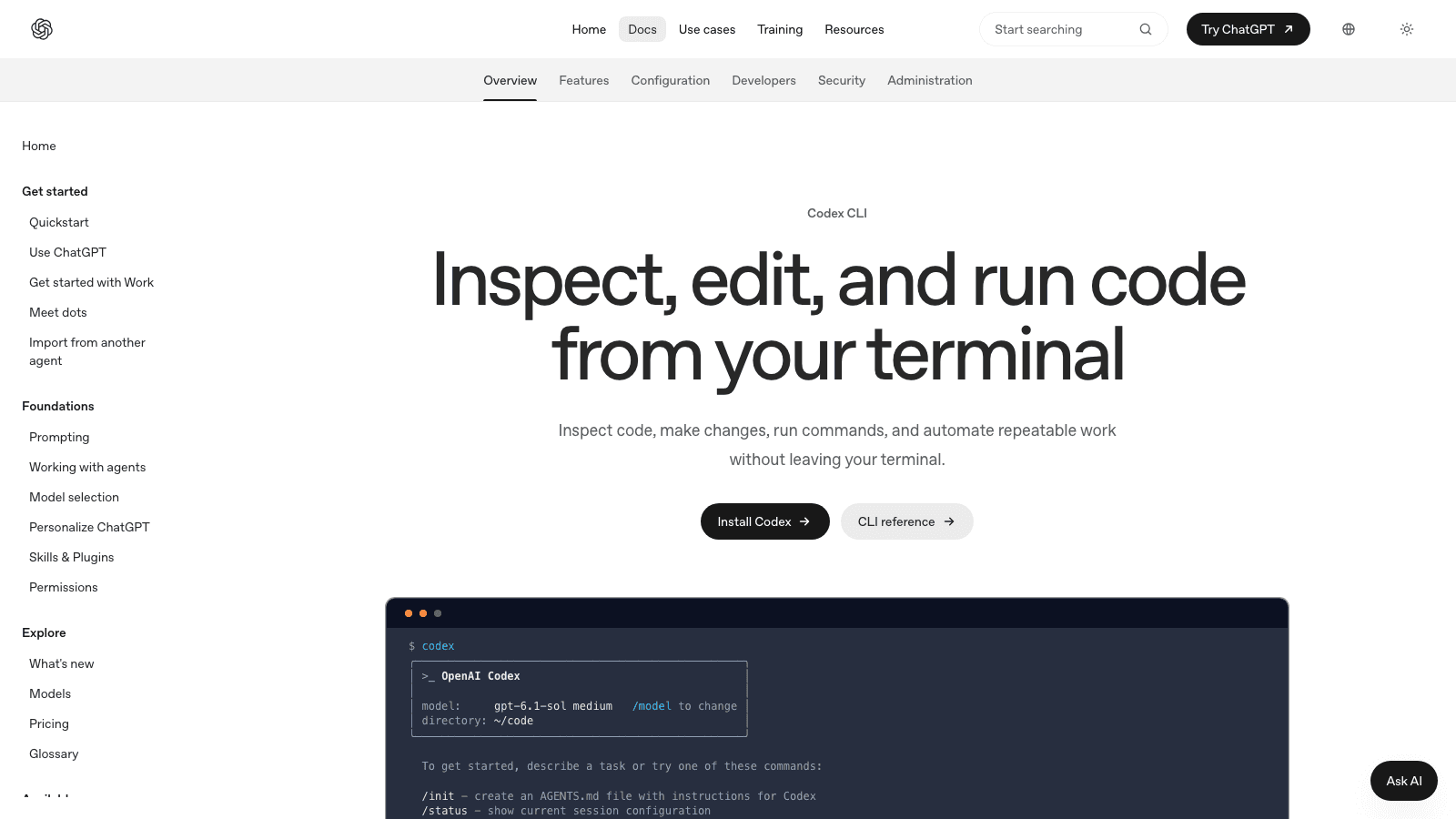
- Free and MIT licensed, installed from npm as openwiki. You bring your own model key across thirteen supported providers, or run it inside Codex, Claude Code, OpenCode or Cursor and let the host agent's authenticated model do the work. There is no hosted tier and no pricing page.
- Price range
- No pricing page found
- Free option
- Free tier
What it is
- What it does
- A LangChain CLI that writes a Markdown wiki for your codebase and keeps it current, tying every material claim back to versioned source evidence in git.
What it costs
- Pricing
- Paid
- Pricing details
- Priced per page with no subscription tier. Ten free pages with no signup. Pay-as-you-go is $0.03 a page billed monthly for what you use, prepaid credit bundles start from about $0.024 a page at volume, and auto-refill tops up at the bundle rate. Credits never expire and one credit covers one standard page, with OCR and AI options costing more.
- Price range
- Usage based, no flat monthly plan
- Free option
- Free trial only
What it is
- What it does
- Converts PDFs into structured Markdown through a web app, REST API or MCP server, keeping headings, tables and OCR text intact for coding agents to read.
O
Read the full reviews
What each one is actually like to use, tested by hand rather than summarised from the vendor’s own page.