ClipMyApp vs CommentFinder vs Zolyp
A side by side look at ClipMyApp, CommentFinder and Zolyp: pricing, features and what each one is best for.



All comparisons
| Visit ClipMyApp | Visit CommentFinder | Visit Zolyp | |
|---|---|---|---|
| What it costs | |||
| Pricing | Paid | Paid | Paid |
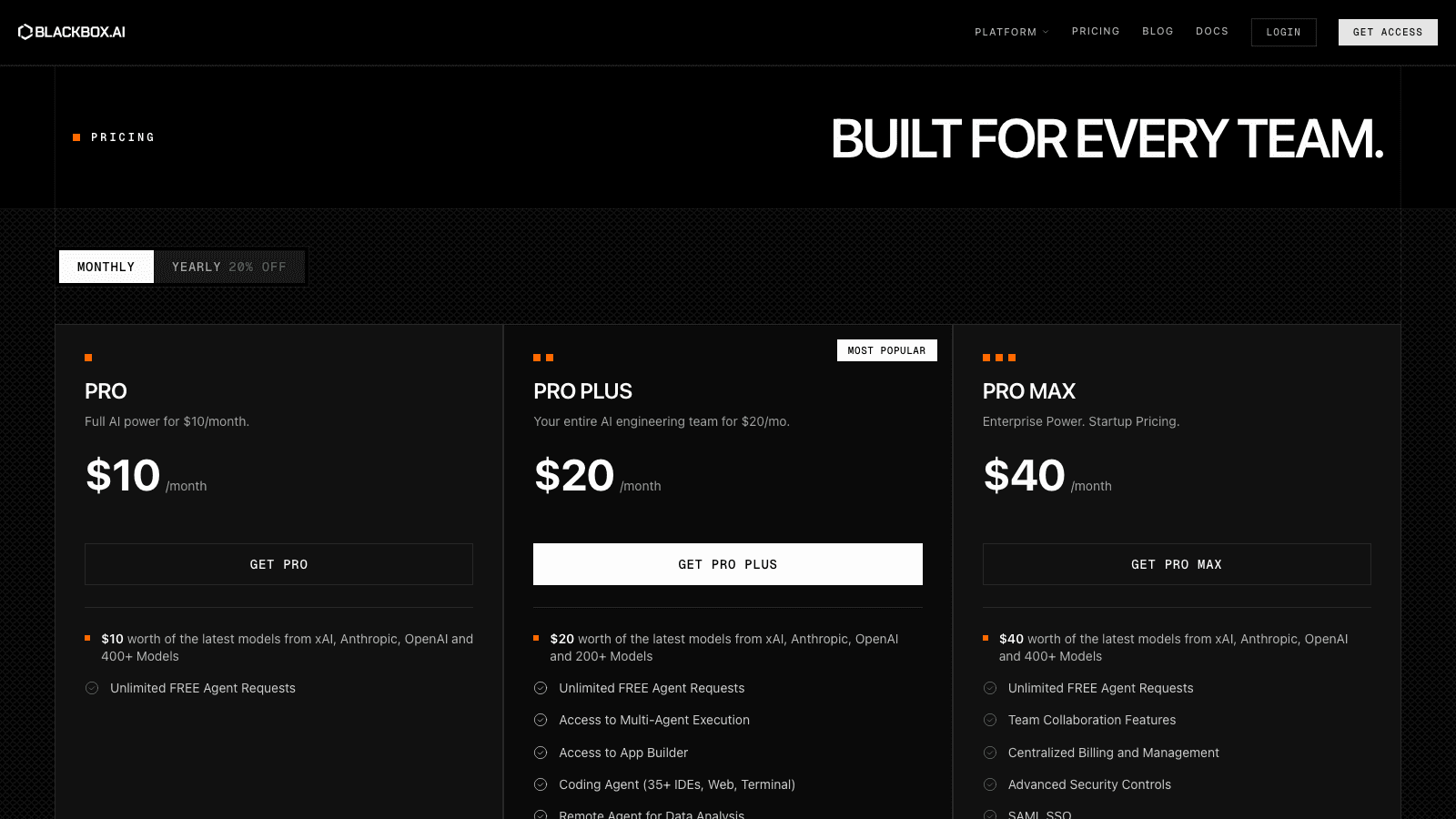
| Pricing details | Paid, not free: the trial requires a card, charges $0 today and auto-renews. Plans are $29/month and $49/month by posting volume, with 20 posts to start. | YouTube search free plus one free TikTok or Instagram search - Starter $9.99 for 3,000 credits ($3.33 per 1,000, about 12 batches of 250) - one-time top-ups, no subscription, credits never expire | 3-day free trial, no card. Lite (scheduling only, no AI) $9/month per brand. AI plans: Starter $29/month, Growth $79/month, Pro $149/month, Business $299/month, Enterprise $499/month, or billed annually at $24, $66, $124, $249 and $416/month ($290, $790, $1,490, $2,990 and $4,990 a year). |
| Price range | $29 - $99/mo | One time purchase, not a subscription | $9 - $499/mo |
| Free option | Free trial only | No free option | Free trial only |
| Plans |
|
|
|
| What it is | |||
| What it does | Takes a single app screen recording and returns TikToks, Reels and Shorts with real people on camera, scheduled and published only after you approve them. | Searches public YouTube, TikTok and Instagram comments by word, phrase or username, including the nested replies most tools miss, with CSV and JSON export. | Zolyp is an AI social media manager that plans, writes, designs, schedules and publishes posts to nine platforms from a Brand Brain of your voice, review first. |
| Platform | Web | Any | Web |
What it costs
- Pricing
- Paid
- Pricing details
- Paid, not free: the trial requires a card, charges $0 today and auto-renews. Plans are $29/month and $49/month by posting volume, with 20 posts to start.
- Price range
- $29 - $99/mo
- Free option
- Free trial only
- Plans
- Starter$29/mo
- Growth$49/mo
- Scale$99/mo
What it is
- What it does
- Takes a single app screen recording and returns TikToks, Reels and Shorts with real people on camera, scheduled and published only after you approve them.
- Platform
- Web
What it costs
- Pricing
- Paid
- Pricing details
- YouTube search free plus one free TikTok or Instagram search - Starter $9.99 for 3,000 credits ($3.33 per 1,000, about 12 batches of 250) - one-time top-ups, no subscription, credits never expire
- Price range
- One time purchase, not a subscription
- Free option
- No free option
- Plans
- Starter$9.99 once
- Most Popular$19.99 once
- Power$39.99 once
What it is
- What it does
- Searches public YouTube, TikTok and Instagram comments by word, phrase or username, including the nested replies most tools miss, with CSV and JSON export.
- Platform
- Any
What it costs
- Pricing
- Paid
- Pricing details
- 3-day free trial, no card. Lite (scheduling only, no AI) $9/month per brand. AI plans: Starter $29/month, Growth $79/month, Pro $149/month, Business $299/month, Enterprise $499/month, or billed annually at $24, $66, $124, $249 and $416/month ($290, $790, $1,490, $2,990 and $4,990 a year).
- Price range
- $9 - $499/mo
- Free option
- Free trial only
- Plans
- Lite$9/mo
- Starter$29/mo
- Growth$79/mo
- Pro$149/mo
- Business$299/mo
- Enterprise$499/mo
What it is
- What it does
- Zolyp is an AI social media manager that plans, writes, designs, schedules and publishes posts to nine platforms from a Brand Brain of your voice, review first.
- Platform
- Web
Read the full reviews
What each one is actually like to use, tested by hand rather than summarised from the vendor’s own page.