Chrome DevTools MCP vs Jules
A side by side look at Chrome DevTools MCP and Jules: pricing, features and what each one is best for.

All comparisons
| Visit Chrome DevTools MCP | Visit Jules | |
|---|---|---|
| What it costs | ||
| Pricing | Open source | Freemium |
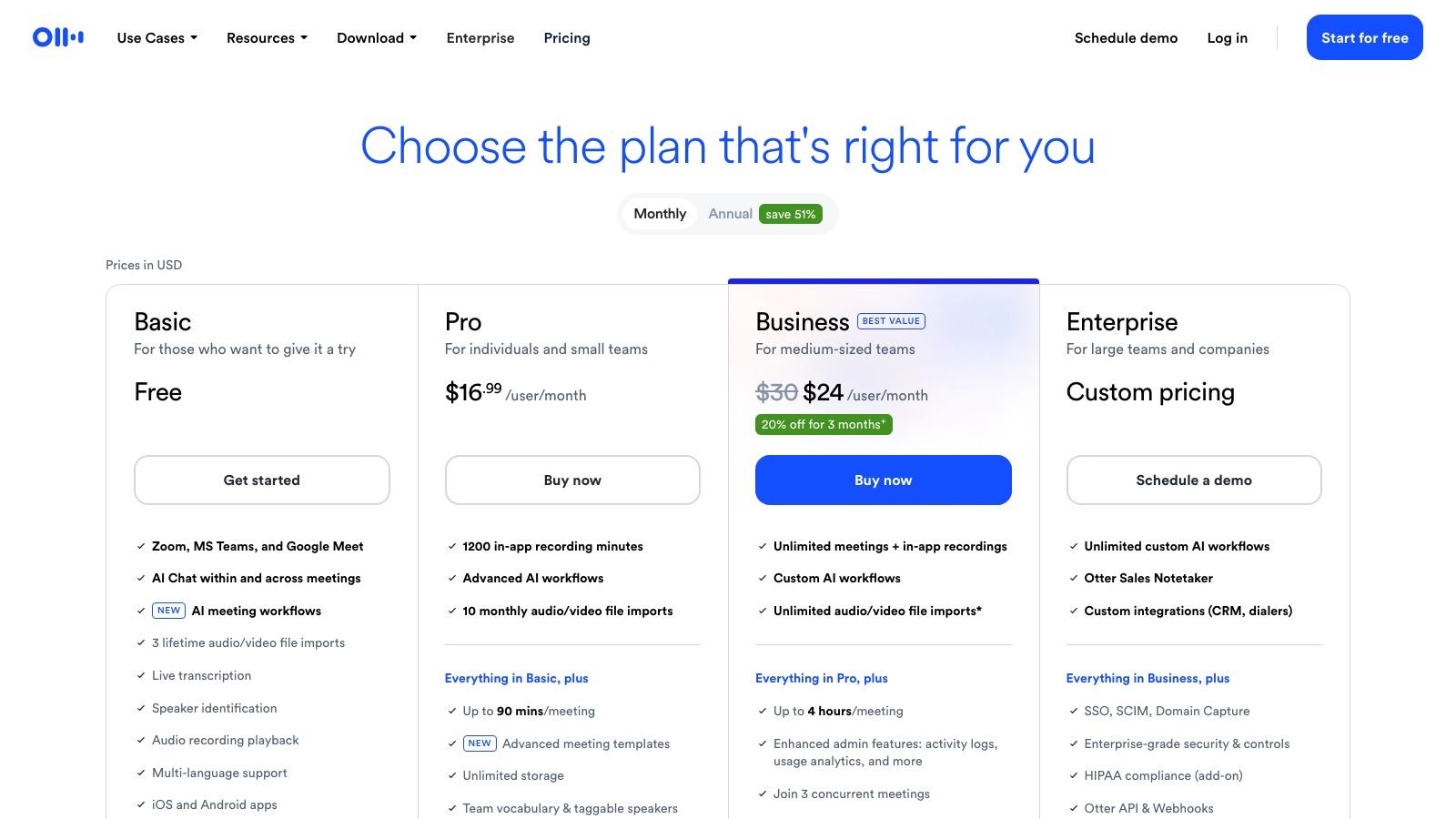
| Pricing details | Free and Apache-2.0 licensed. There is no paid tier and no pricing page: it installs from npm and drives Chrome on your own machine. | Free tier gives 15 tasks a day and 3 concurrent tasks. Jules Pro raises that to 100 tasks a day and 15 concurrent with Gemini 3 Pro, and Jules Ultra to 300 tasks a day and 60 concurrent with priority access to new models. Paid tiers are sold through Google AI subscriptions rather than priced on the Jules page. |
| Price range | No pricing page found | From $0/mo |
| Free option | No free option | Free tier |
| What it is | ||
| What it does | An MCP server from the Chrome DevTools team that gives your coding agent a live browser to navigate, record traces, read the console and find the real bug. | Google Labs coding agent that clones your repo to a cloud VM, plans with Gemini, writes the change and opens a pull request for review. Free tier included. |
What it costs
- Pricing
- Open source
- Pricing details
- Free and Apache-2.0 licensed. There is no paid tier and no pricing page: it installs from npm and drives Chrome on your own machine.
- Price range
- No pricing page found
- Free option
- No free option
What it is
- What it does
- An MCP server from the Chrome DevTools team that gives your coding agent a live browser to navigate, record traces, read the console and find the real bug.
What it costs
- Pricing
- Freemium
- Pricing details
- Free tier gives 15 tasks a day and 3 concurrent tasks. Jules Pro raises that to 100 tasks a day and 15 concurrent with Gemini 3 Pro, and Jules Ultra to 300 tasks a day and 60 concurrent with priority access to new models. Paid tiers are sold through Google AI subscriptions rather than priced on the Jules page.
- Price range
- From $0/mo
- Free option
- Free tier
What it is
- What it does
- Google Labs coding agent that clones your repo to a cloud VM, plans with Gemini, writes the change and opens a pull request for review. Free tier included.
Read the full reviews
What each one is actually like to use, tested by hand rather than summarised from the vendor’s own page.