AnyDoc vs PDFtoMarkdown.ai
A side by side look at AnyDoc and PDFtoMarkdown.ai: pricing, features and what each one is best for.

All comparisons
| Visit AnyDoc | Visit PDFtoMarkdown.ai | |
|---|---|---|
| What it costs | ||
| Pricing | Open source | Paid |
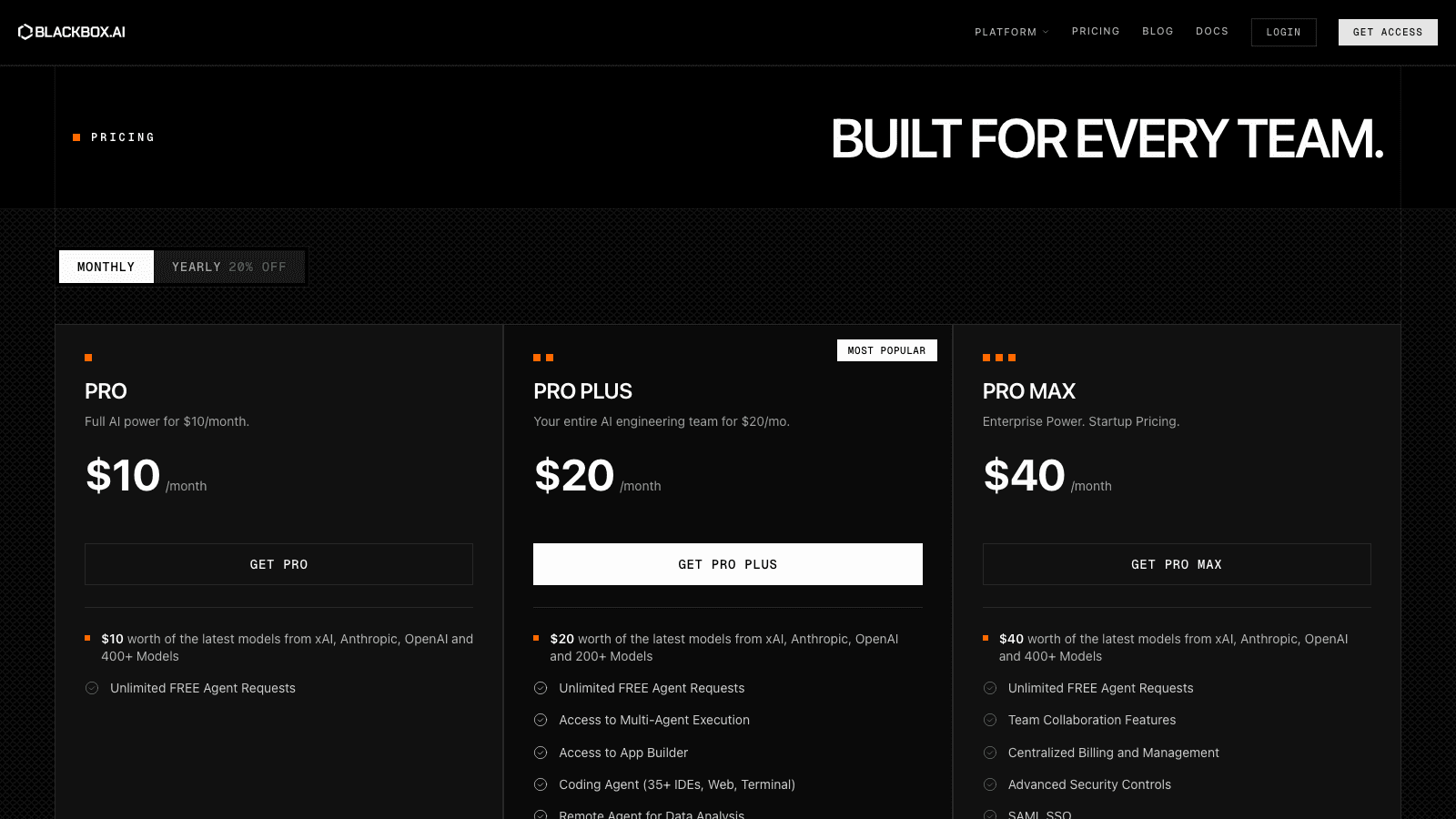
| Pricing details | Free and MIT licensed. Available on crates.io, npm and PyPI, as a CLI, as WebAssembly, and as an agent skill. | Priced per page with no subscription tier. Ten free pages with no signup. Pay-as-you-go is $0.03 a page billed monthly for what you use, prepaid credit bundles start from about $0.024 a page at volume, and auto-refill tops up at the bundle rate. Credits never expire and one credit covers one standard page, with OCR and AI options costing more. |
| Price range | Not published by the vendor | Usage based, no flat monthly plan |
| Free option | No free option | Free trial only |
| What it is | ||
| What it does | An MIT-licensed Rust library that turns Word, PowerPoint, Excel, PDF and ten more formats into consistent Markdown locally, with no model and no API call. | Converts PDFs into structured Markdown through a web app, REST API or MCP server, keeping headings, tables and OCR text intact for coding agents to read. |
What it costs
- Pricing
- Open source
- Pricing details
- Free and MIT licensed. Available on crates.io, npm and PyPI, as a CLI, as WebAssembly, and as an agent skill.
- Price range
- Not published by the vendor
- Free option
- No free option
What it is
- What it does
- An MIT-licensed Rust library that turns Word, PowerPoint, Excel, PDF and ten more formats into consistent Markdown locally, with no model and no API call.
What it costs
- Pricing
- Paid
- Pricing details
- Priced per page with no subscription tier. Ten free pages with no signup. Pay-as-you-go is $0.03 a page billed monthly for what you use, prepaid credit bundles start from about $0.024 a page at volume, and auto-refill tops up at the bundle rate. Credits never expire and one credit covers one standard page, with OCR and AI options costing more.
- Price range
- Usage based, no flat monthly plan
- Free option
- Free trial only
What it is
- What it does
- Converts PDFs into structured Markdown through a web app, REST API or MCP server, keeping headings, tables and OCR text intact for coding agents to read.
Read the full reviews
What each one is actually like to use, tested by hand rather than summarised from the vendor’s own page.