AI Image Editor vs Blur Background
A side by side look at AI Image Editor and Blur Background: pricing, features and what each one is best for.

All comparisons
| Visit AI Image Editor | Visit Blur Background | |
|---|---|---|
| What it costs | ||
| Pricing | Paid | Paid |
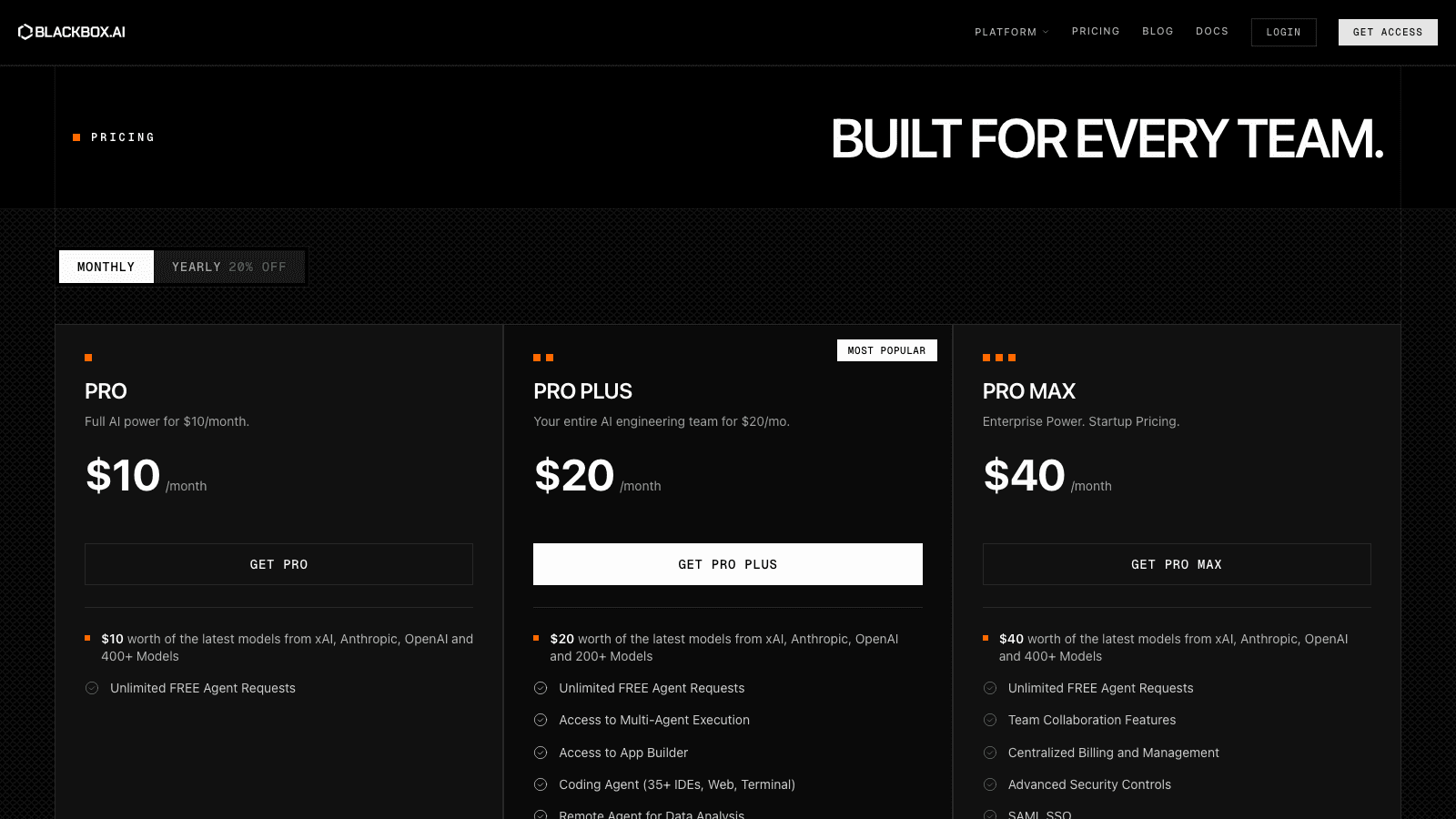
| Pricing details | AI edits use credits and no free credits are listed. Monthly plans: Starter $12 (8,000 credits), Creator $29 (24,000), Studio $59 (60,000). One-time credit packs: $7 (4,000 credits), $15 (9,200), $25 (16,400). | Free Basic with no sign-up, processed on your device without automatic upload - Advanced Bokeh from $2.99 for 10 images (about $0.30 each) as a one-time purchase with no subscription |
| Price range | $12 - $59/mo | One time purchase, not a subscription |
| Free option | No free option | No free option |
| Plans |
|
|
| What it is | ||
| What it does | AI Image Editor lets you mark details in a photo with numbered points and describe each change in plain words. Every saved version stays in your project. | Blurs photo backgrounds while keeping the subject sharp, with the free tier processing on your device and adjustable blur strength with before and after. |
What it costs
- Pricing
- Paid
- Pricing details
- AI edits use credits and no free credits are listed. Monthly plans: Starter $12 (8,000 credits), Creator $29 (24,000), Studio $59 (60,000). One-time credit packs: $7 (4,000 credits), $15 (9,200), $25 (16,400).
- Price range
- $12 - $59/mo
- Free option
- No free option
- Plans
- Starter$12/mo
- Creator$29/mo
- Studio$59/mo
- 4,000 credits$7 once
- 9,200 credits$15 once
- 16,400 credits$25 once
What it is
- What it does
- AI Image Editor lets you mark details in a photo with numbered points and describe each change in plain words. Every saved version stays in your project.
What it costs
- Pricing
- Paid
- Pricing details
- Free Basic with no sign-up, processed on your device without automatic upload - Advanced Bokeh from $2.99 for 10 images (about $0.30 each) as a one-time purchase with no subscription
- Price range
- One time purchase, not a subscription
- Free option
- No free option
- Plans
- Starter$2.99 once
- Plus$6.99 once
- Creator$12.99 once
What it is
- What it does
- Blurs photo backgrounds while keeping the subject sharp, with the free tier processing on your device and adjustable blur strength with before and after.
Read the full reviews
What each one is actually like to use, tested by hand rather than summarised from the vendor’s own page.